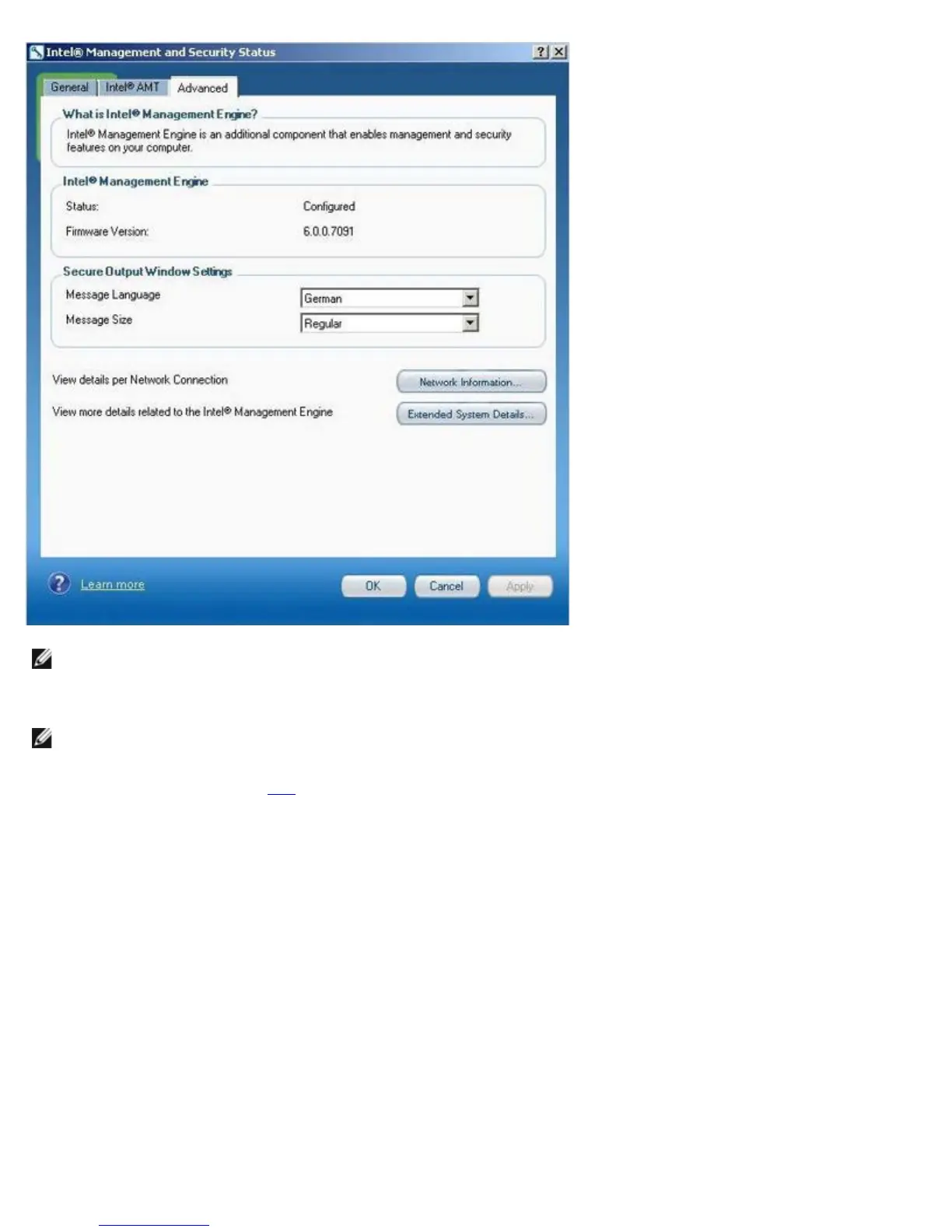
NOTE: When the user logs on to Windows the Intel Management and Security Status application may start
automatically. The icon will be loaded to the notification area only if Intel AMT or Intel Standard Manageability is
enabled on the platform. If the Intel Management and Security Status application is started manually (via the Start
menu), the icon is loaded even if none of these technologies are enabled, as long as all the drivers have been installed.
NOTE: The information displayed in the Intel Management and Security Status is not shown in real time. The data is
refreshed at different intervals.
*
Information on this page provided by Intel.















 To Next Page