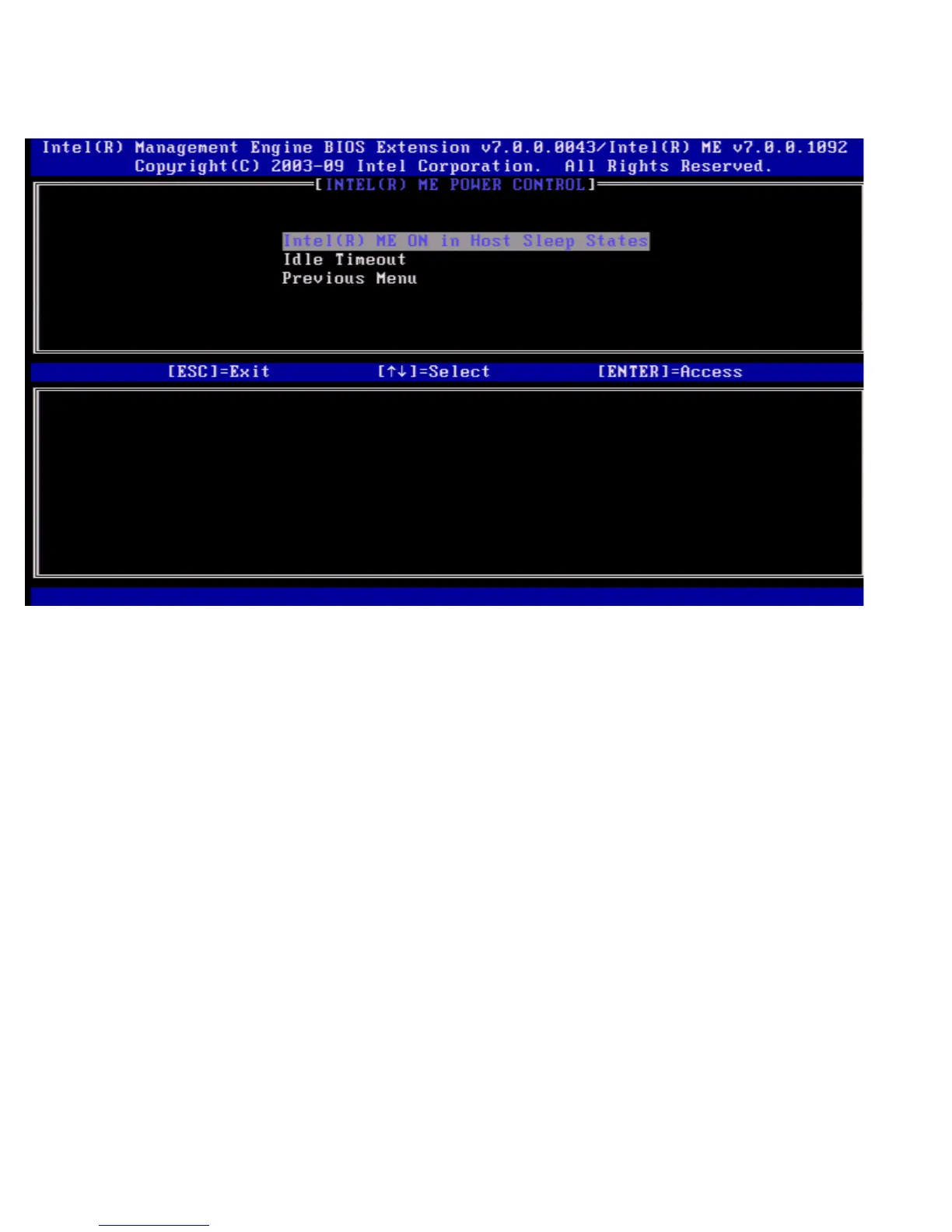
Under the Intel ME Platform Configuration menu select Power Control and press <Enter>.
The Intel Power Control page appears.
To comply with ENERGY STAR* and EUP LOT6 requirements, the Intel ME can be turned off in various sleep states. The Intel
ME Power Control menu configures the Intel ME platform power related policies.
Intel ME ON in Host Sleep States
Under the Intel ME Power Control menu select Intel ME ON in Host Sleep States and press <Enter>.
Move the Up/Down arrow key to select the desired power policy and press <Enter>.















 To Next Page