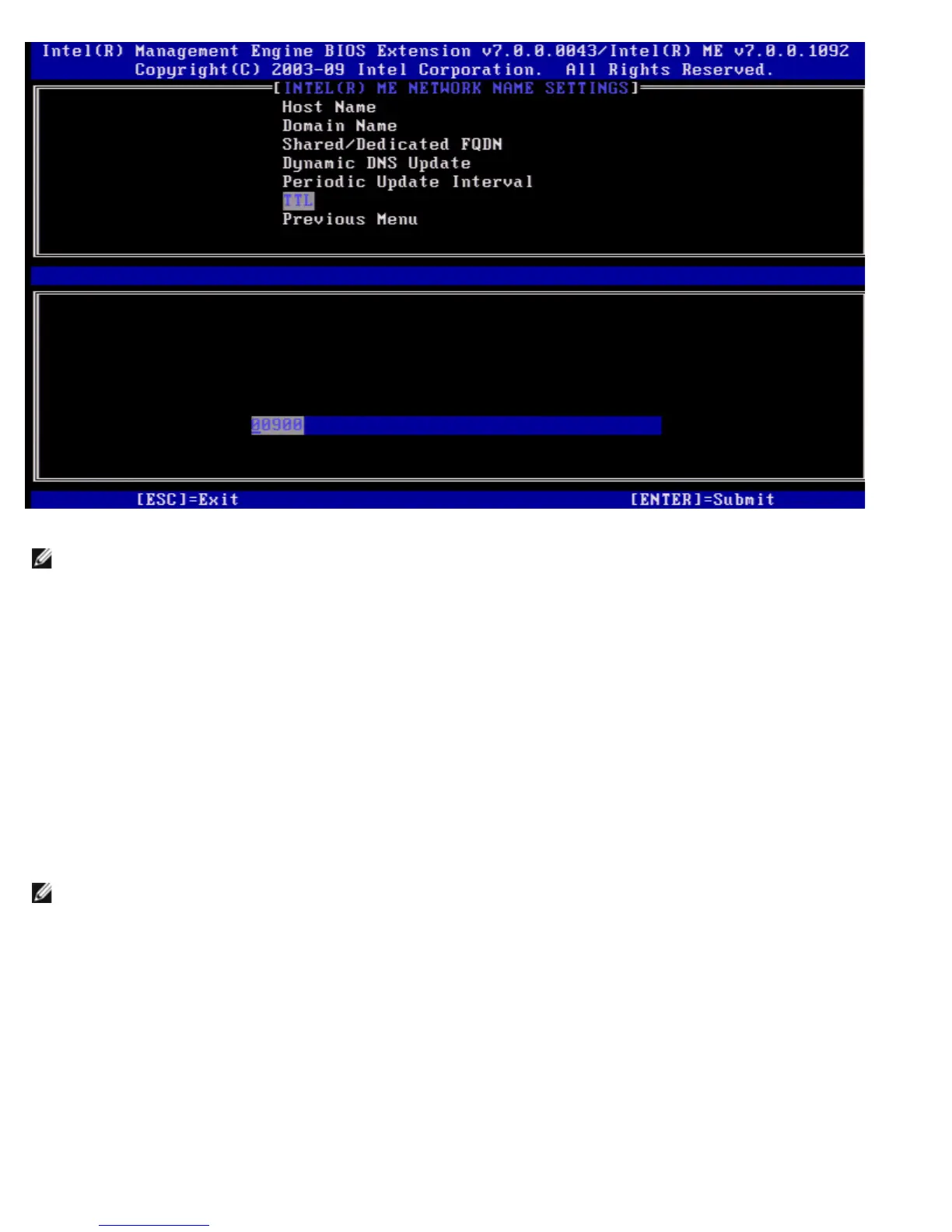
NOTE: The TTL option is only available when Dynamic DNS Update is enabled.
This setting allows configuring the TTL time in seconds. This number should be greater than zero. If set to zero firmware uses
its internal default value which is 15 min or 1/3 of lease time for DHCP.
7. Previous Menu
Under the Intel ME Network Name Settings select Previous Menu and press <Enter>.
The Intel ME Network Name Settings menu changes to the Intel Network Setup page.
TCP/IP Settings
Under the Network Setup menu select TCP/IP Settings and press <Enter>.
The Intel Network Setup page appears.
The Intel Network Setup menu changes to the TCP/IP Settings page.
NOTE: The Intel MEBx has menus for Wireless IPv6, but no menu for wireless IPv4. When the Intel MEBx starts it will
check for the wireless interface to make the decision to display the wireless IPv6 menu or not.
Wired LAN IPv4 Configuration
Under the TCP/IP Settings select Wired LAN IPv4 Configuration and press <Enter>.
The Wired LAN IPv4 Configuration page appears.















 To Next Page