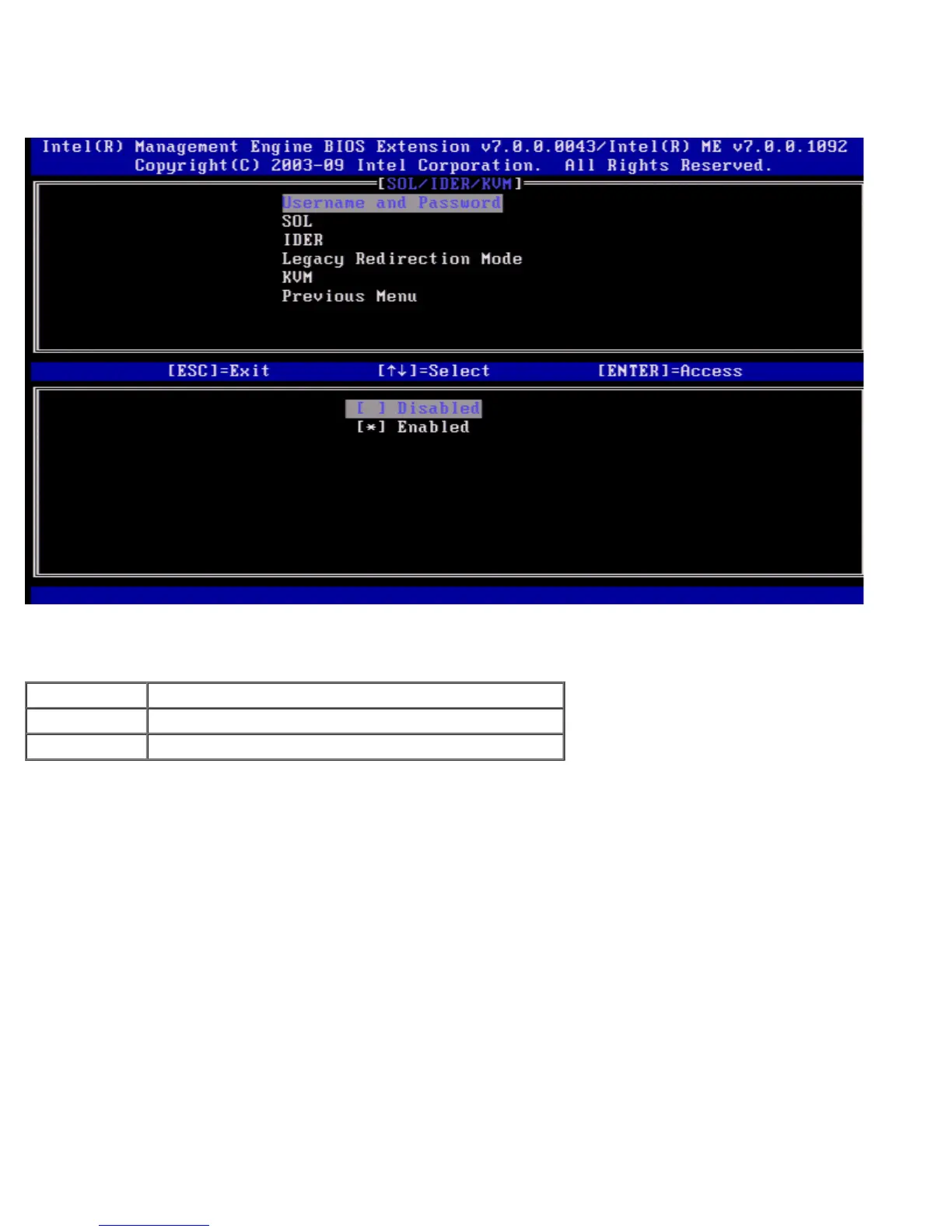
Username and Password
Under the SOL/IDER page select Username and Password and press <Enter>.
This option provides the user authentication for SOL/IDER session. If Kerberos* is used, this option should be set to
DISABLED. The user authentication is handled through Kerberos. If Kerberos is not used, the IT administrator has the choice
to enable or disable user authentication on SOL/IDER session.
Option Description
Enabled Username and Password is enabled
Disabled Username and Password is disabled.
SOL
Under the SOL/IDER page select SOL and press <Enter>.















 To Next Page