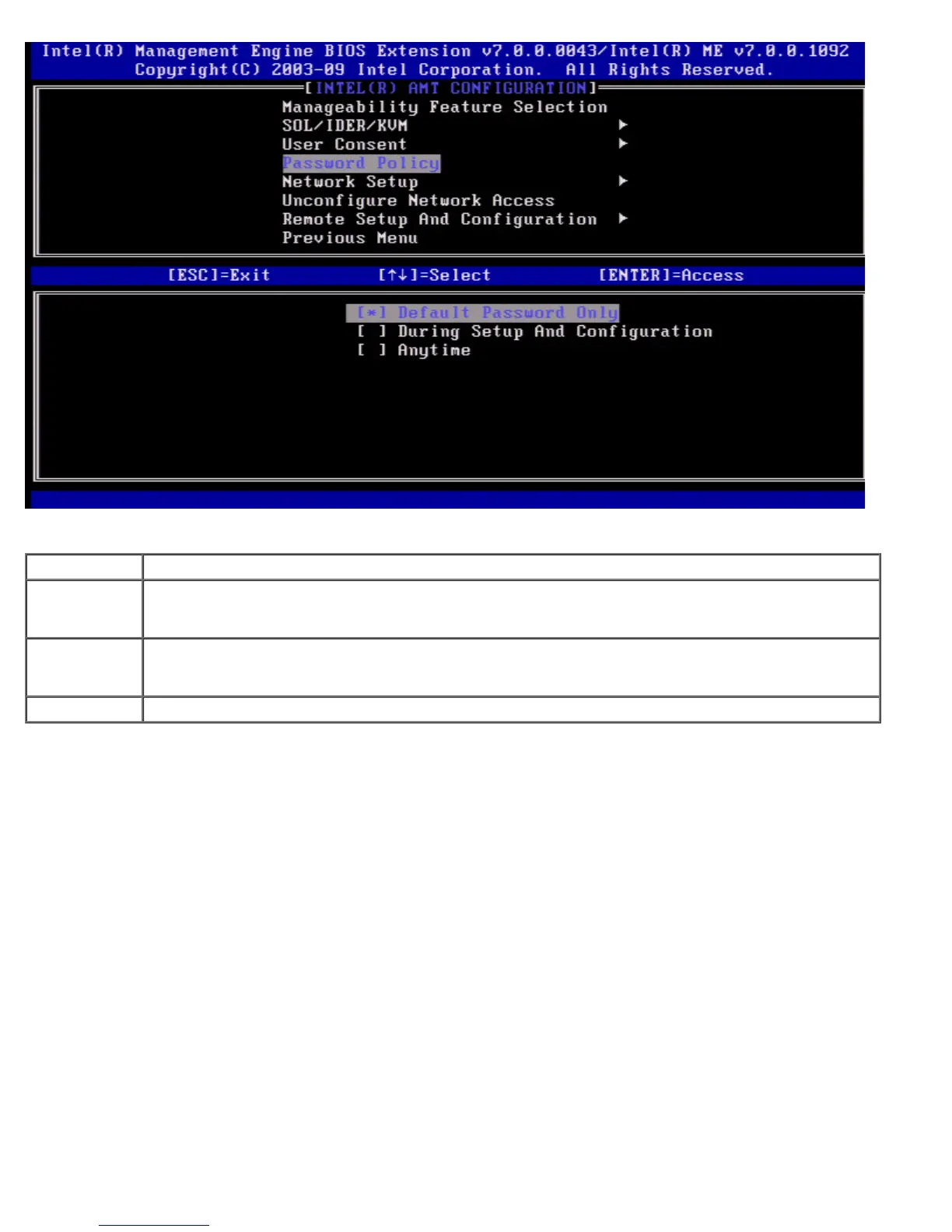
The options are:
Option Description
Default
Password
Only
The Intel MEBx password can be changed through the network interface if the default password has
not been changed.
During Setup
and
Configuration
The Intel MEBx password can be changed through the network interface during the setup and
configuration process but at no other time. Once the setup and configuration process is complete, the
Intel MEBx password cannot be changed via the network interface.
Anytime The Intel MEBx password can be changed through the network interface at any time.
Network Setup
Under the Intel ME Platform Configuration menu select Network Setup and press <Enter>.
The Intel ME Network Setup page appears.
Network Name Settings
Under the Intel ME Network Name Settings select Intel ME Network Name Settings and press <Enter>.















 To Next Page