Under the Intel Automated Remote Setup and Configuration menu select RCFG and press <Enter>.
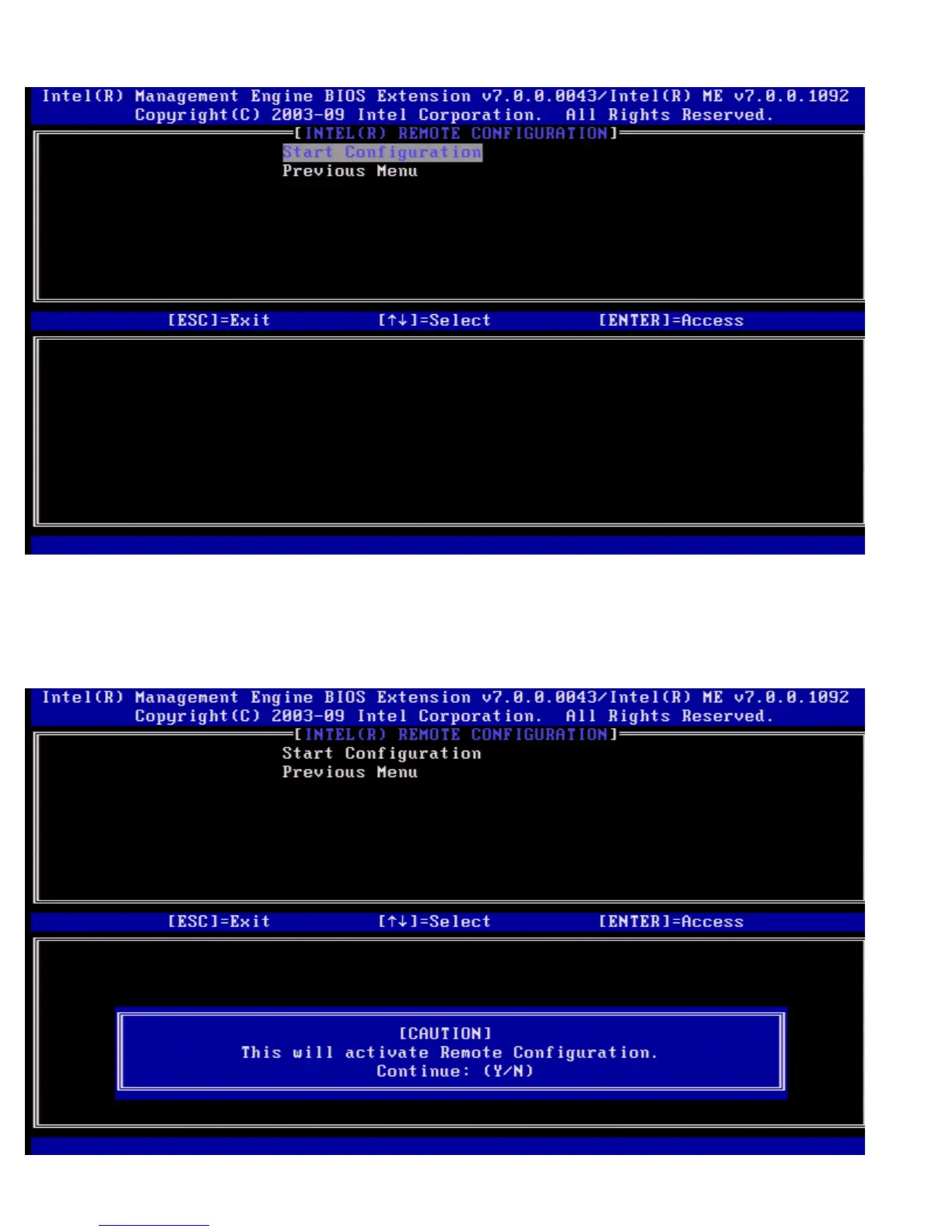
The Intel Remote Configuration page appears.
Start Configuration
Under the Intel Remote Configuration menu select Start Configuration and press <Enter>.
If Remote Configuration is not activated, Remote configuration cannot occur.
To activate (enable) remote configuration, select Y.















 To Next Page