Under the Intel Remote Configuration menu select Previous Menu and press <Enter>.
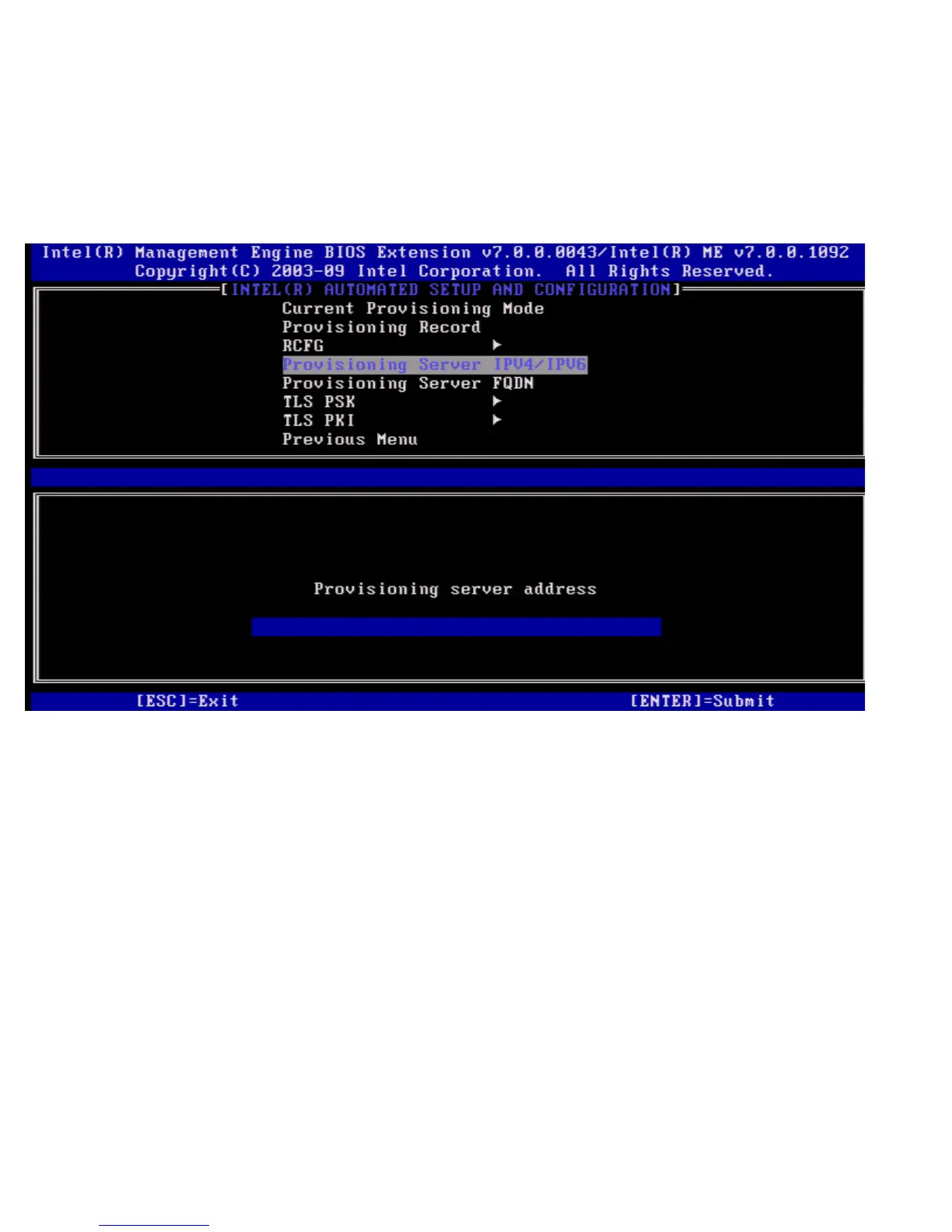
The Intel Automated Setup and Configuration page appears.
Provisioning Server IPv4/IPv6
Under the Intel Automated Setup and Configuration menu select Provisioning Server IPv4/IPv6 and press <Enter>.
1. Type provisioning server address and press <Enter>.
2. Type provisioning server port number and press <Enter>.
The port number (0 – 65535) of the Intel AMT provisioning server. The default port number is 9971.















 To Next Page