1. DHCP Mode
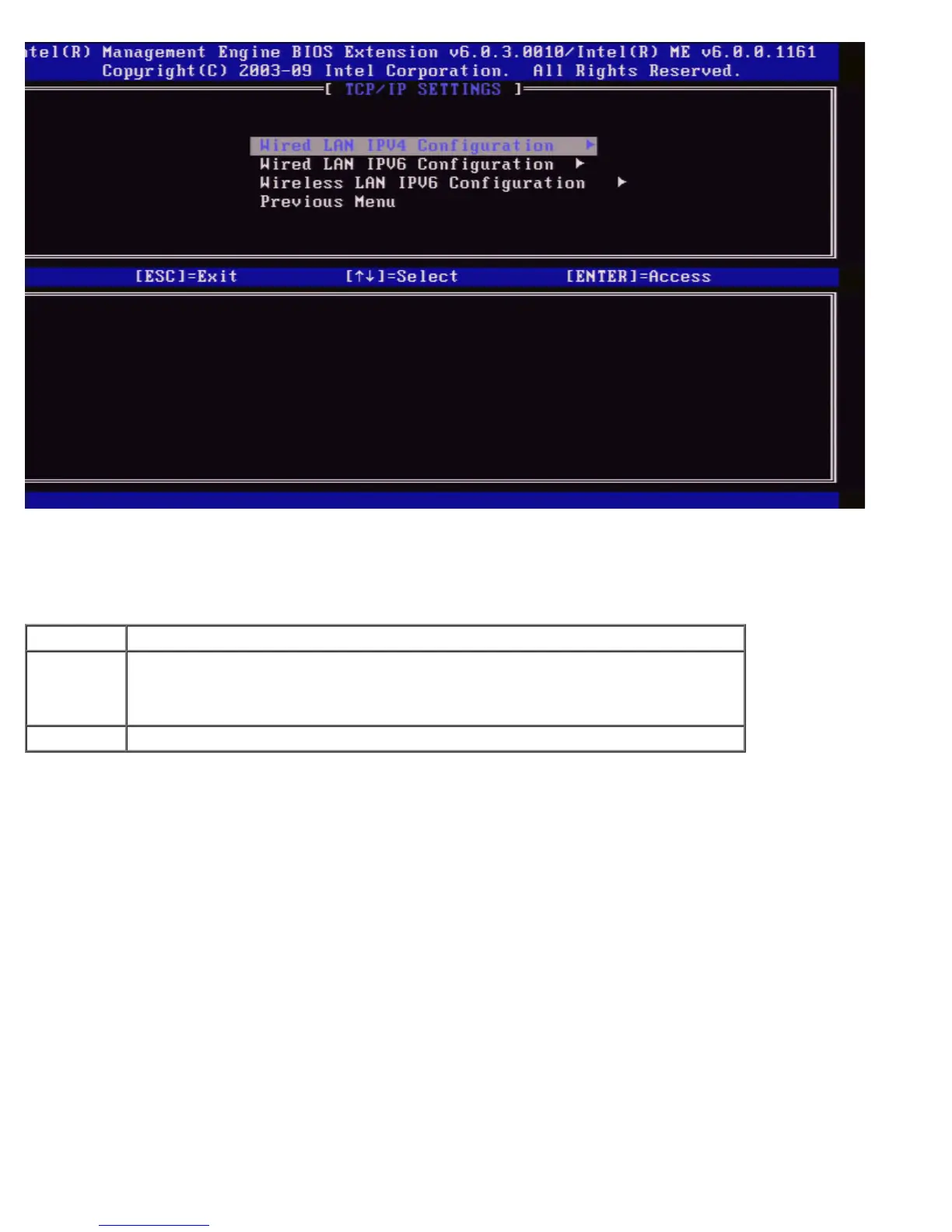
Under Wired LAN IPv4 Configuration select DHCP Mode and press <Enter>.
The Wired LAN IPv4 Configuration page appears.
Option Description
Disabled
If DHCP mode is disabled, the following static TCP/IP settings are required for Intel
AMT. If a system is in static mode the system may require a second IP address. This
IP address, often called the Intel ME IP address may be different from the host IP
address.
Enabled If DHCP Mode is enabled, TCP/IP settings will be configured by a DHCP server.
DHCP mode enabled.















 To Next Page