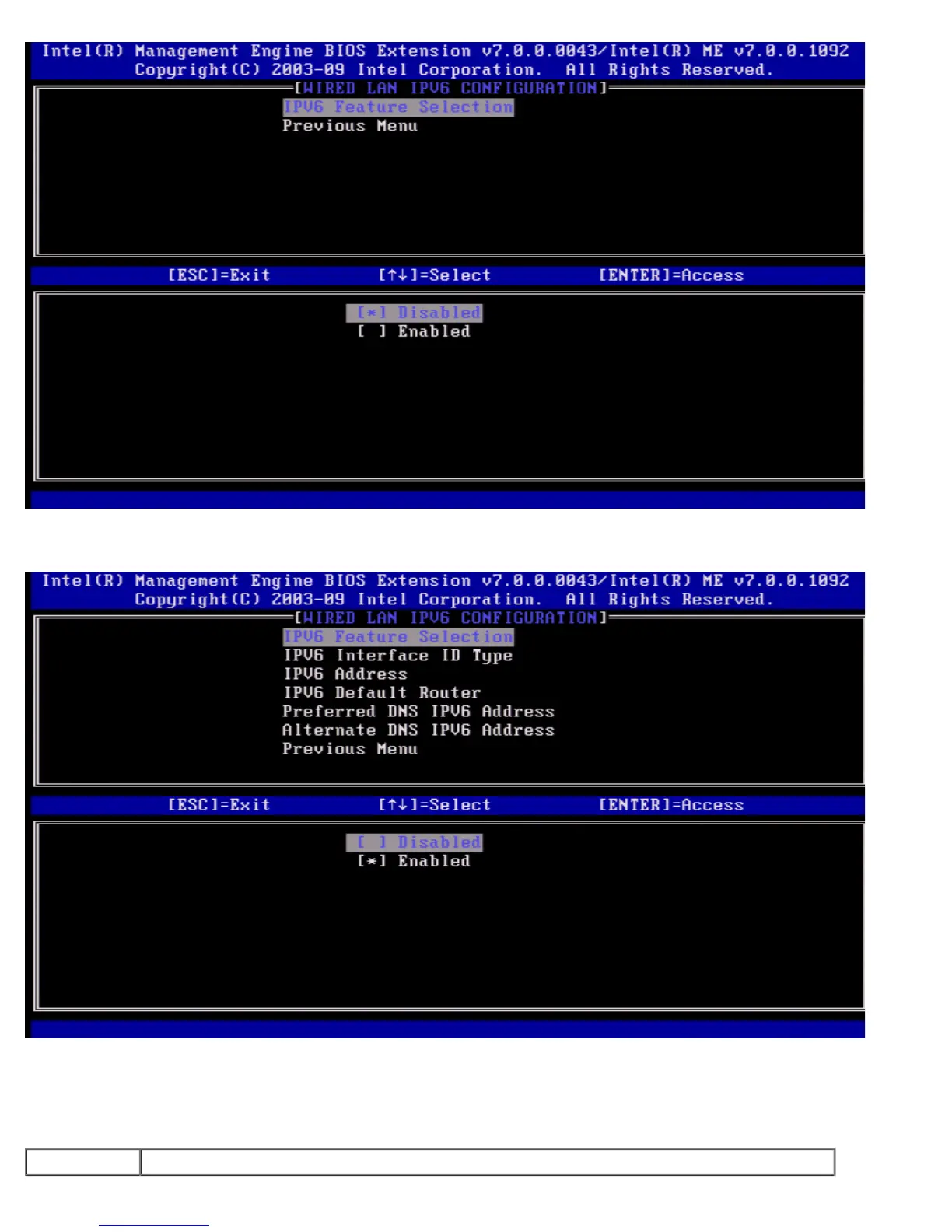
ENABLED, select 'Enabled' and press <Enter>.
IPv6 Feature Selection enabled as more configuration allowed.
2. IPv6 Interface ID Type
Under the Wired LAN IPv6 Configuration select IPv6 Interface ID Type and press <Enter>.
The auto-configured IPv6 address consists of two parts, the IPv6 Prefix set by the IPv6 router is the first and the interface ID
is following part (64 bits each).
Option Description















 To Next Page