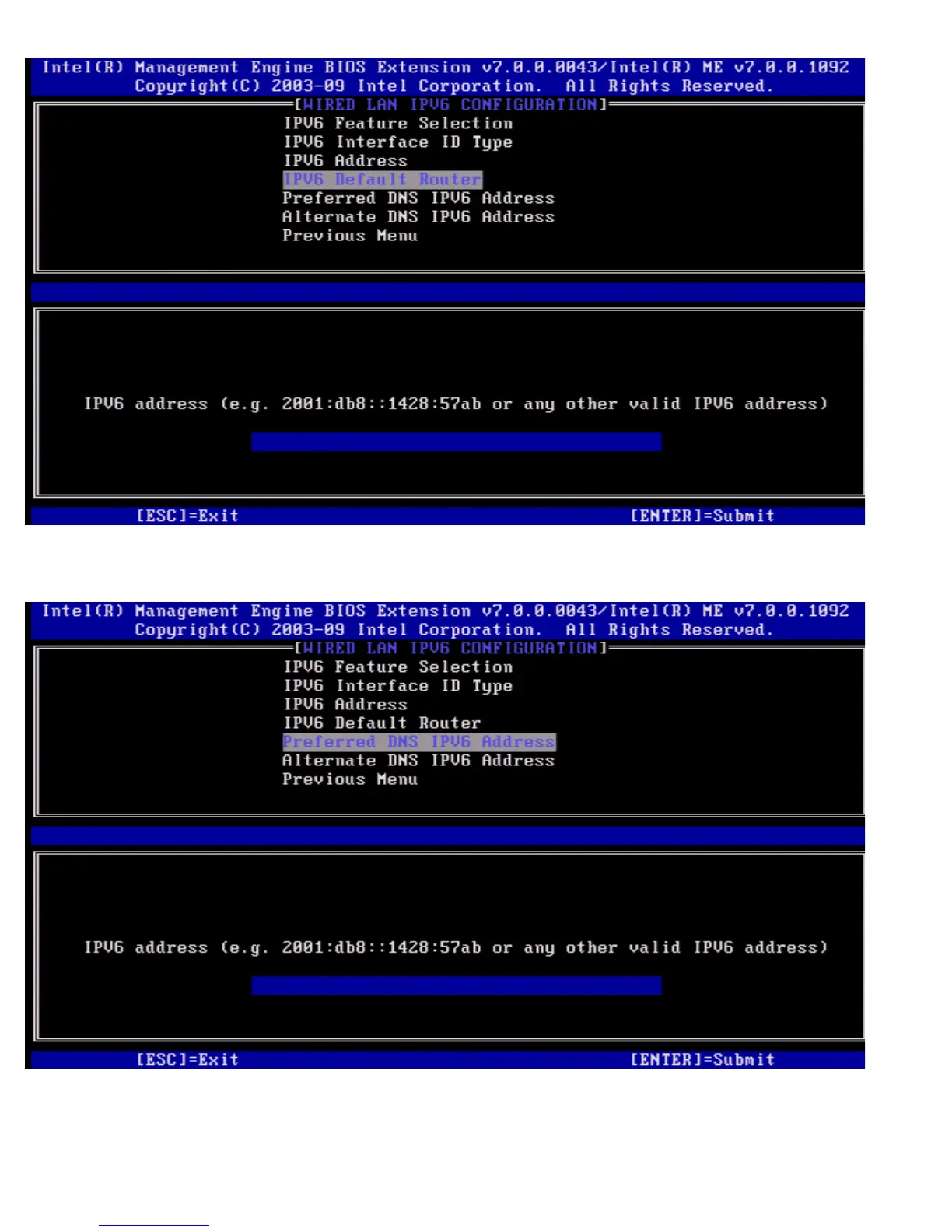
Type the IPv6 Default Router and press <Enter>.
5. Preferred DNS IPv6 Address
Under the Wired LAN IPv6 Configuration select Preferred DNS IPv6 Address and press <Enter>.
Type the Preferred DNS IPv6 Address and press <Enter>.
6. Alternate DNS IPv6 Address
Under the Wired LAN IPv6 Configuration select Alternate DNS IPv6 Address and press <Enter>.
Type the Alternate DNS IPv6 Address and press <Enter>.















 To Next Page