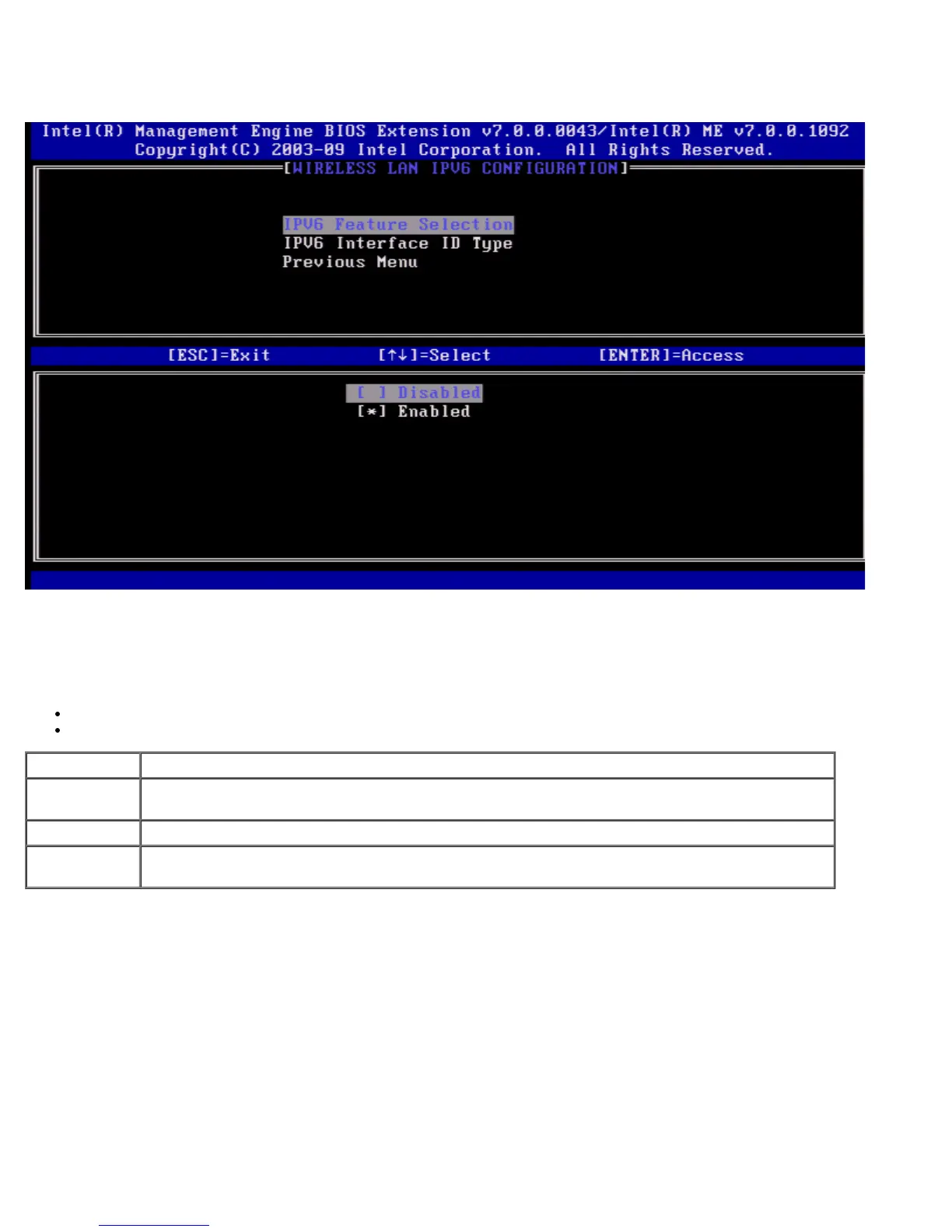
1. IPv6 Feature Selection
Under the Wireless LAN IPv6 Configuration select IPv6 Feature Selection and press <Enter>.
2. IPv6 Interface ID Type
Under the Wired LAN IPv6 Configuration select IPv6 Interface ID Type and press <Enter>.
The auto-configured IPv6 address consists of two parts:
IPv6 Prefix (set by the IPv6 router)
Interface ID (64 bits each)
Option Description
Random ID
The IPv6 Interface ID is automatically generated using a random number as described in RFC
3041. This is the default option.
Intel ID The IPv6 Interface ID is automatically generated using the MAC address.
Manual ID
The IPv6 Interface ID is configured manually. Selecting this type requires that the Manual
Interface ID is set with a valid value.















 To Next Page