6. Replace the memory module cover.
7. Insert the battery into the battery bay, or connect the AC adapter to your computer and an electrical outlet.
8. Reinstall the hard drive. See Hard Drive.
9. Reinstall the optical drive. See Optical Drive.
10. Turn on the computer.
As the computer boots, it detects the additional memory and automatically updates the system configuration information. If prompted, press <F1> to continue.
To confirm the amount of memory installed in the computer, click Start® Control Panel® System.
Modem
1. Follow the procedures in Before You Begin.
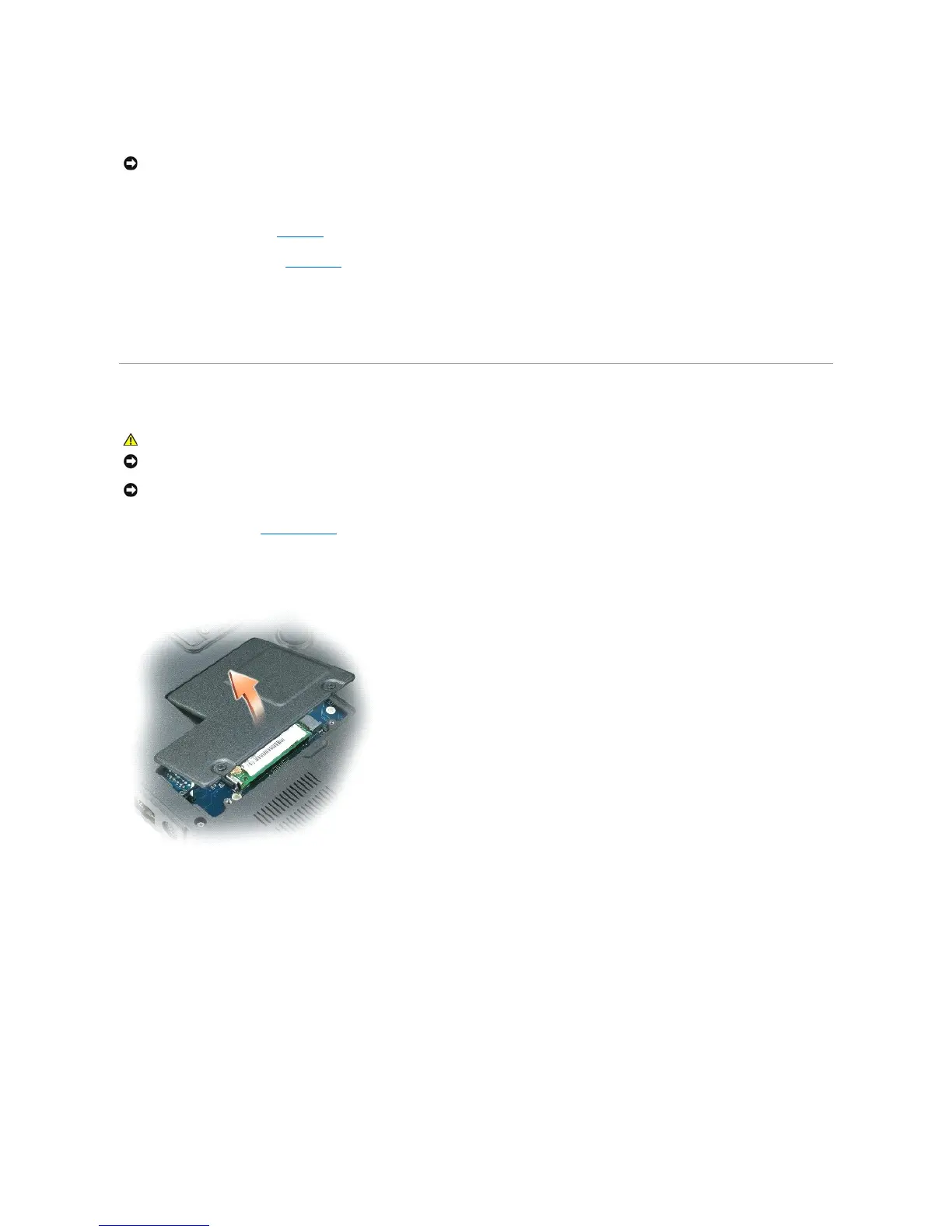
2. Turn the computer over and loosen the captive screws from the Mini-Card/modem cover.
3. Place your finger under the cover at the indentation, and lift the cover to remove it.
4. Remove the existing modem:
a. Remove the screw that secures the modem to the system board, and set the screw aside.
b. Pull straight up on the attached pull-tab to lift the modem out of its connector on the system board, and disconnect the modem cable.
NOTICE: To avoid electrostatic discharge, ground yourself by using a wrist grounding strap or by periodically touching an unpainted metal surface (such
as a connector on the back of the computer).














 To Next Page