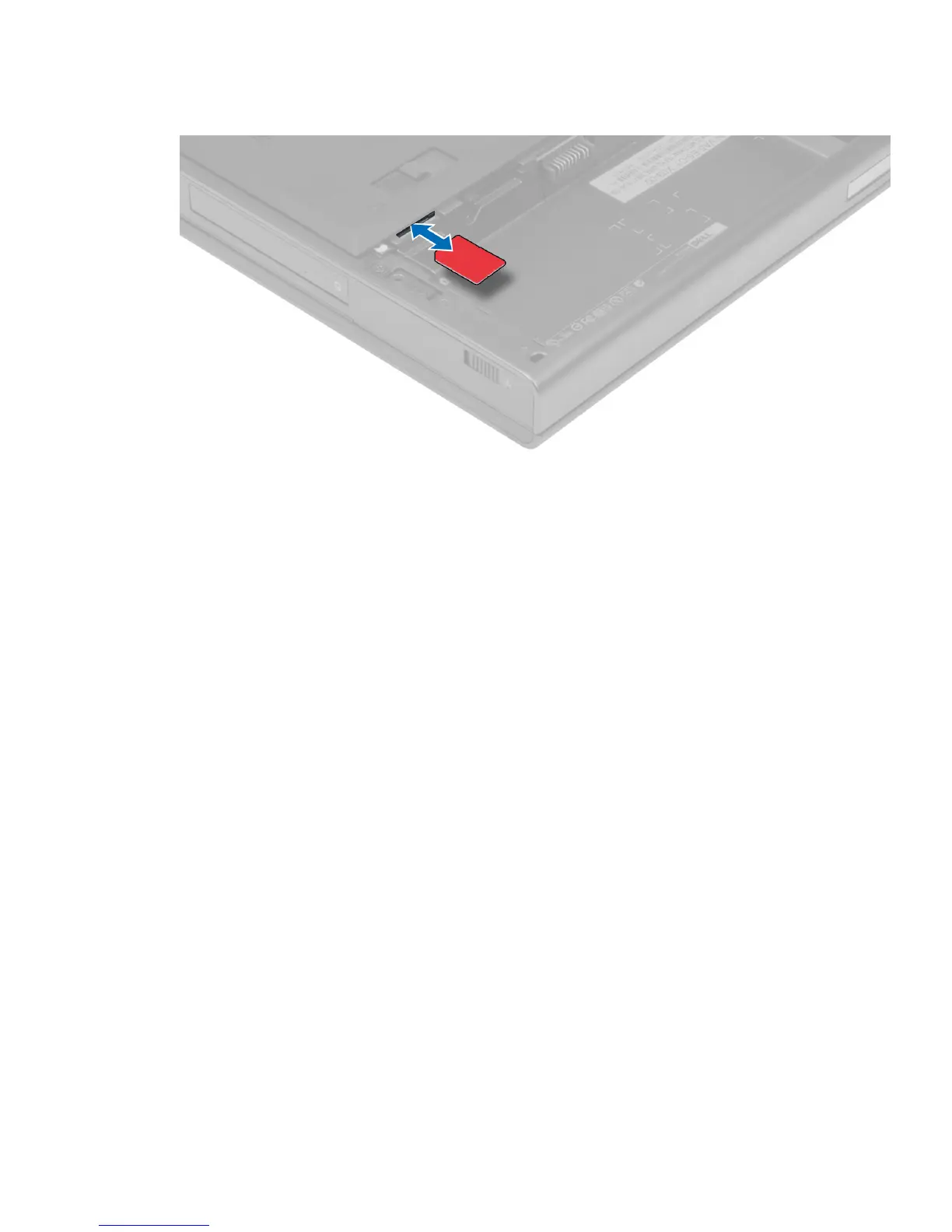
3. Slide the SIM card out from the slot .
Installing the Subscriber Identity Module (SIM) Card
1. Push in the SIM card into its slot.
2. Install the battery.
3. Follow the procedures in
After Working Inside Your Computer
.
Removing the Base Cover
1. Follow the procedures in
Before Working Inside Your Computer
.
2. Remove the battery.
3. Remove the screws that secure the base cover to the computer. Press the rubber tabs towards the rear of the
computer to disengage the base cover.
13


 To Next Page