a) system board
b) display assembly
c) I/O board
d) video card
e) video-card heat sink
f) processor
g) processor heatsink
h) palm rest
i) video-card fan
j) processor fan
k) secondary memory
l) primary memory
m) hard drive
n) optical drive
o) keyboard
p) keyboard trim
q) base cover
r) battery
s) ExpressCard
t) SD card
3. Follow the procedures in
After Working Inside Your Computer
.
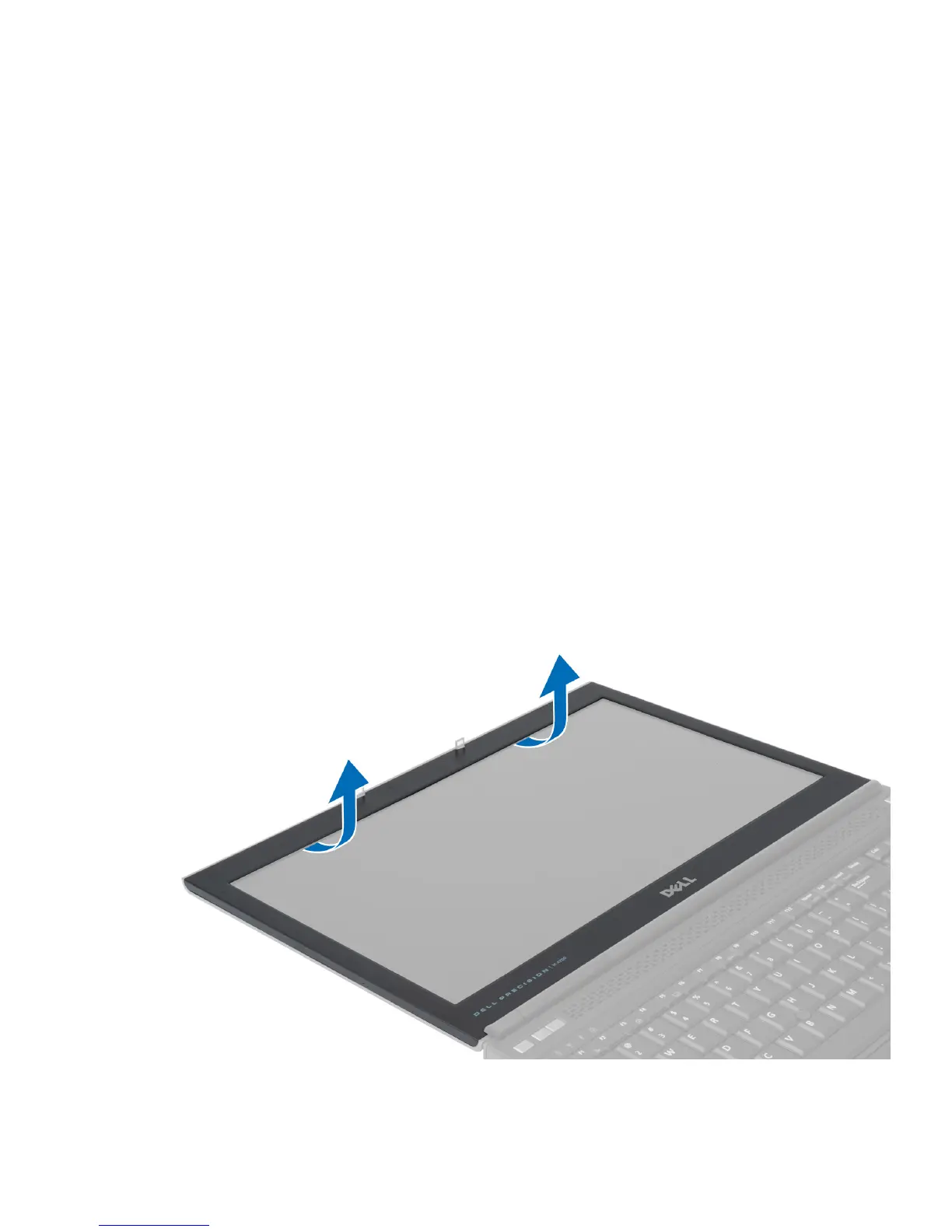
Removing the Display Bezel
1. Follow the procedures in
After Working Inside Your Computer
.
2. Remove the battery.
3. Pry up the bottom edge of the display bezel.
52















 To Next Page