18 │ Pairing your wireless keyboard
Pairing your wireless keyboard using Bluetooth
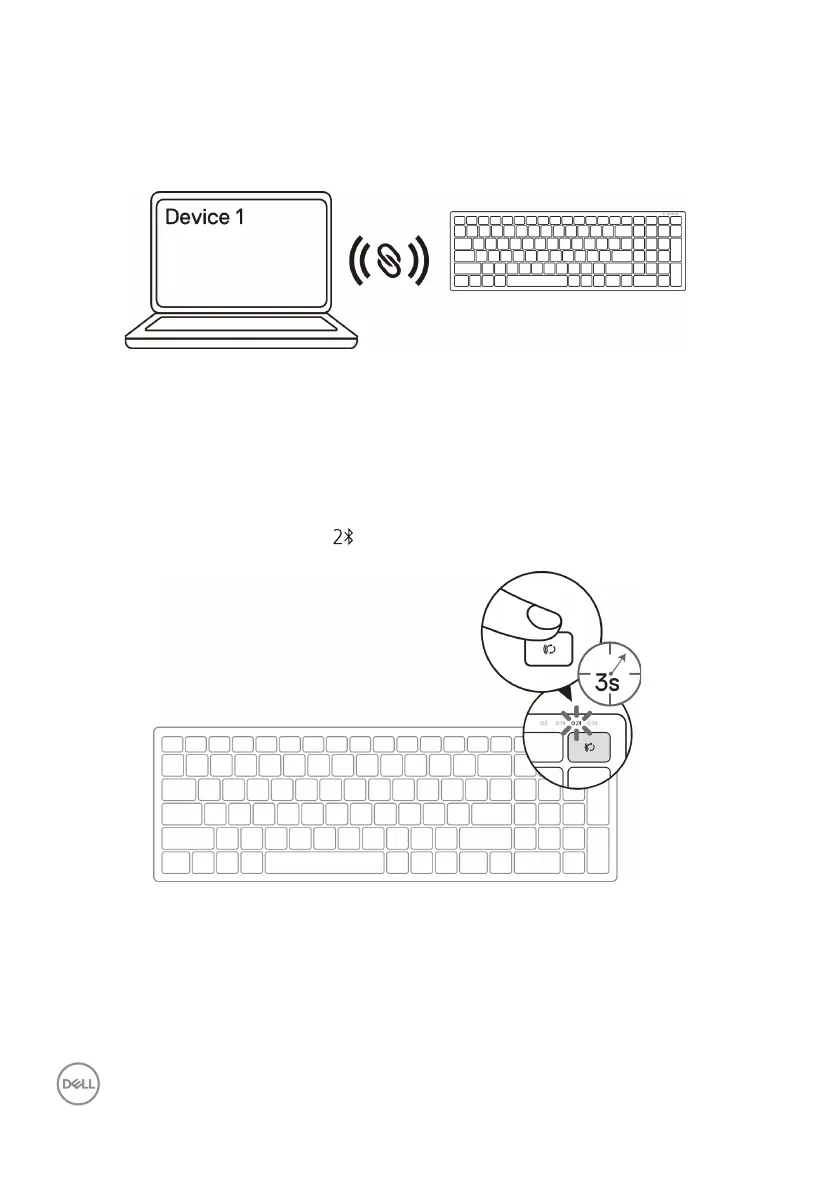
You can connect up to two devices to your wireless keyboard using Bluetooth.
1. Press the connection-mode button twice on your keyboard (within 3 seconds)
until the connection-mode light ( ) turns on indicating that the second-bluetooth
connection is selected.
3. The keyboard is paired with your USB device.
2. Pair your keyboard with your Bluetooth-enabled computer.
a. In Windows Search, type Bluetooth.
b. Click Bluetooth and other devices settings. The Settings window appears.
c. Click Bluetooth & other devices. Ensure that the Bluetooth is turned on.
d. From the list of devices, click Dell Keybd.



 To Next Page