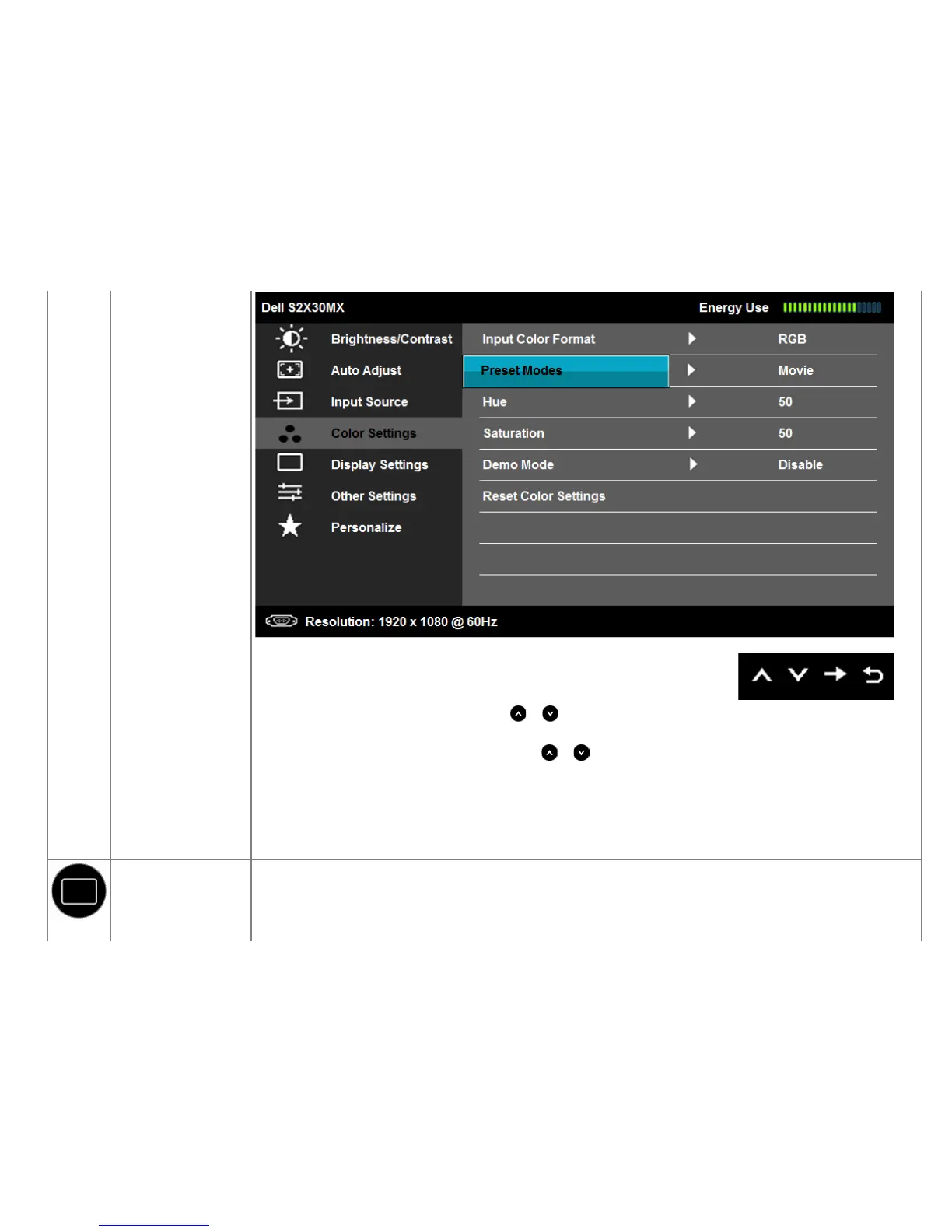
Hue
Allows you to adjust the skin tone of the image. Use or to adjust the hue from '0' to '100'.
Saturation
Allows you to adjust the color saturation of the image. Use
or to adjust the saturation from '0' to '100'.
Demo Mode You can launch the Demo Mode to identify the monitor display difference between Normal and Enhanced.
Reset Color Settings Resets your monitor's color settings to the factory defaults.
DISPLAY SETTINGS
Use the Displays Settings menu to adjust the monitor's display settings.


 To Next Page