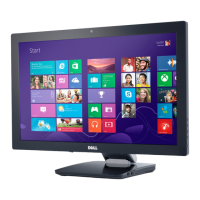
1 upstream - back
4 downstream - 2 on back; 2 on right side
NOTE: USB 3.0 functionality requires a USB 3.0 compatible computer.
NOTE: The monitor's USB interface works only when the monitor is on or in power save mode. If you turn off the monitor and then turn it on, the attached peripherals may take
a few seconds to resume normal functionality.
Ethernet port
Ethernet port
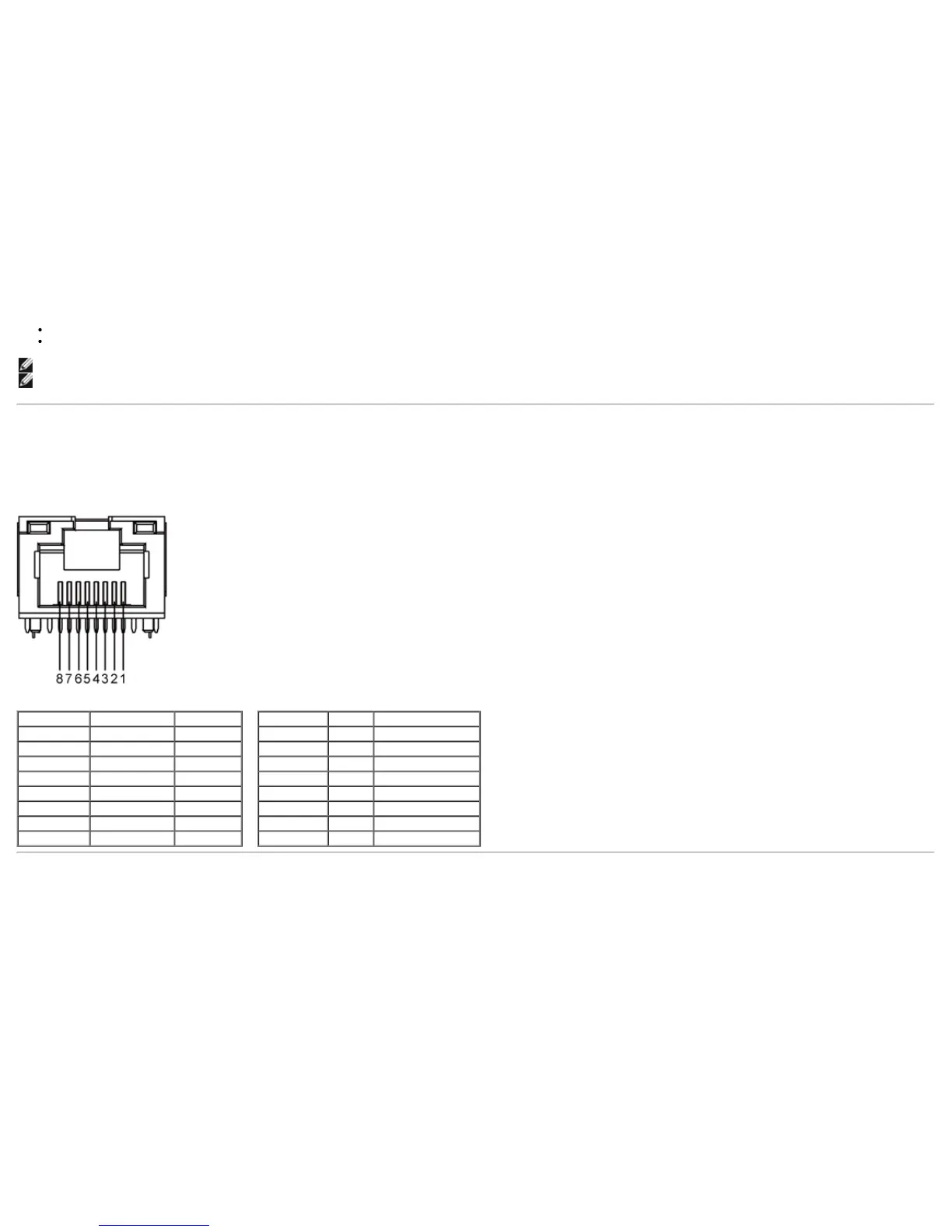
RJ45 pin out for 10BASE-T and
100BASE-TX
RJ45
Pinout for 1000Base-T (Gigabit LAN)
Pin Number Name Description
Pin 1 TX_D1+ Transmit +
Pin 2 TX_D1- Transmit -
Pin 3 RX_D2+ Receive +
Pin 4 Not Used Not Used
Pin 5 Not Used Not Used
Pin 6 RX_D2- Receive -
Pin 7 Not Used Not Used
Pin 8 Not Used Not Used
Pin
Number Name Description
Pin 1 TX_D1+ Transmit +
Pin 2 TX_D1- Transmit -
Pin 3 RX_D2+ Receive +
Pin 4 BI_D3+ Bi-directional Data+
Pin 5 BI_D3- Bi-directional Data-
Pin 6 RX_D2- Receive -
Pin 7 BI_D4+ Bi-directional Data+
Pin 8 BI_D4- Bi-directional Data-
LCD Monitor Quality and Pixel Policy
During the LCD Monitor manufacturing process, it is not uncommon for one or more pixels to become fixed in an unchanging state. These pixels



 To Next Page