EasyManua.ls Logo

Dell S3422DW - Page 42

Dell S3422DW
63 pages
Print Icon
To Next Page IconTo Next Page
To Previous Page IconTo Previous Page
Loading...
42 Operating your monitor
Power Button
LED
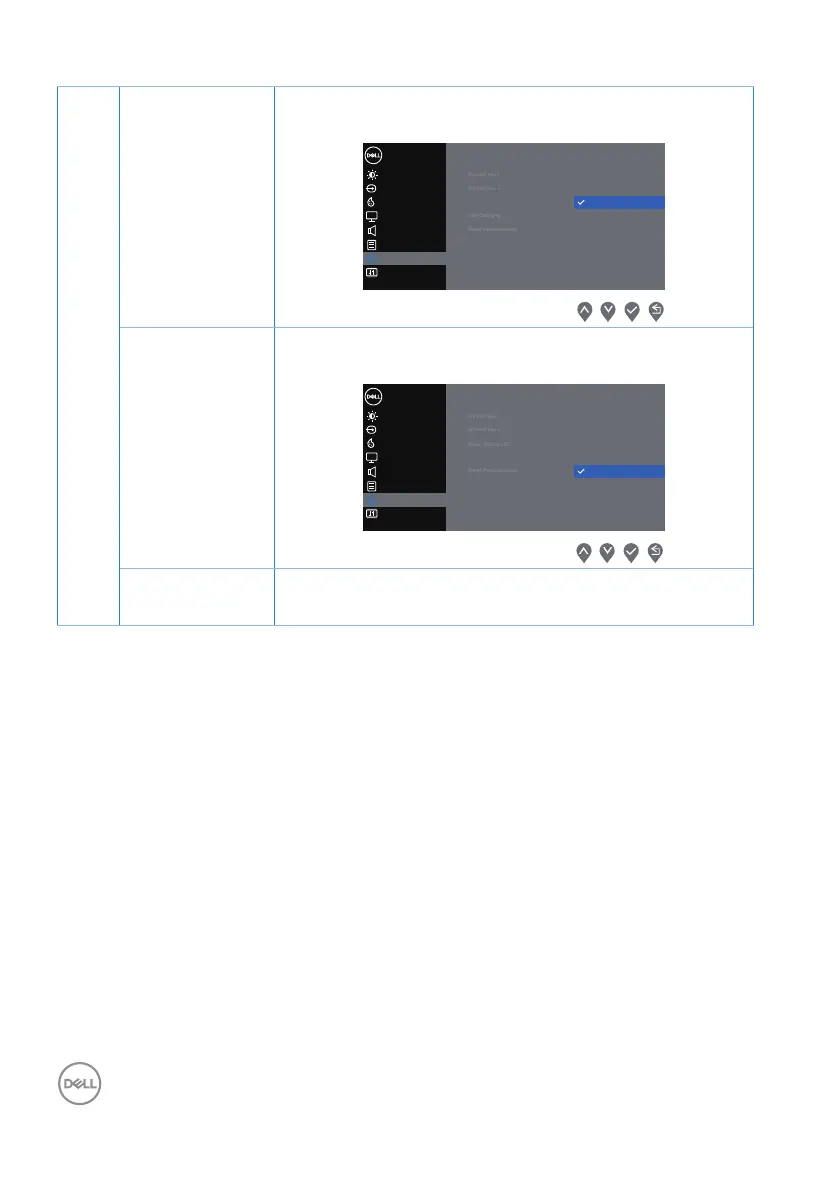
Set the power LED indicator On In On Mode or Off In
On Mode to save energy.
Display
Others
Personalize
Menu
Brightness / Contrast
Dell 34 Monitor
Color
Input Source
Audio
Shorout Key 1
Shorout Key 2
Power Button LED
USB Charging
Reset Personalization
On in On Mode
O in On Mode
USB Enable or disable USB function in monitor standby
mode.
Display
Others
Personalize
Menu
Brightness / Contrast
Dell 34 Monitor
Color
Input Source
Audio
Shorout Key 1
Shorout Key 2
Power Button LED
On in Standby Mode
USB
O in Standby Mode
Reset Personalization
Reset Person-
alization
Reset all settings under the personalize menu to the
default setting.

Other manuals for Dell S3422DW

Related product manuals