84 Using Your Projector
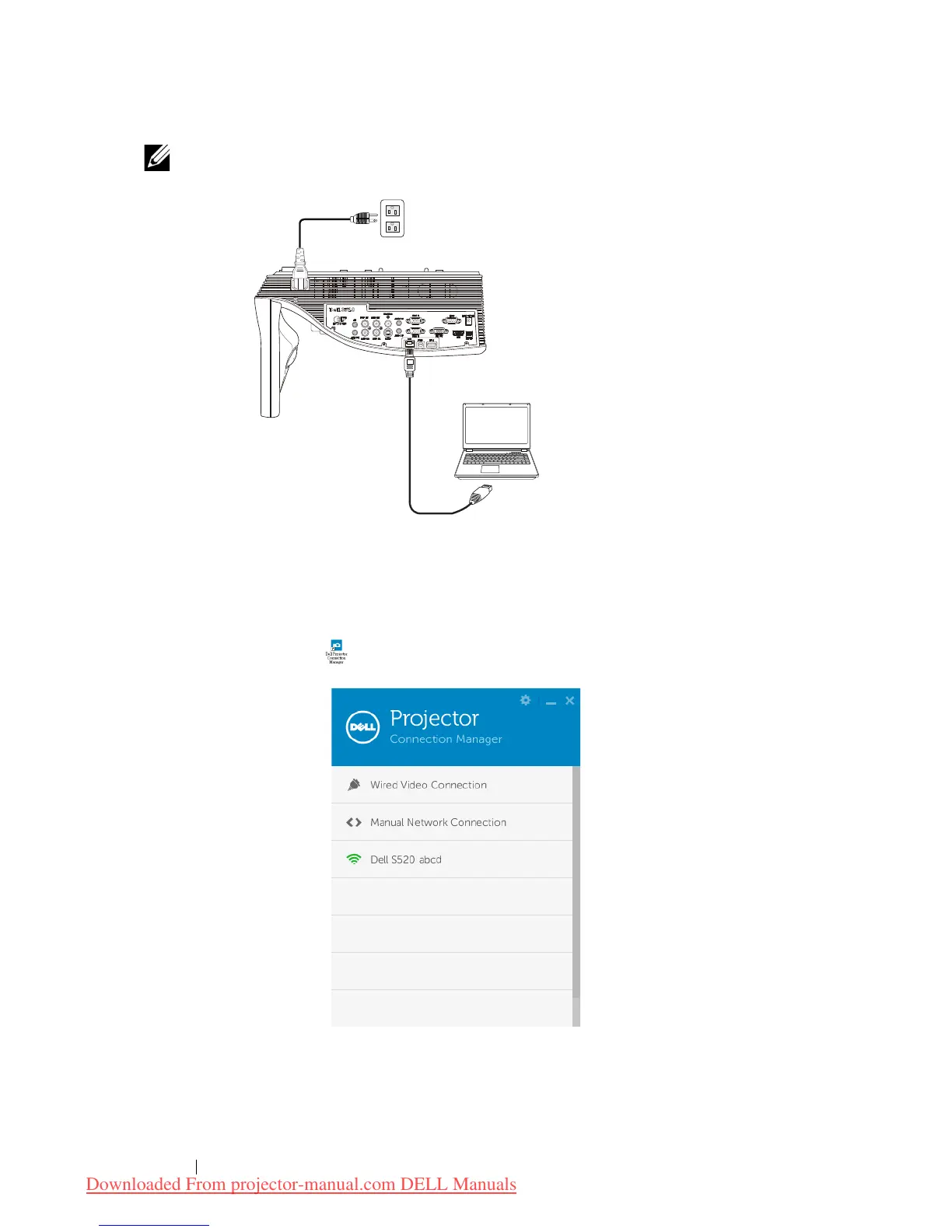
NOTE: If the LAN is used for audio projection, connect the LAN cable
to the projector and the computer.
Go to Step 9
.
Launch the Dell Projector Connection Manager with Wireless Audio
Projection
7
Once the installation is complete, the program will launch and search
automatically. If the program does not launch automatically, you can
double-click the icon on the desktop to start the application. Select
the
Dell S520 abcd
and then click the OK.
Downloaded From projector-manual.com DELL Manuals



 To Next Page