Using Your Projector 85
8
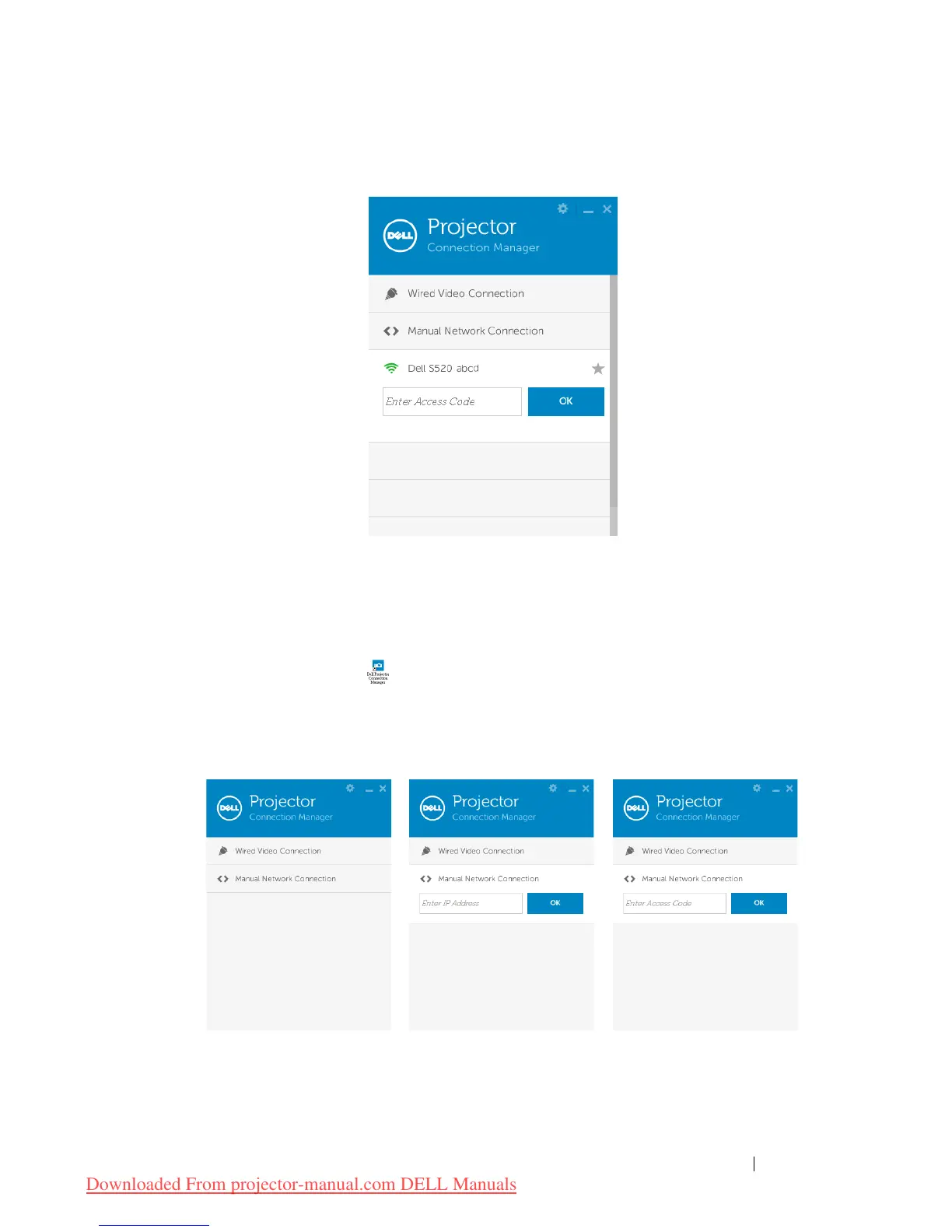
Login with the
Access Code
provided in Step 4 of Audio Projection
Installation, then click OK.
Go to Step 10
.
Launch the Dell Projector Connection Manager with LAN Audio
Projection
9 Once the installation is complete, the program will launch and search
automatically. If the program does not launch automatically, you can
double-click the icon, on the desktop to start the application.
a
Click the "
Manual Network Connection
" (Fig.1).
b
Enter
IP Address
(Fig.2, default IP address: 192.168.100.10).
c
Enter
Access Code
(Fig.3).



 To Next Page