Action Yes No
Step 6
a Remove, and then reinstall the waste toner bottle.
b From the Quality menu on the control panel, select Color
Adjust.
c Resend the print job.
Is the print still too dark?
Contact
technical
support.
The problem is
solved.
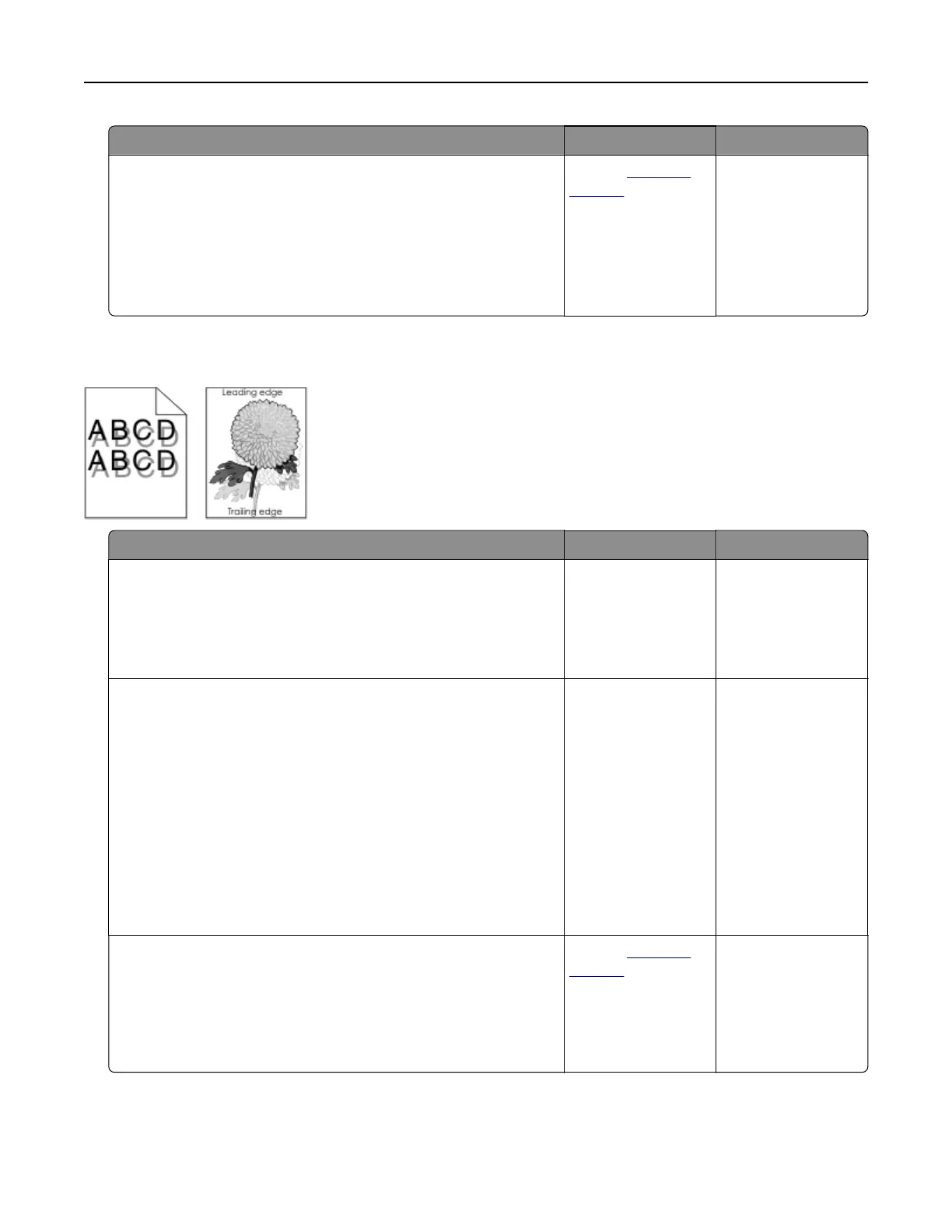
Ghost images
Action Yes No
Step 1
a Load the tray with the correct paper type and weight.
b Resend the print job.
Do ghost images still appear on prints?
Go to step 2. The problem is
solved.
Step 2
a Depending on your operating system, specify the paper type
and weight from the Printing Preferences or Print dialog.
Notes:
• Make sure that the settings match the paper loaded in
the tray.
• You can also change the settings on the printer control
panel.
b Resend the print job.
Do ghost images still appear on prints?
Go to step 3. The problem is
solved.
Step 3
a From the Quality menu on the control panel, select Color
Adjust.
b Resend the print job.
Do ghost images still appear on prints?
Contact
technical
support.
The problem is
solved.
Troubleshooting 75



 To Next Page