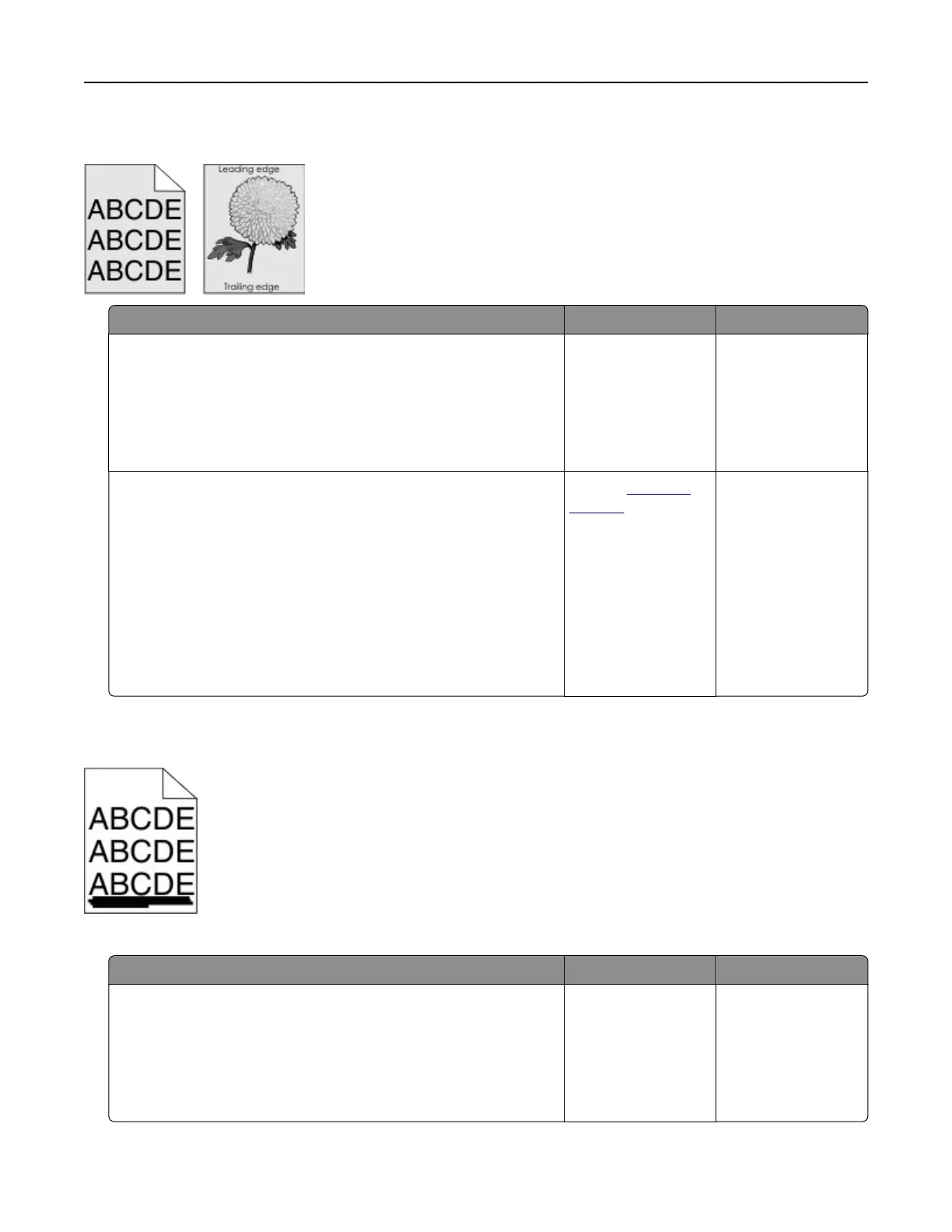
Gray background
Action Yes No
Step 1
a From the Quality menu on the control panel, select Color
Adjust.
b Resend the print job.
Does gray background still appear on prints?
Go to step 2. The problem is
solved.
Step 2
a Remove, and then reinstall the imaging unit or imaging kit.
Warning—Potential Damage: Do not expose the imaging unit
or imaging kit to direct light for more than 10 minutes.
Extended exposure to light may cause print quality problems.
Warning—Potential Damage: To avoid damage, do not touch
the underside of the imaging unit or imaging kit.
b Resend the print job.
Does gray background still appear on prints?
Contact
technical
support.
The problem is
solved.
Horizontal dark lines
Note: If horizontal dark lines keep appearing on your prints, then see the “Repeating defects” topic.
Action Yes No
Step 1
a Depending on your operating system, specify the tray or feeder
from the Printing Preferences or Print dialog.
b Resend the print job.
Do horizontal dark lines still appear on prints?
Go to step 2. The problem is
solved.
Troubleshooting 76



 To Next Page