46 │ Operating your monitor
Icon Menu and
Submenus
Description
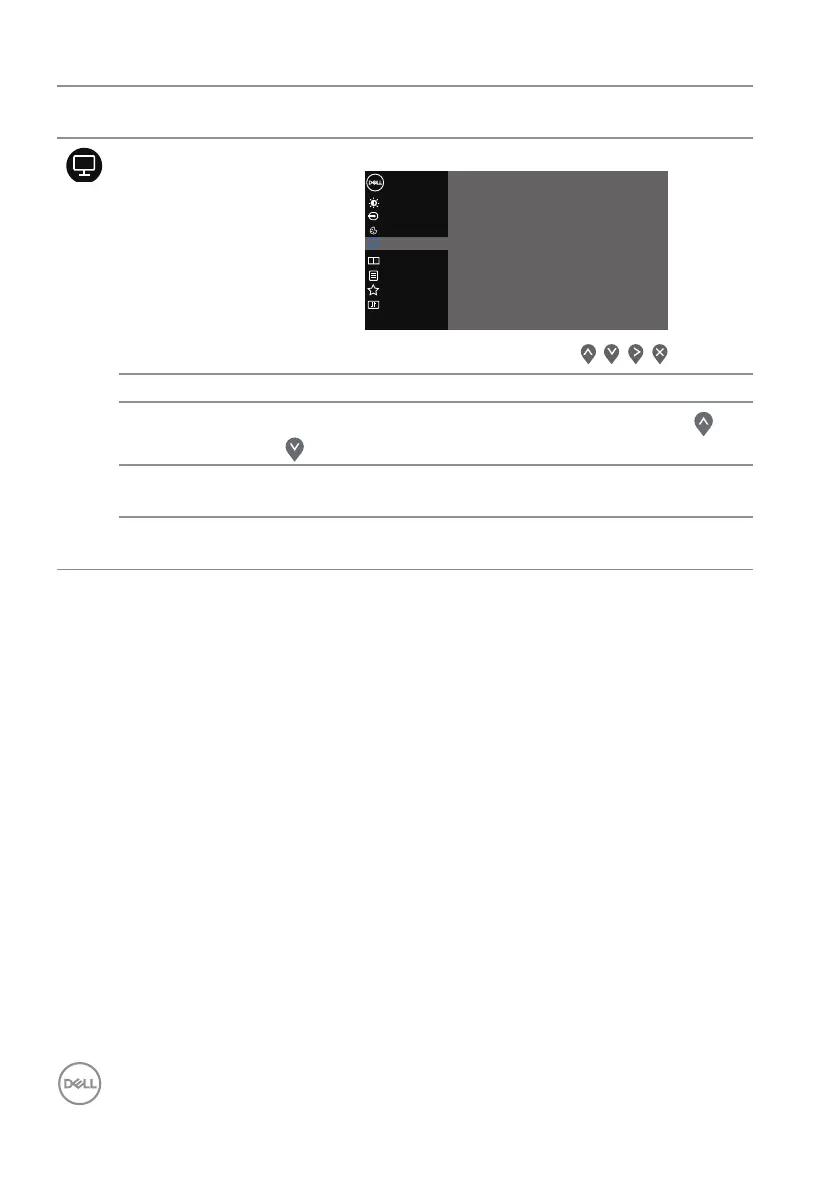
Display Uses the Display to adjust image.
Input Source
Others
Personalize
Menu
Color
Display
Brightness / Contrast
Dell 32 Monitor
Reset Display
Response Time
Sharpness
Aspect Ratio
>
Normal
>
50
>
Wide 16:9
PIP/PBP
Aspect Ratio Adjusts the image ratio to Wide 16:9, 4:3 or 5:4.
Sharpness
Makes the image look sharper or softer. Use the or
button to adjust the sharpness from 0 to 100.
Response Time Allows you to select between Normal, Fast or
Extreme.
Reset
Display
Resets all display settings to the factory default values.


 To Next Page