Setting up the monitor │ 33
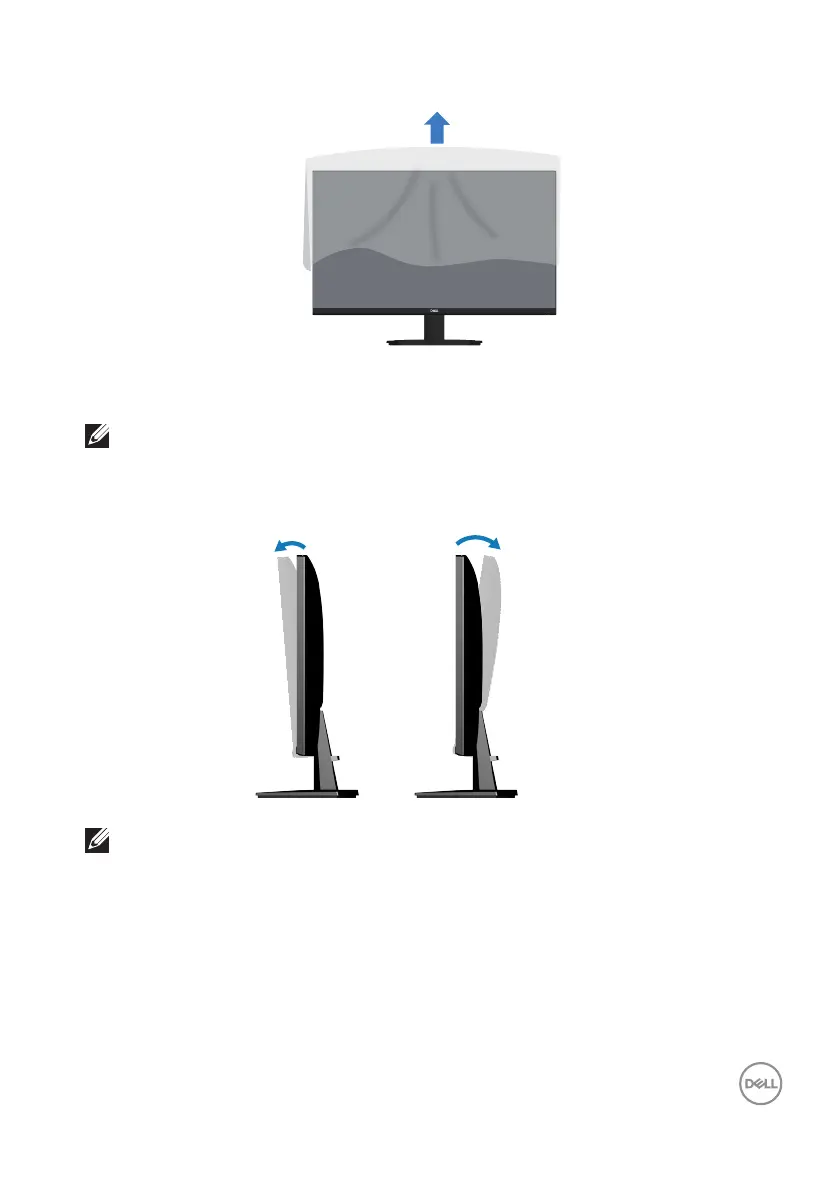
7. Remove the cover from the monitor.
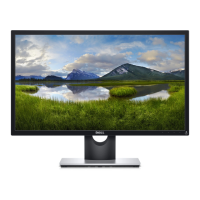
Using the tilt
NOTE: These values are applicable to the stand that was shipped with
your monitor. To set up with any other stand, see the documentation
that is shipped with the stand.
5°
11°
NOTE: The stand is detached when the monitor is shipped from the
factory.


 To Next Page