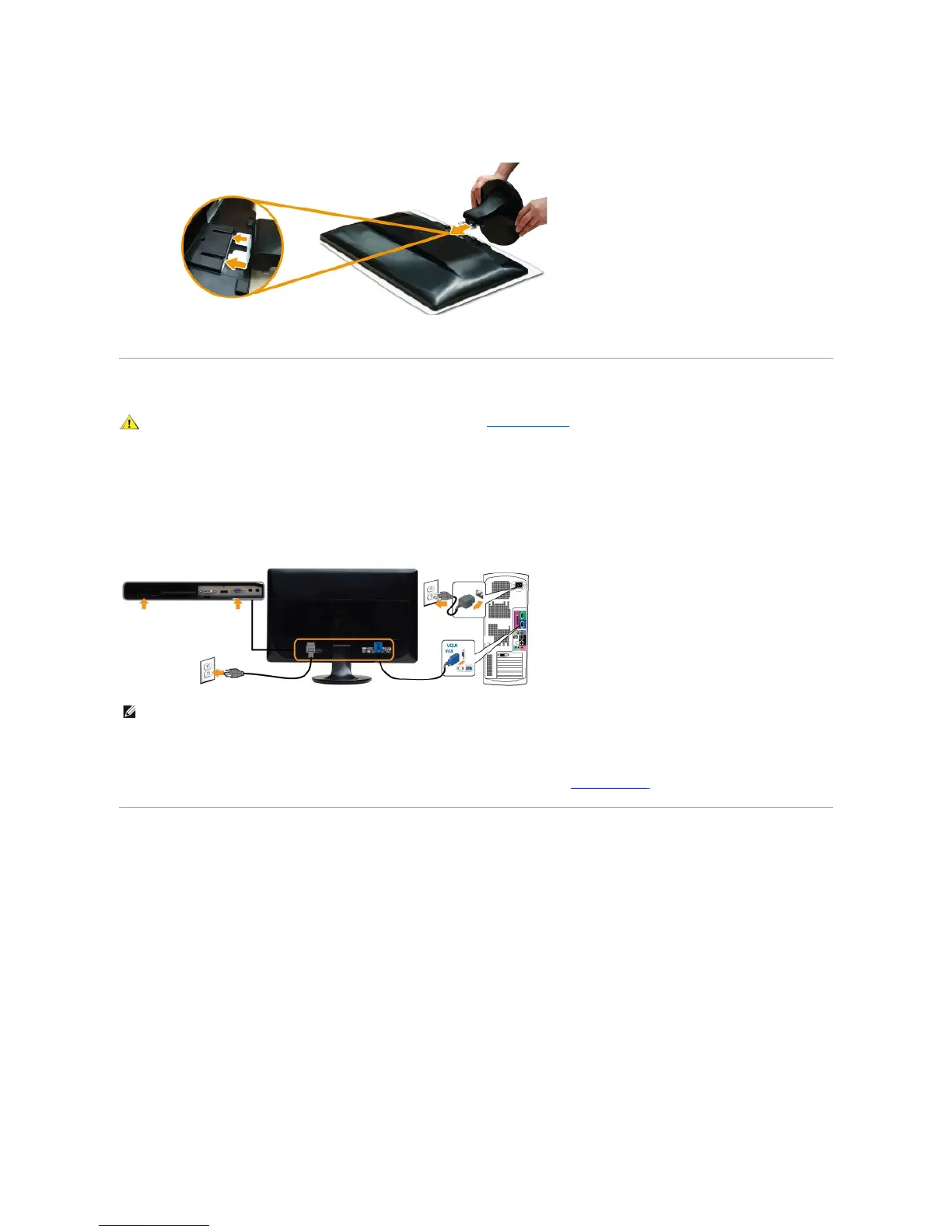
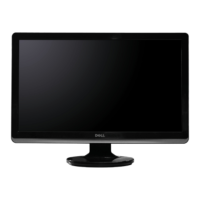
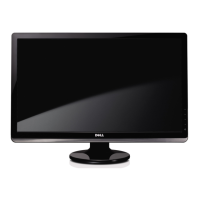
b. Align the stand assembly bracket to the monitor groove.
c. Insert the bracket towards monitor until it locked in place.
Connecting the Monitor
To connect your monitor to the computer perform the following steps/instructions:
1. Turnoffyourcomputeranddisconnectthepowercable.
2. Connecttheblue(analogVGA)displayconnectorcabletothecorrespondingvideoportonthebackofyourcomputer.Donotuseallthecablesonthe
same computer. Use all of the cables only when they are connected to different computers with appropriate video systems.
Connecting the blue VGA cable
After you have completed connecting the VGA cable, follow the procedure below to complete your monitor setup:
1. Plugthepowercablesforyourcomputerandmonitorintoanearbyoutlet.
2. Turn on the monitor and the computer.
If your monitor displays an image, installation is complete. If it does not display an image, see Solving Problems.
Attaching the Soundbar (Optional)



 To Next Page