Understanding Your Dell Streak 7 Tablet 35
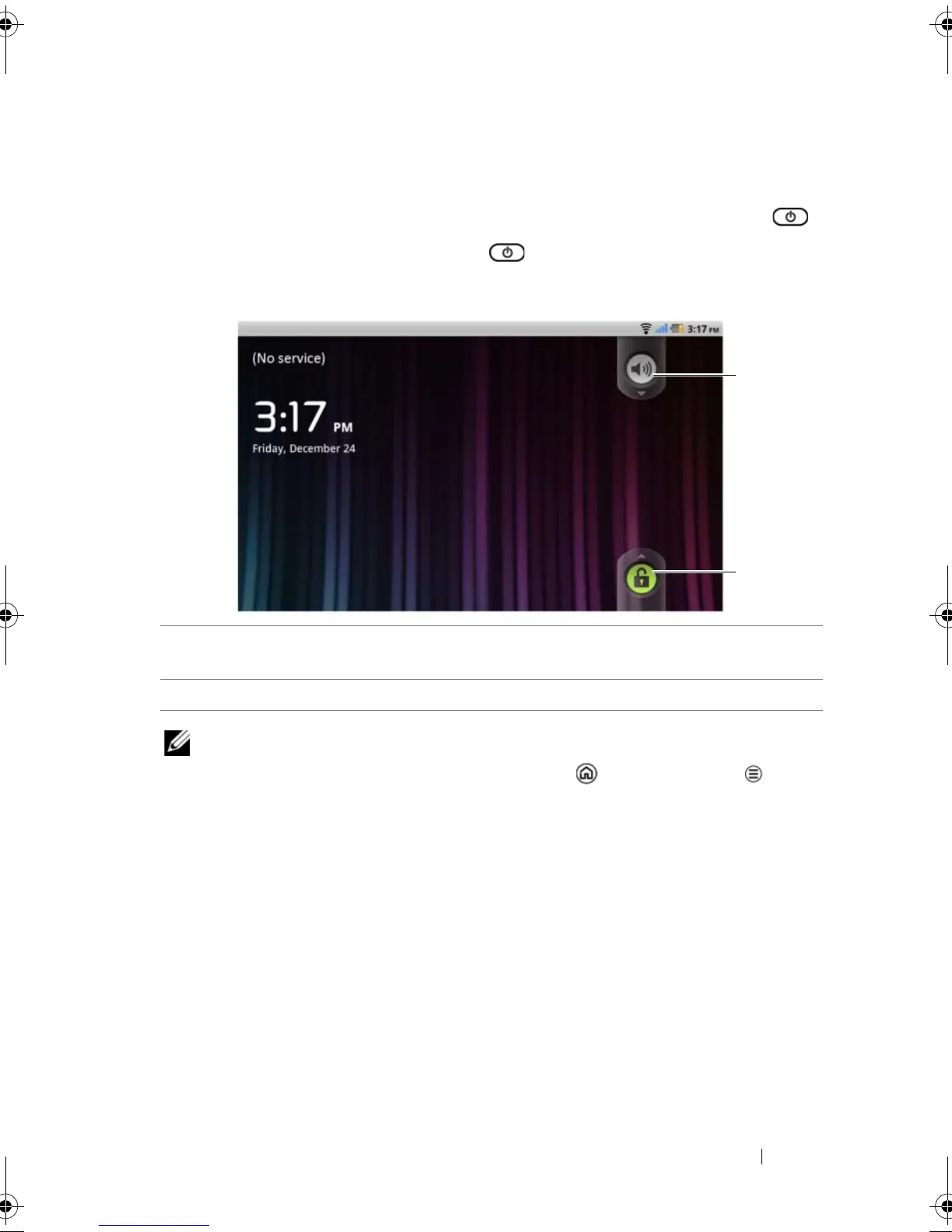
The Screen Lock Wallpaper
You can set the display to turn off automatically after a timeout period
of inactivity, or turn it off manually by pressing the power button .
When you press the power button to wake up the display, the
screen lock wallpaper appears to help prevent unintentional touch of
the screen.
NOTE: To set the duration the screen remains on before turning off after
the last operation, touch the Home button Menu button
Settings
Display Screen timeout.
1 Drag or flick this button downward to enable or disable the vibration
mode.
2 Drag or flick this button upward to unlock the screen.
LG7_bk0.book Page 35 Thursday, January 27, 2011 2:16 PM



 To Next Page