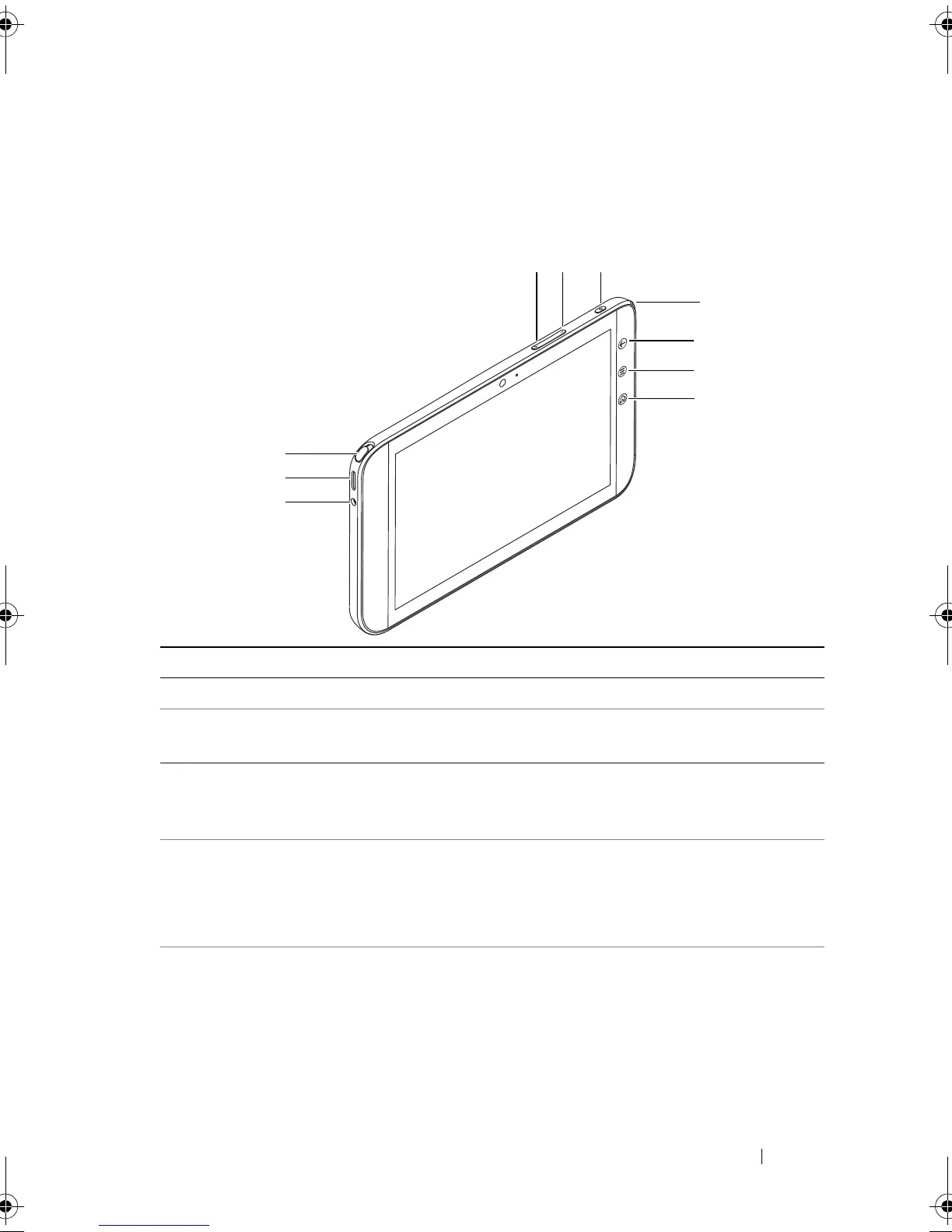
Dell Streak 7 Tablet Features 7
Dell Streak 7 Tablet Features
This section provides information about the features available on your
device.
Buttons/Connectors/Parts Functionality
1 Headphone connector Connects to headphones.
2 Speaker Provides audio output for video and music
playback.
3 TV antenna
(available on select models
only)
Used for improving the reception of
television signals.
4 Volume up button • Press to increase the media volume by
one level.
• Press and hold to continuously increase
the media volume.
5 Volume down button • Press to decrease the media volume by
one level.
• Press and hold to continuously
decrease the media volume.
LG7_bk0.book Page 7 Thursday, January 27, 2011 2:16 PM



 To Next Page