Operating the monitor | 71
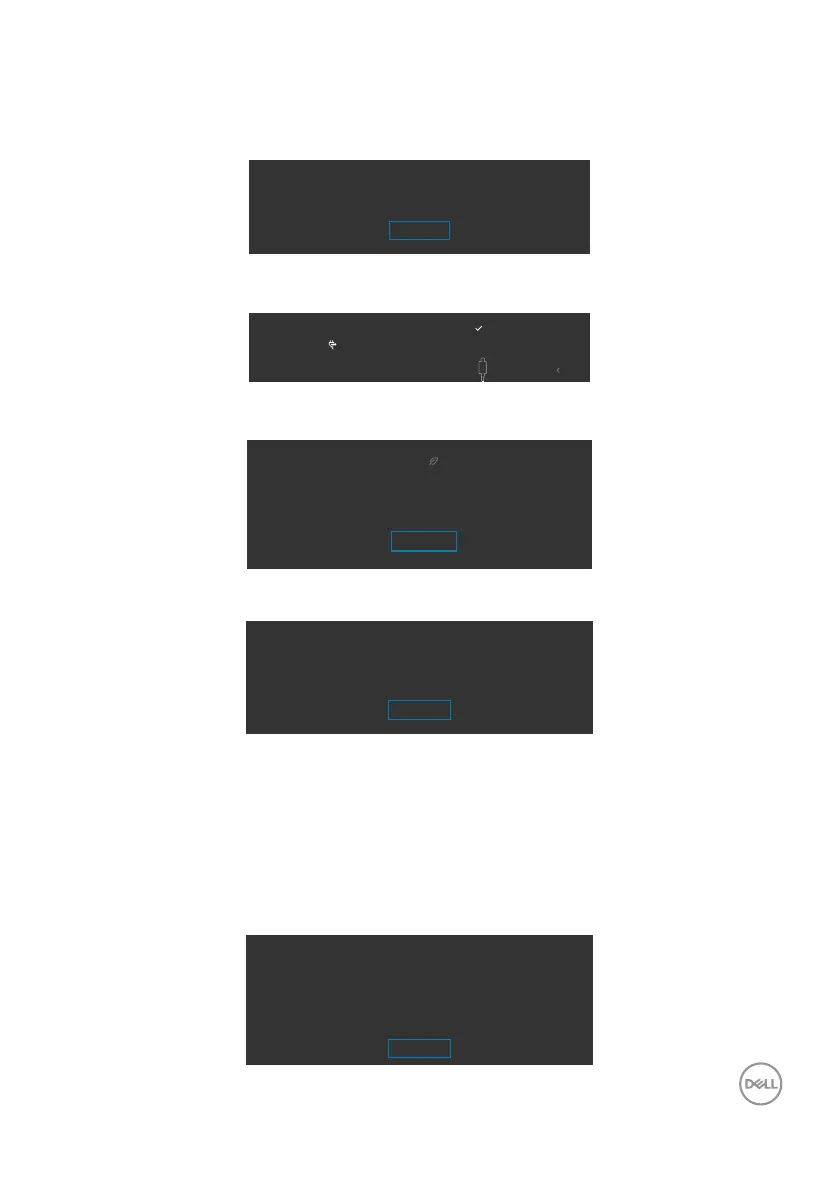
A message is displayed while the cable supporting DP alternate mode is connected to
the monitor under the following conditions:
• When Auto Select for USB-C is set to Prompt for Multiple Inputs.
• When the USB-C cable is connected to the monitor.
Switch to USB-C Video Input:
Yes
No
If the monitor connect with two ports or more, when the Auto of Input Source is
selected, it will turn to the next port with signal.
Exit
DP 1DP 2 HDMI 2 HDMI 1
Auto
USB-C 90W
Select OSD items of On in Standby Mode in Personalize feature, the following
message will appear:
Changing to this setting ( without
symbol) will increase power
consumption. Do you want to continue?
Yes
No
If adjust the Brightness level above the default level over 75%, the following message
will appear:
Adjusting to this value will increase power consumpiton above the
default level. Do you want to continue?
Yes
No
• When user selects “Yes”, the power message is displayed only once.
• When user select ‘No’, the power warning message will pop-up again.
• The power warning message will appear again only when the user does a Factory
Reset from the OSD menu.
When the monitor enables Screen Partition function, the following message will
appear:
• When user select ‘Yes’, USB-C Prioritization item will be set to High Resolution.
When Screen Partition is enabled,
data and network speeds through USB-C 1 will be reduced
1. Disconnect all USB storage devices plugged into the monitor
2. Select “Yes” to continue
Yes
No


 To Next Page