About your monitor | 9
Identifying parts and controls
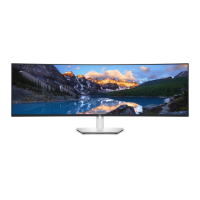
Front view
1
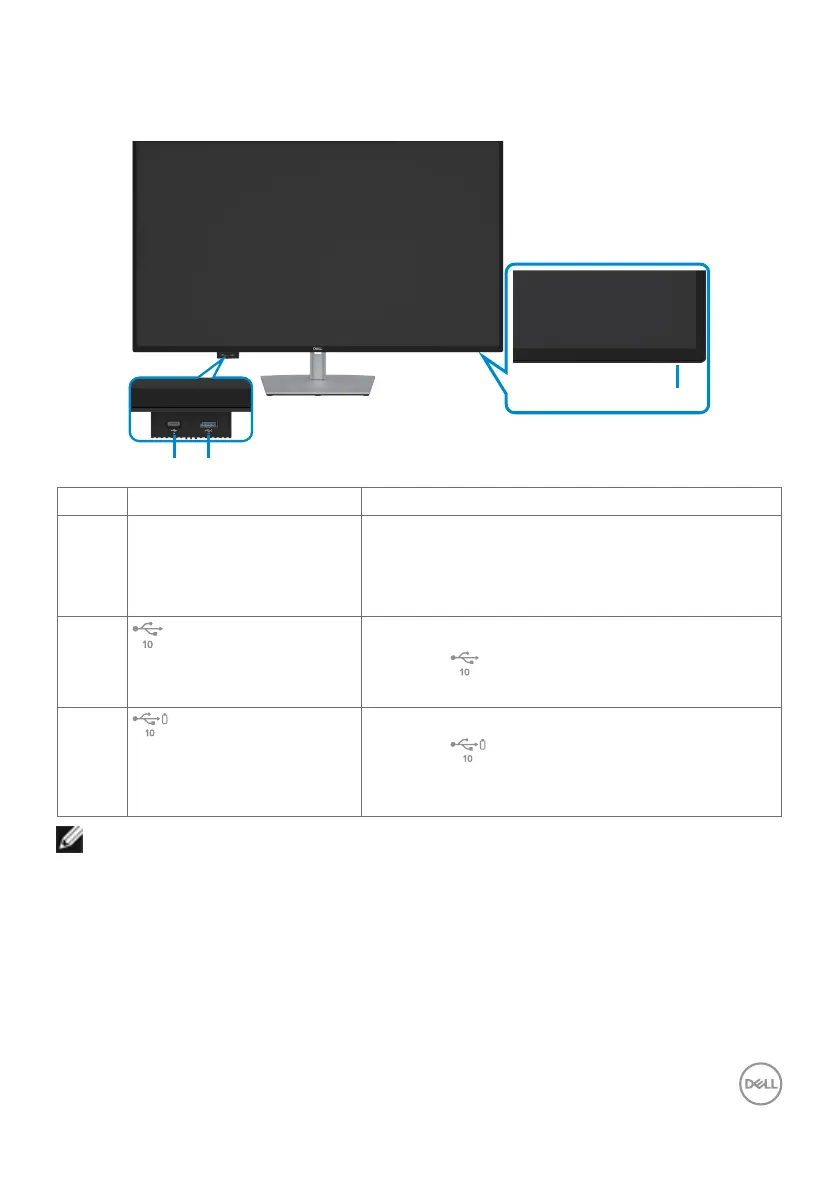
Label Description Use
1 Power LED indicator Solid white light indicates the monitor is turned
on and functioning normally.
Blinking white light indicates the monitor is in
Standby Mode.
2
Quick access USB Port 2:
USB-C data port
Connect your USB device.
Port with icon supports 5 V/ 3 A.
3
Quick access USB Port 3:
USB-A super speed 10Gps
(USB3.2 Gen 2)
Connect your USB device.
Port with battery icon supports Battery
Charging Rev. 1.2.
NOTE: You can use this port only after you have connected the USB cable
(A to C or C to C) to the USB-C upstream port at the rear of the monitor
to the PC.


 To Next Page