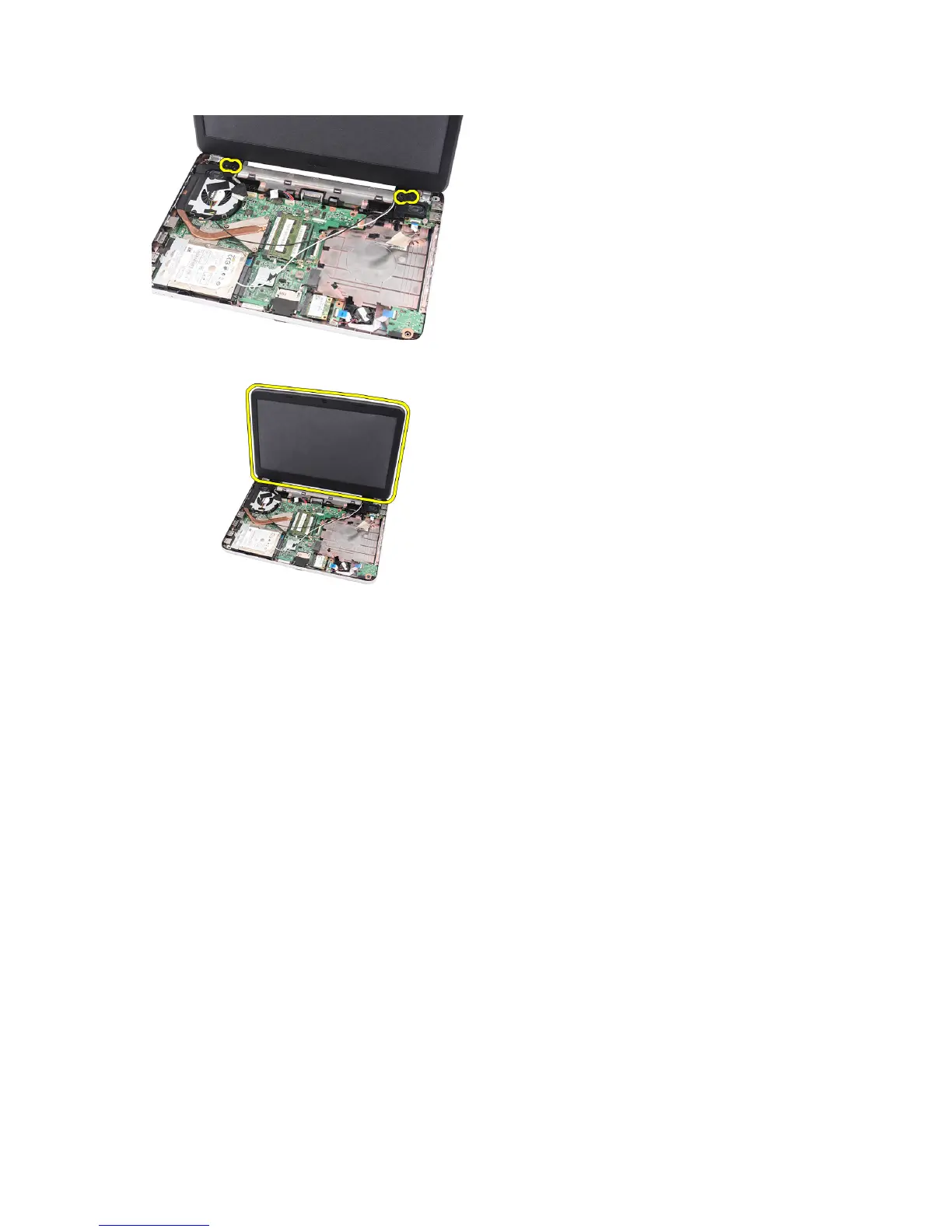
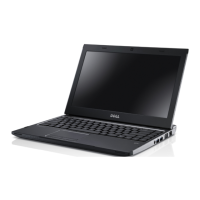
7. Lift up the display assembly from the computer and remove.
Installing the Display Assembly
1. Insert the display assembly hinges into their holders.
2. Install the screw that secures the right and left hinges in place.
3. Connect the display cable to the system board.
4. Align the WLAN antennae routing cable to its holder and connect the antennae to the WLAN card.
5. Connect the USB board cable.
6. Install:
a) palmrest
b) optical drive
c) keyboard
d) hinge cover
e) battery
7. Follow the procedures in
After Working Inside Your Computer
.
Removing the Display Bezel
1. Follow the procedures in
Before Working Inside Your Computer
.
2. Remove the battery.
3. Starting from the bottom, pry the bezel inside out from the display assembly and work your way to the right and the
left corners of the display bezel.
32



 To Next Page