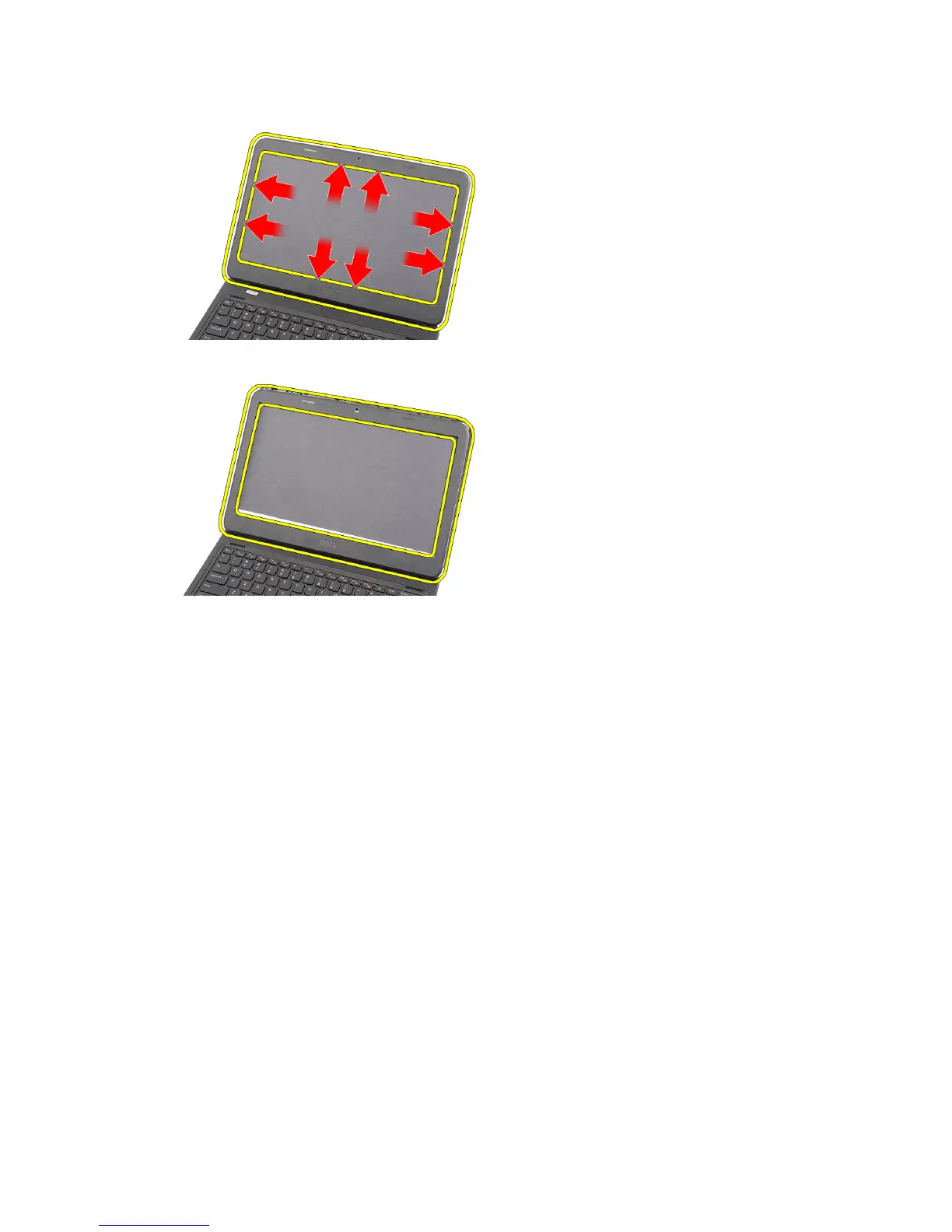
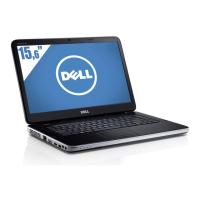
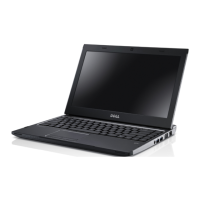
4. Remove the bezel from the display assembly.
Installing the Display Bezel
1. Align the display bezel in line with the top cover.
2. Starting from the bottom edge, press downward on the display bezel to engage the tabs.
3. Install the battery.
4. Follow the procedures in
After Working Inside Your Computer
.
Removing the Camera
1. Follow the procedures in
Before Working Inside Your Computer
.
2. Remove the battery.
3. Remove the display bezel.
4. Disconnect the camera cable from the camera module.
33



 To Next Page