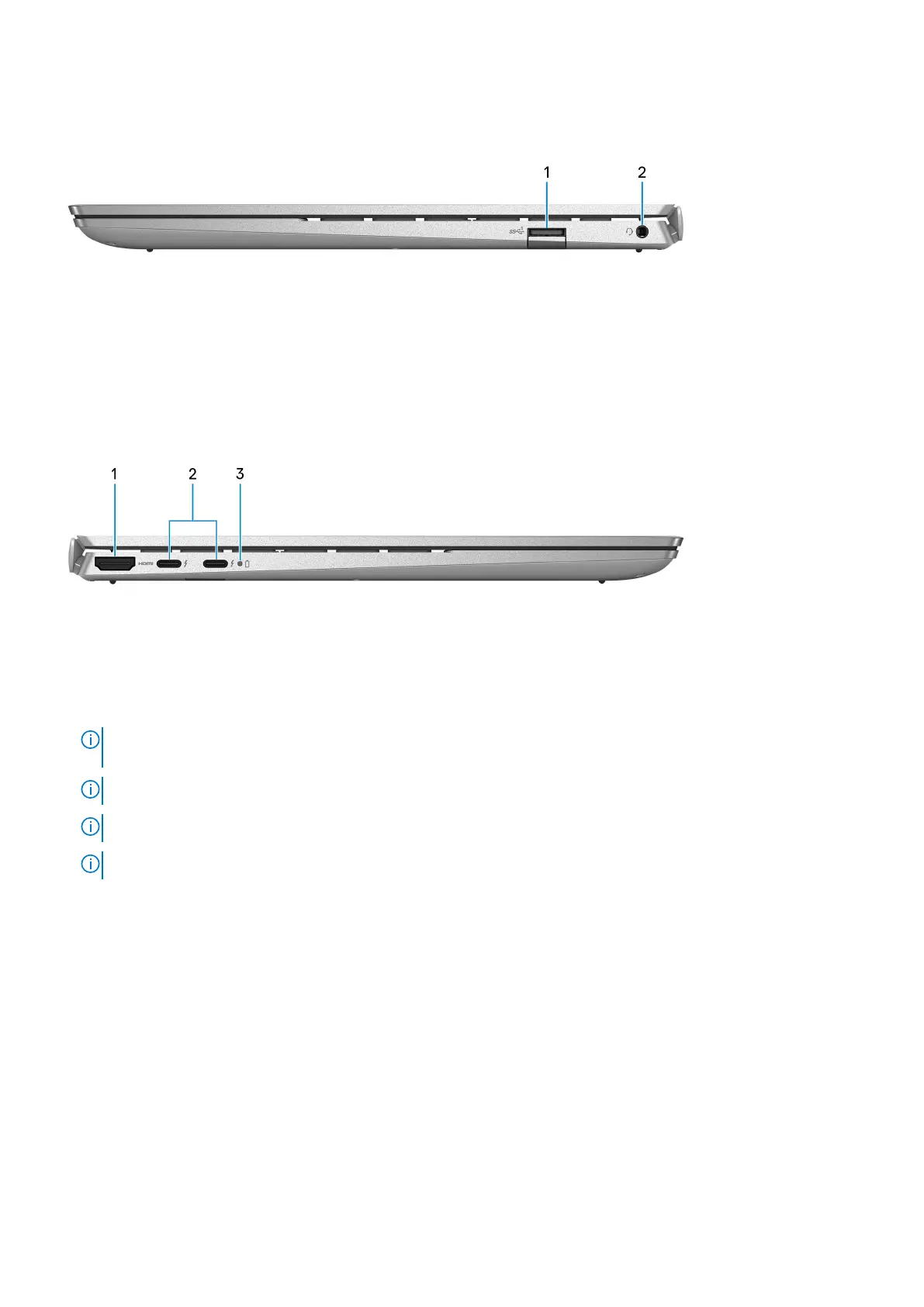
Right
1. USB 3.2 Gen 1 port
Connect devices such as external storage devices and printers. Provides data transfer speeds up to 5 Gbps.
2. Headset port
Connect headphones or a headset (headphone and microphone combo).
Left
1. HDMI port
Connect to a TV, external display or another HDMI-in enabled device. Provides video and audio output.
2. Thunderbolt 4.0 port with Power Delivery and DisplayPort (2)
Supports USB4, DisplayPort 1.4, Thunderbolt 4 and also enables you to connect to an external display using a display adapter.
Provides data transfer rates of up to 40 Gbps for USB4 and Thunderbolt 4.
NOTE:
You can connect a Dell Docking Station to the Thunderbolt 4 ports. For more information, see the knowledge
base article 000124295 at www.dell.com/support.
NOTE: A USB Type-C to DisplayPort adapter (sold separately) is required to connect a DisplayPort device.
NOTE: USB4 is backward compatible with USB 3.2, USB 2.0, and Thunderbolt 3.
NOTE: Thunderbolt 4 supports two 4K displays or one 8K display.
3. Battery-status light
Indicates the battery-charge status.
Solid white—Power adapter is connected and the battery has more than 5% charge.
Amber—Computer is running on battery and the battery has less than 5% charge.
Off—Power adapter is disconnected or the battery is fully charged.
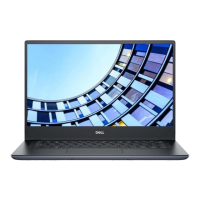
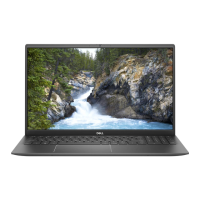
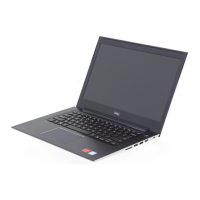
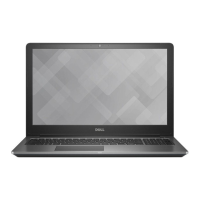
Views of Vostro 5320
7




 To Next Page