16 Setting Up Your TV
www.dell.com | support.dell.com
FILE LOCATION: C:\Documents and Settings\solinak\Ƈ¦±\OM update\ch2e.fm
DELL CONFIDENTIAL – PRELIMINARY 10/8/04 – FOR PROOF ONLY
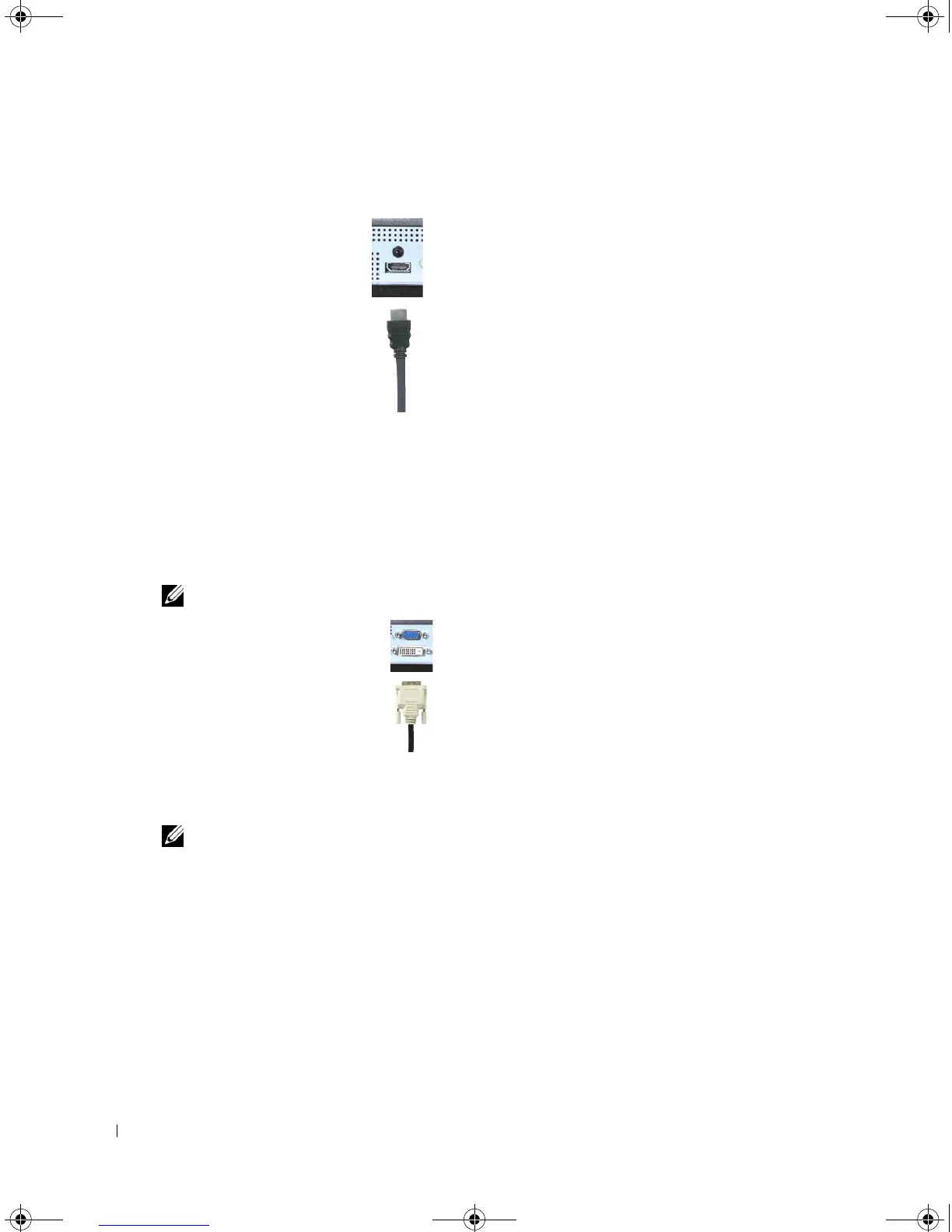
Using the HDMI Connector
1
Turn off the TV and unplug the power cord.
2
Connect your device using the HDMI connector.
3
Plug in the power cords for the TV and devices and turn them on.
4
Enter the OSD and select HDMI. See "Input Select" on page 26 for more information.
Using the DVI Connector
NOTE: Only one connector can be used for a computer, either VGA or DVI.
1
Turn off the TV and unplug the power cord.
2
Connect the white DVI cables and the audio cables.
NOTE: Some cable TV boxes may have DVI connectors, but do not support using a DVI connection. For
more information, contact your cable TV company.
3
Plug in the power cords for the TV and devices and turn them on.
4
Enter the OSD and select DVI. See "Input Select" on page 26 for more information.
DZ101_eUM.book Page 16 Friday, October 8, 2004 2:25 PM


 To Next Page