EasyManua.ls Logo

Dell WASHING MACHINE - User Manual

Dell WASHING MACHINE
72 pages
Print Icon
To Next Page IconTo Next Page
Loading...
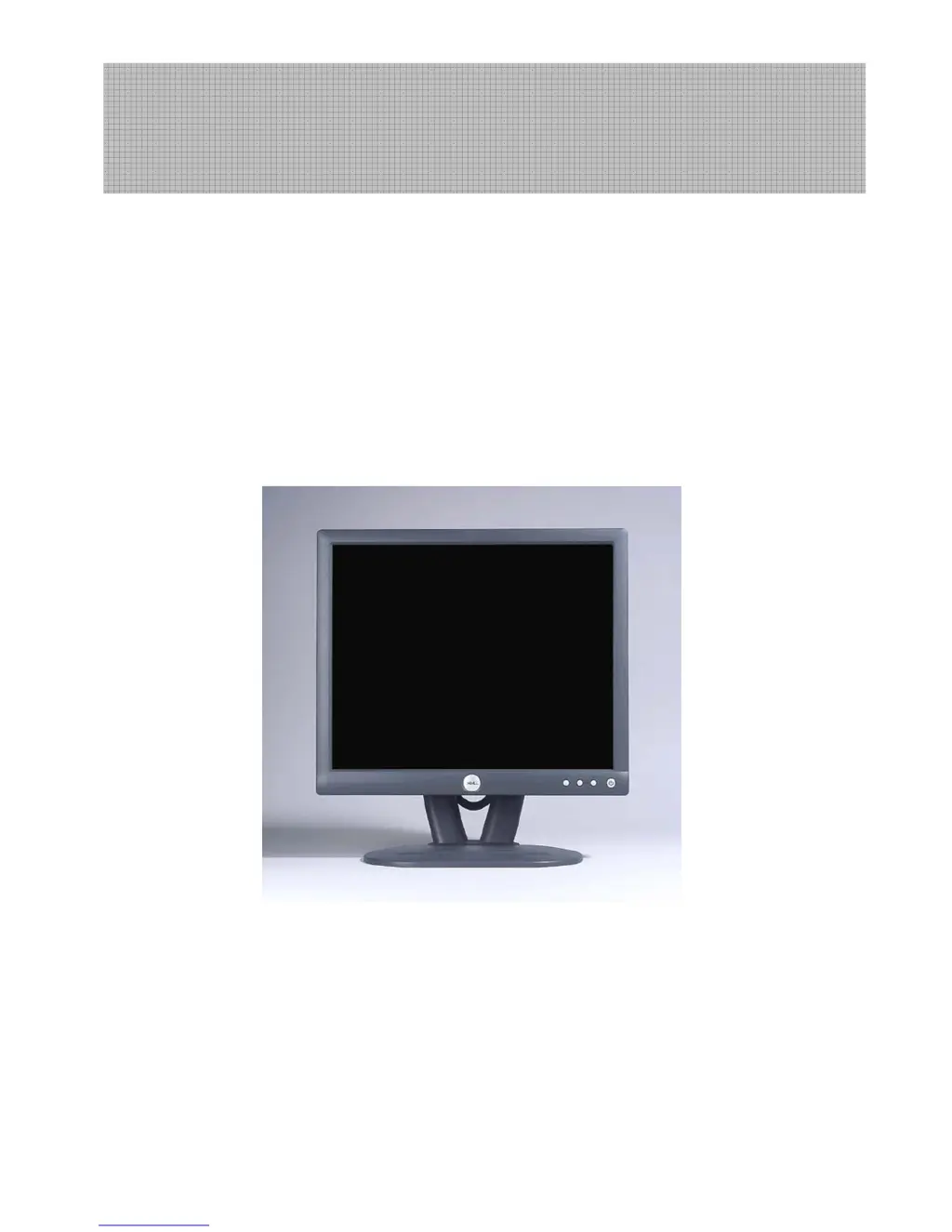
Dell E173FPc
17” LCD MONITOR
DELL E173FPc
THESE DOCUMENTS ARE FOR REPAIR SERVICE INFORMATION ONLY.EVERY REASONABLE EFFORT HAS
BEEN MADE TO ENSURE THE ACCURACY OF THIS MANUAL; WE CANNOT GUARANTEE THE ACCURACY
OFTHIS INFORMATION AFTER THE DATE OF PUBLICATION AND DISCLAIMS RELIABILITY FOR CHANGES,
ERRORS OR OMISSIONS.
Service Manual

Questions and Answers

  • C
    Carol Miller DDSAug 9, 2025
    What to do if OSD is unstable on Dell Monitor?
    • F
      Frank HuynhAug 9, 2025
      To address an unstable or non-working OSD on your Dell Monitor, first check if the Keypad board is properly connected. If not, connect it. If the issue persists, try replacing the Button Switch or the Keypad Board. As a final step, check the main board.
  • A
    Ashley SolomonAug 23, 2025
    How to fix panel power circuit on Dell Monitor?
    • S
      Scott PriceAug 23, 2025
      To resolve issues with the panel power circuit on your Dell Monitor, check that C158 responds from 0V to 5V when switching Q104 and Q105. Also, ensure the soldering for the power switch is well from on to off. If problems persist, consider replacing Q104, Q105, or the panel itself.

Dell WASHING MACHINE Specifications

General IconGeneral
BrandDell
ModelWASHING MACHINE
CategoryMonitor
LanguageEnglish

Related product manuals