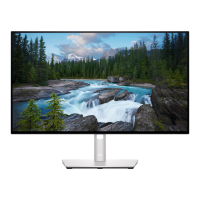
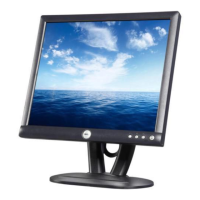
Dell E173FPc
45
9.2 Trouble shooting
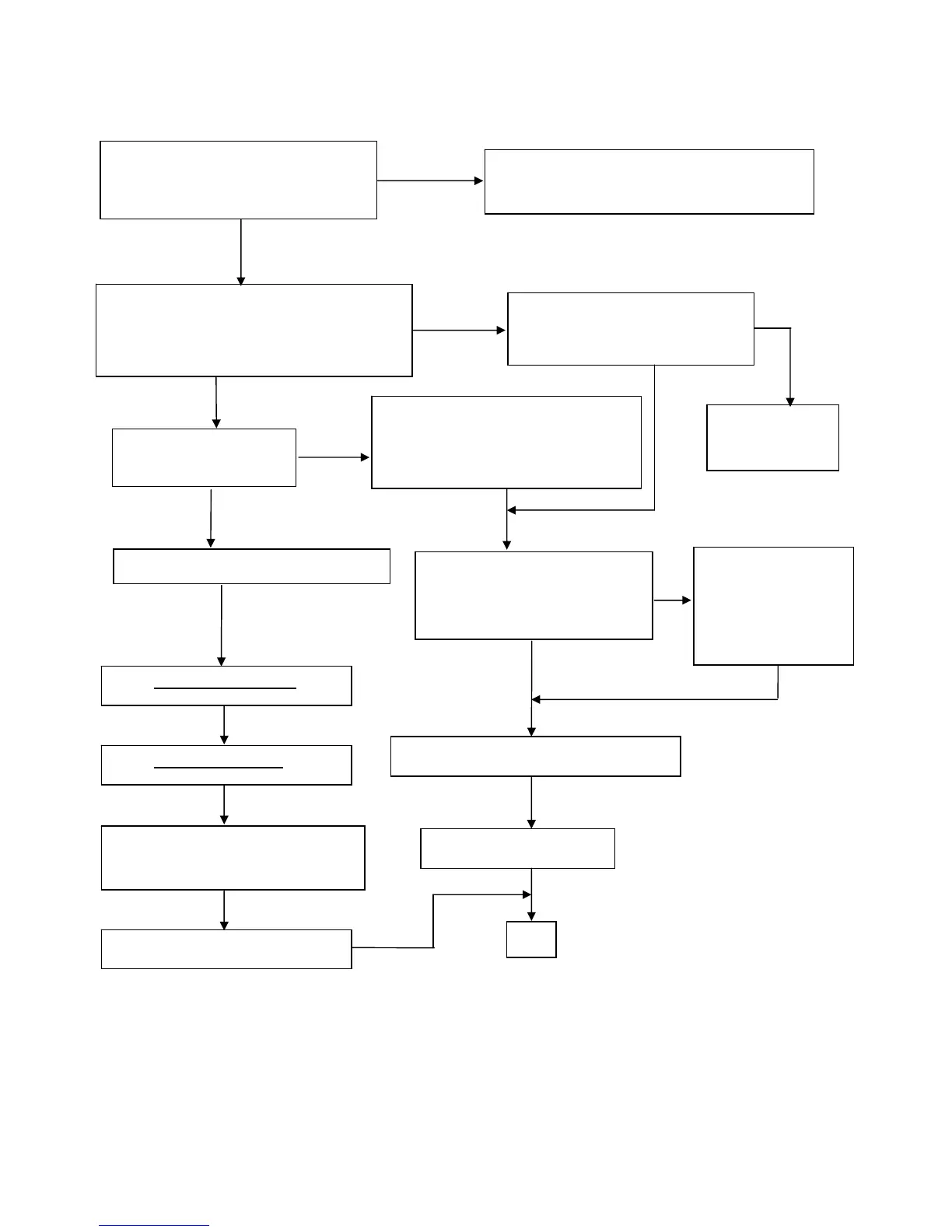
9.2.1 Main Board
No Screen
Note: 1. If replace “Main-Board”, Please re-do “DDC-content” programmed & “White-Balance”.
2. If replace “Power Board” only, Please re-do “ White-Balance”
Check
Correspondent
component
short/open
(Protection Diode)
OK
Measured CN104 pin1 = 3.3 V?
Measured CN104 pin 2= 5V?
Check Power board; is there DC level output?
Check U105 pin2=3.3V, U106 pin2=1.8V?
Is there any shortage or cold solder?
OK
Disconnected the Signal cable (Loose the
Signal cable), Is the screen show Block
WRGB color bars?
Connected the Signal cable again,
check LED status.
Green
Replace U102
Scalar IC
NG
Connected the Signal
cable again Check LED
Check Power switch is in Power-on
status, and check if Power switch had
been stuck?
Orange
OK, Keyboard no stuck
Orange
Green
Check the Wire-Harness from CN103
Measured RGB (R101, R104,
R105) H/V Input at U102 pin
95,96, Was there have signal?
NG
OK, Wire tight enough
Check Panel-Power Circuit Block
OK, Panel Power OK
Check U102 Data-output Block
Replace Inverter board and Check
Inverter control relative circuit
Re-do White balance adjust
Measured Crystal X101
OK
Replace U102 (ZAN3XL)
OK
OK, U102 data OK
NG
OK


 To Next Page