Back to Contents Page
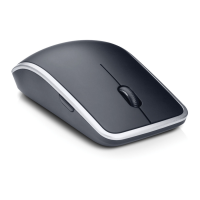
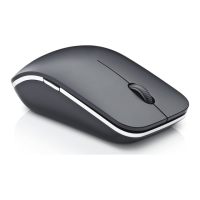
Troubleshooting: Dell Travel Mouse WM524
Windows 8
1.
Select the Search charm and type Device
Manager.
2.
Select Settings. Device Manager should be
listed in the results. Click on Device Manager .
3.
In Device Manager, expand Bluetooth and
select the Bluetooth radio .
4.
Right click on the Bluetooth radio and select
Properties.
5.
On the Advanced tab, the Manufacturer Id
will be 15 if your radio is Broadcom-based.
6.
On the Power Management tab, uncheck the
checkbox for
this device to save power.
Features | Shortcut Gestures | Increasing the Battery Life of your Mouse


 To Next Page