Back to Contents Page
Connecting your Dell Travel Mouse WM524 in Windows 8
Ensure Bluetooth wireless feature is enabled
on your computer.
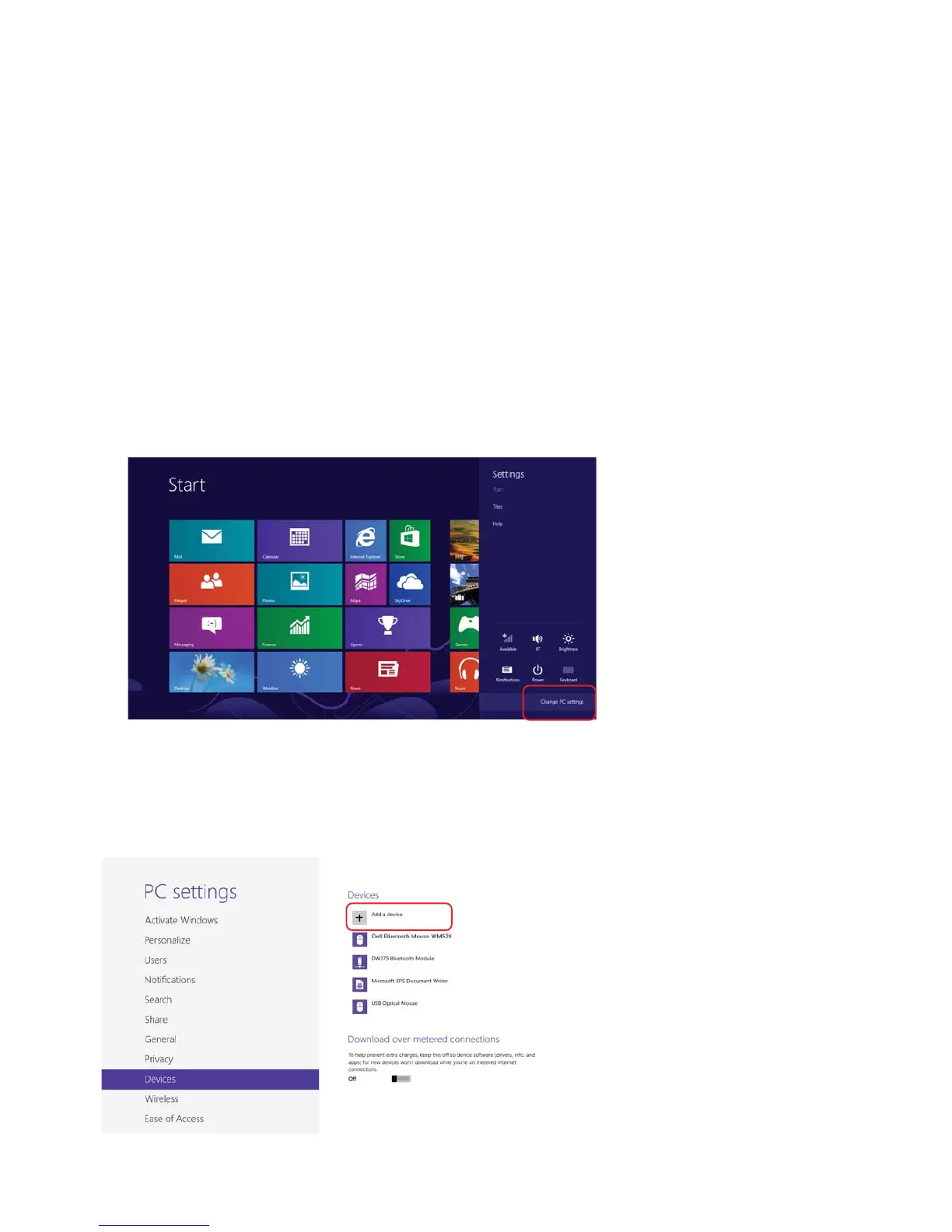
1. On the computer, access Windows charms, locate Settings
and select Change PC Settings.
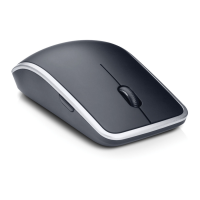
2. Locate Devices tab and select Add a device.
Connecting your Dell Travel Mouse WM524 in Windows 7
Connecting your Dell Travel Mouse WM524 in Windows 8



 To Next Page