3DeLorme inReach User Manual | Getting Started
Getting Started
Welcome
The inReach™ two-way satellite communicator with GPS keeps you in reach wherever you go—whether you want to
share your trip, check in with loved ones, or send an SOS in an emergency—you’re always in reach.
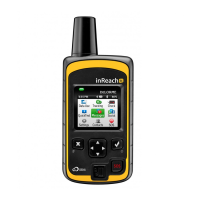
• Use the inReach for mobile devices with the Earthmate
®
app on your compatible phone or tablet to take full
advantage of two-way messaging and DeLorme maps.
For information about compatible devices, visit delorme.com/inreach.
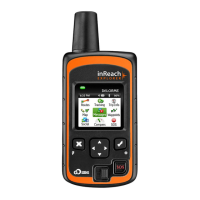
• Use the inReach for Earthmate
®
PN-60w to experience all the PN-60w has to offer, with the addition of two-way
messaging.
• Use either inReach alone to send your location to explore.delorme.com; send predened messages that include
your location to your contacts, Facebook, or Twitter; or send an SOS in an emergency.
What’s in the Box
Your inReach package contains:
• inReach with pack clip and lanyard
• Micro USB cable for rmware updates
• 2 lithium AA batteries
• Quick Start Guide
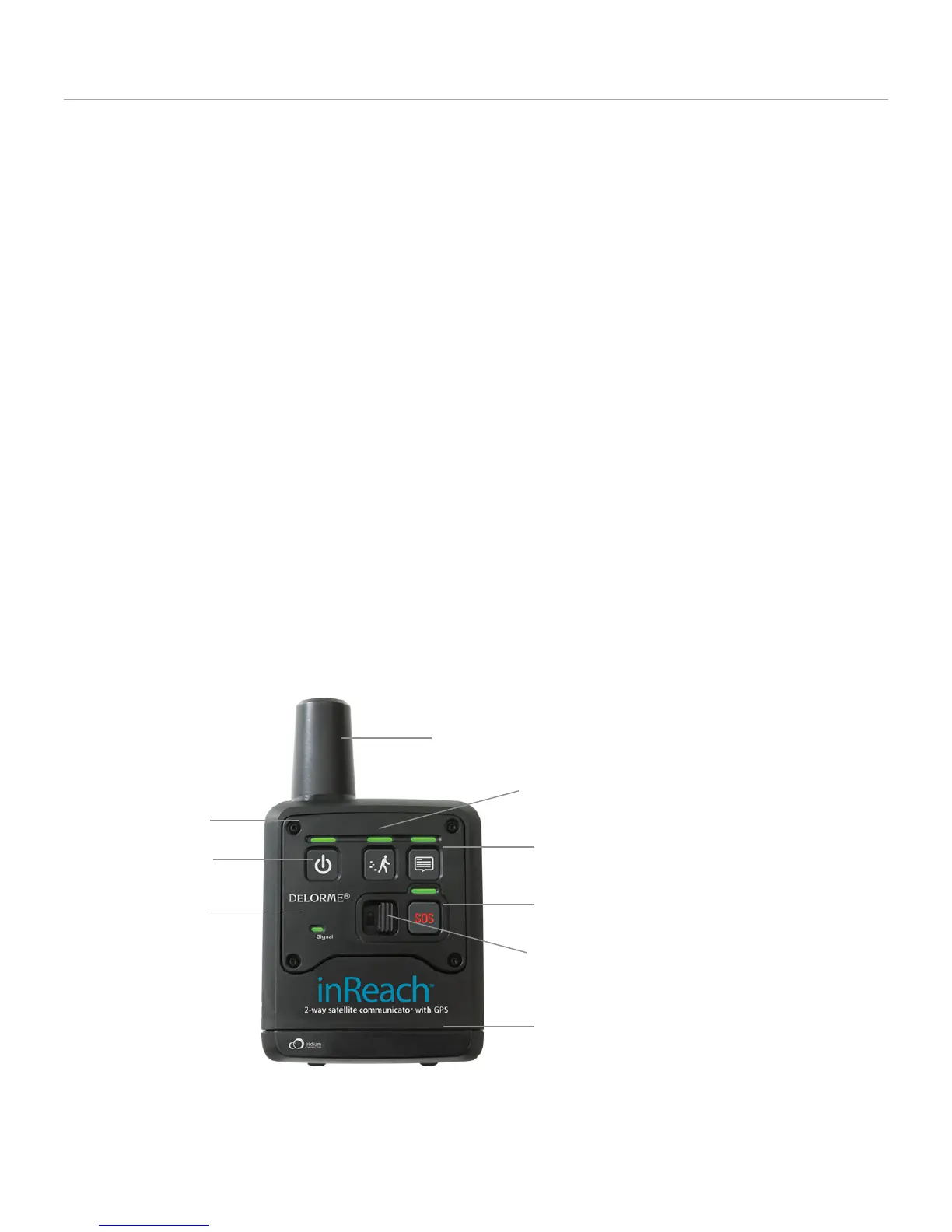
inReach Interface
Tracking
Message
SOS
LEDs
Power
Signal LED
Battery compartment
Antenna
SOS Button Lock


 To Next Page