EasyManua.ls Logo

Delta Amplon UPA102R2RX2N035 - User Manual

Delta Amplon UPA102R2RX2N035
56 pages
Print Icon
To Next Page IconTo Next Page
Loading...
www.deltaww.com
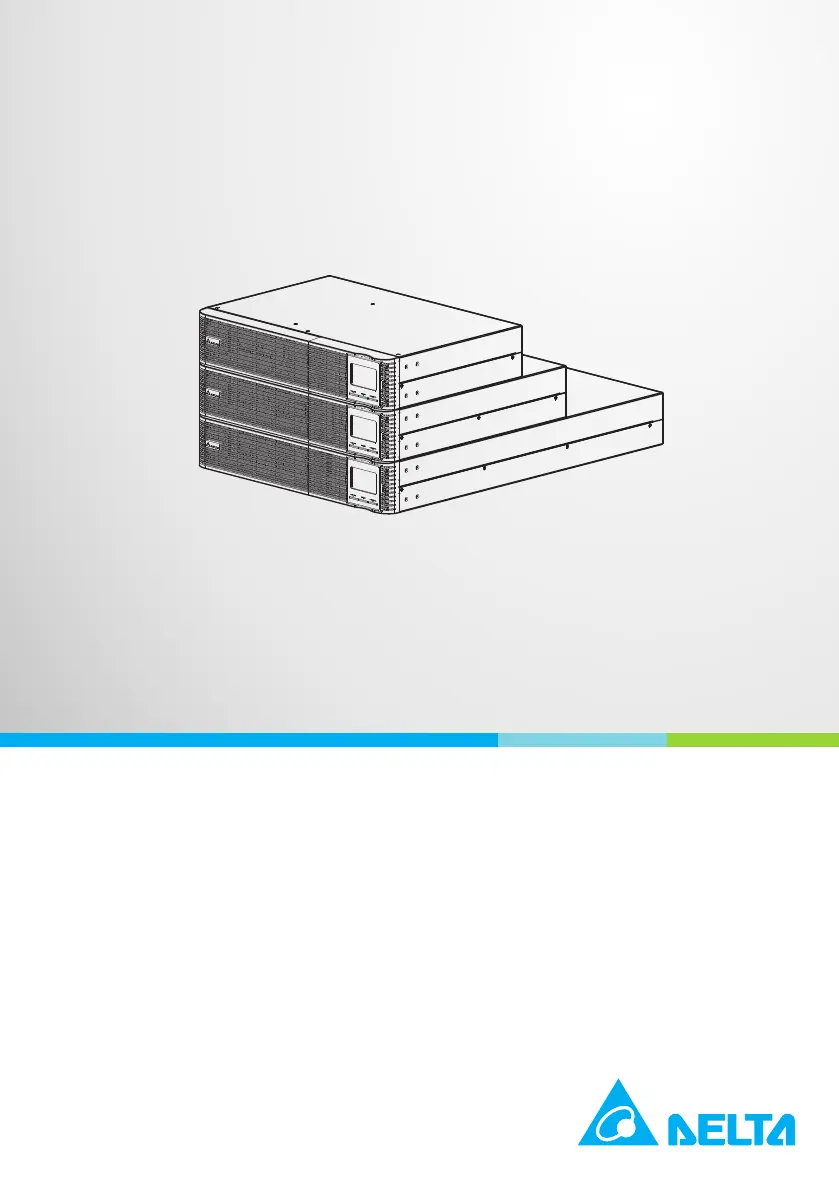
Delta UPS Amplon Family
RT Gen3 Series, Single Phase
1/ 2/ 3 kVA
User Manual
The power behind competitiveness

Questions and Answers

  • J
    Janet JonesAug 7, 2025
    What to do if the icons flash and the alarm sounds twice every second on my Delta Amplon UPA102R2RX2N035?
    • D
      Dr. Edward WilliamsonAug 7, 2025
      If the Delta UPS is overloaded, remove some of the connected devices from the UPS output. If the UPS is locked in bypass mode after repetitive overloads, remove excess loads, then shut down the UPS and restart it.
  • R
    Rachel LyonsAug 15, 2025
    Why is the battery backup time shorter than nominal value on my Delta UPS?
    • M
      millerjasminAug 15, 2025
      If the battery backup time of your Delta UPS is shorter than expected: 1. Charge the batteries for at least 5 hours and check the battery capacity. 2. If the problem persists, the batteries may be damaged.
  • E
    Erica RodriguezAug 22, 2025
    How to troubleshoot no indication and alarm on Delta Amplon UPA102R2RX2N035?
    • R
      Roger HarrisAug 22, 2025
      If there is no indication and alarm on your Delta UPS, even though the mains is normal: * Check if the input power cord is firmly connected to the mains. * Ensure the AC input power cord is correctly plugged into the AC input, and not the UPS output.
  • H
    hollowayfrancesAug 29, 2025
    What to do if the icons flash and the alarm sounds every second on Delta UPS?
    • B
      batesfrankAug 30, 2025
      If the icons flash and the alarm sounds every second on the LCD display of your Delta UPS, check if all external or internal batteries are correctly connected.

Summary

Important Safety Instructions

Installation Warnings

Instructions and precautions for safe installation of the UPS unit.

Connection Warnings

Guidelines for safely connecting the UPS to power and devices.

Usage Warnings

Precautions and warnings for operating the UPS safely.

Storage

Guidance on storing the UPS unit to maintain its condition.

Standard Compliance

Information on certifications and standards the UPS complies with.

Introduction

General Overview

An overview of the Delta UPS Amplon RT Gen3 Series features and capabilities.

Package Inspection

Instructions for checking the UPS package contents and condition upon arrival.

Operating Principle

Explanation of the UPS's internal operating principle and system block diagram.

Exterior & Dimensions

Details on the physical appearance and dimensions of the UPS models.

Front View

Illustration and description of the UPS front panel and operation controls.

Rear View

Diagrams illustrating the rear panel connectors and ports for various UPS models.

Installation

Rack Mounting

Step-by-step guide for installing the UPS into a 19-inch rack.

Tower Mounting

Instructions for installing the UPS in a vertical or tower configuration.

Connection

UPS Connection & Setup

Procedures for connecting the UPS battery, input power, and output devices.

Battery Replacement

Procedure for safely replacing the UPS batteries while the unit is operational.

Operation

Control Buttons

Detailed explanation of the functions of the UPS's control buttons.

User Interface Indicators

Description of LCD panel, audible alarms, and their meanings.

Configuration and Modes

Guide to configuring UPS parameters, modes, and operational settings.

Faults and Warnings

List of fault codes, warning indicators, and their meanings for troubleshooting.

Optional Accessories

Troubleshooting

Maintenance

UPS Cleaning

Procedure for cleaning the UPS unit to ensure proper ventilation and prevent overheating.

UPS Regular Inspection

Guidelines for monthly and biannual inspection of the UPS unit.

Appendix 1: Technical Specifications

Standard Runtime Model

Technical specifications for the Standard Runtime UPS models (RT-1K, RT-2K, RT-3K).

Extended Runtime Model

Technical specifications for the Extended Runtime UPS models (RT-1K, RT-2K, RT-3K).

Appendix 2: Warranty

Delta Amplon UPA102R2RX2N035 Specifications

General IconGeneral
Power Rating10 kVA / 10 kW
Output Power Factor1.0
TopologyDouble Conversion Online
Frequency50 / 60 Hz
Power Capacity10 kW
Battery TypeValve Regulated Lead Acid (VRLA)
EfficiencyUp to 96%
Operating Temperature0°C to 40°C
Input Voltage220/380, 230/400, 240/415 Vac (3-phase, 4-wire + G)
Output Voltage220/380, 230/400, 240/415 Vac (3-phase, 4-wire + G)

Related product manuals