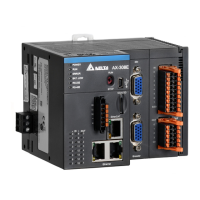
AX-3 Series Operation Manual
A-16
A.4.2
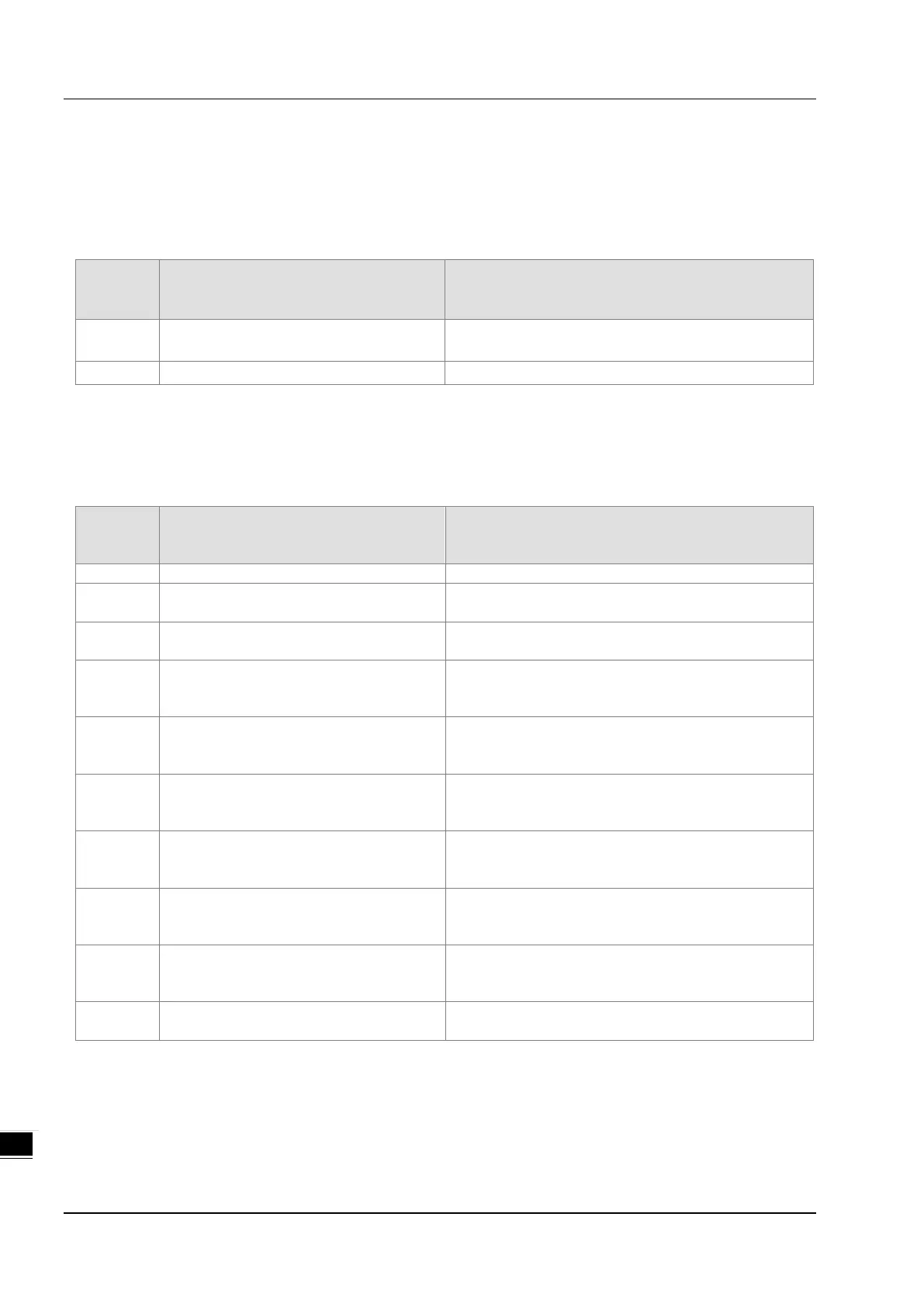
Troubleshooting of Loadcell Modules AS02LC
A.4.2.1 ERROR ERROR LED Indicators Are ON
You can set up the option to be True in Module Alarm Setting to have the following errors appear as warnings when
they occur. Otherwise, when an error occurs, only an error message appears.
Error
Code
Description Solution
16#1605 Hardware failure
If the problem persists, contact the local authorized
The external voltage is abnormal.
A.4.2.2 ERROR LED Indicators Blinking Every 0.2 Seconds
The following errors are specified as warnings to ensure that the AX-3 Series CPU can still run even when the warnings
are triggered by its LC modules. If you need the CPU STOP running immediately when the first 4 errors occur, you need
to set the them as errors.
Error
Code
Description Solution
The external voltage is abnormal.
16#1802 Hardware failure
If the problem persists, contact the local authorized
16#1807 The CJC is abnormal.
If the problem persists, contact the local authorized
16#1808
The signal received by channel 1
exceeds the range of analog inputs
Check the signal received by channel 1
16#1809
The signal received by channel 2
exceeds the range of analog inputs
Check the signal received by channel 2
16#180A
The signal received by channel 3
exceeds the range of analog inputs
Check the signal received by channel 3
16#180B
The signal received by channel 4
exceeds the range of analog inputs
Check the signal received by channel 4
16#180C
The signal received by channel 5
exceeds the range of analog inputs
Check the signal received by channel 5
16#180D
The signal received by channel 6
exceeds the range of analog inputs
Check the signal received by channel 6
-
When power-on, the module is not
Check if the connection between module and CPU
module is working. If not, connect again.



 To Next Page