-
26
Section
3 •
Operation
-
Rear
Panel
Controls
The UPS
ON
/OFF Switch, DIP Switches,
and
Communication Port are located
on
the right
hand
side of each Rear Panel. Each is explained
below.
UPS
ON/OFF
Switch
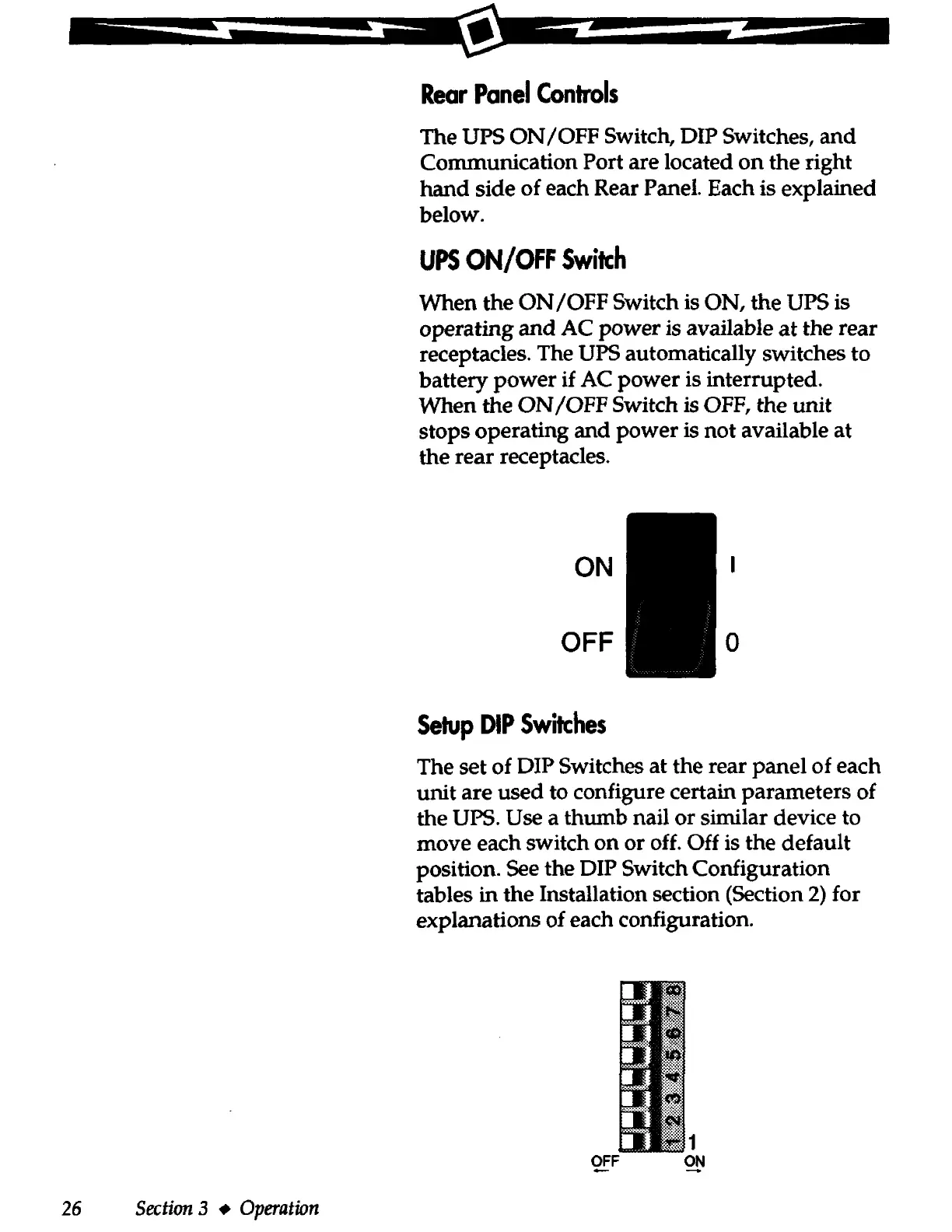
When the
ON
/OFF Switch is ON, the UPS is
operating
and
AC
power
is available
at
the rear
receptacles. The UPS automatically switches to
battery
power
if
AC
power
is interrupted.
When the
ON
/OFF
Switch is OFF, the unit
stops operating and
power
is
not
available at
the rear receptacles.
ON
OFF 0
Setup
DIP
Switches
The set of DIP Switches at the rear
panel
of each
unit are used to configure certain parameters of
the UPS. Use a thumb nail or similar device to
move each switch
on
or off. Off is the default
position. See the DIP Switch Configuration
tables in the Installation section (Section
2)
for
explanations of each configuration.
,.,
;~1
OFF
ON



 To Next Page