I-980
Rev. G-43816 3/23/18
Page 6 of 8
Initial Programming
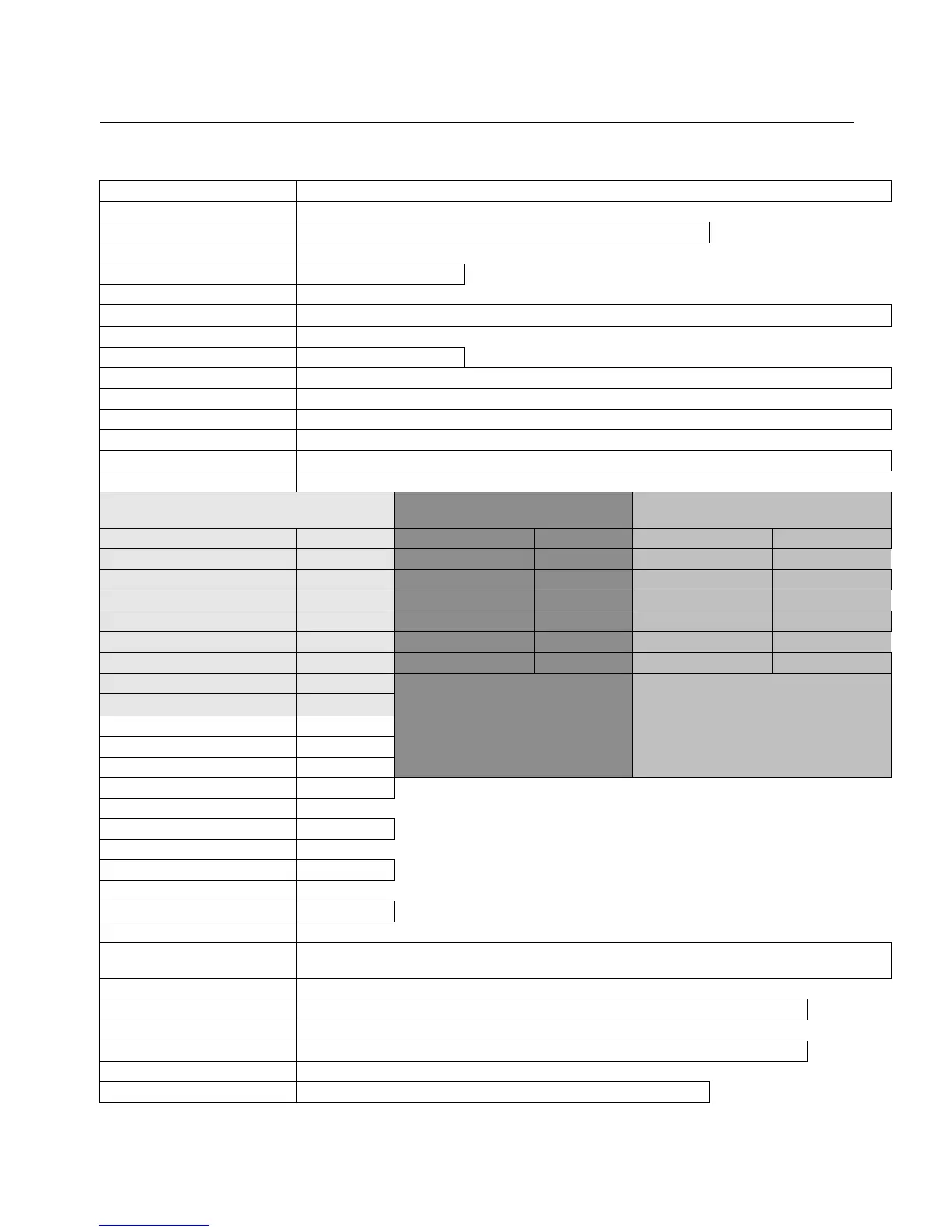
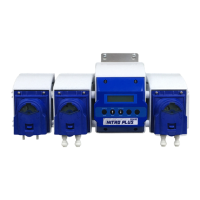
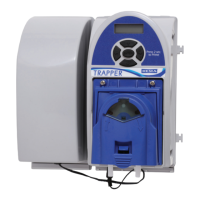
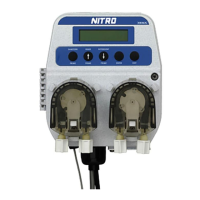
The programming of this unit is done through the control board, display, and buttons on the front of the unit.
Programming of the unit is as follows:
Company Name Press and hold “Enter” Button for 3 Seconds until backlight comes on
Press
Language English, Spanish, French, Portuguese
Press
Rack Count Show Rack count
Press
Det. SP Input Det. C = Concentration or P = Probeless SP= Set point Input & probe reading
Press
New Program Press Enter
Control Mode Press Enter, then select using arrows Concentration (Probe) or Probe-less
Press
Machine Type Press Enter, then select using arrows Conveyor or Door.
Press
Trigger Mode Press Enter, then select Detergent/Rinse or Rinse Only or Detergent Only
Press
When Concentration is chosen
When Probeless Door is
chosen
When Probeless Conveyor is
chosen
Concentration Set Point 0-1000 Recharge Time 1s – 5 min Recharge Time 1s – 5min
Press
Press
Press
Feed Rate 0-10 Dead Cycles 0-5 Dwell Time 1s – 10 min
Press
Press
Press
Feed Limit 5s – 10 min Initial Charge 1s – 10 min Initial Charge 1s – 10 min
Press
Press
Press
Alarm Delay 5s - 10 min
Charge Activate Off-60s
Charge Clock 5 min – 16 hrs
Press
Initial Charge Activate will
determine the length of the
rinse trigger that instigates an
initial charge while in probe-less
mode.
Charge Clock – If no triggers are
received for this length of time, the
next wash trigger will give an initial
charge.
Alarm Volume 0-10
Press
Rinse Speed 0-100%
Press
Rinse Delay 0-15s Door Mode Only
Press
Rinse Limit 15s - 30s Door Mode Only
Press
Rinse Length 5s-75s Conveyor and Door/Detergent Trigger only Modes
Press
Sanitizer Speed 0-100%
Press
Company Name
Press Enter, use arrows to change characters, use sanitizer prime and exit to move
cursor left and right.
Press
Rack Count Press Enter, then Exit to Reset Rack Count
Press
Enter New Code Enter 4 digit code, use sanitizer prime button to move cursor
Press
Control Mode Reverts back to beginning of programming


 To Next Page