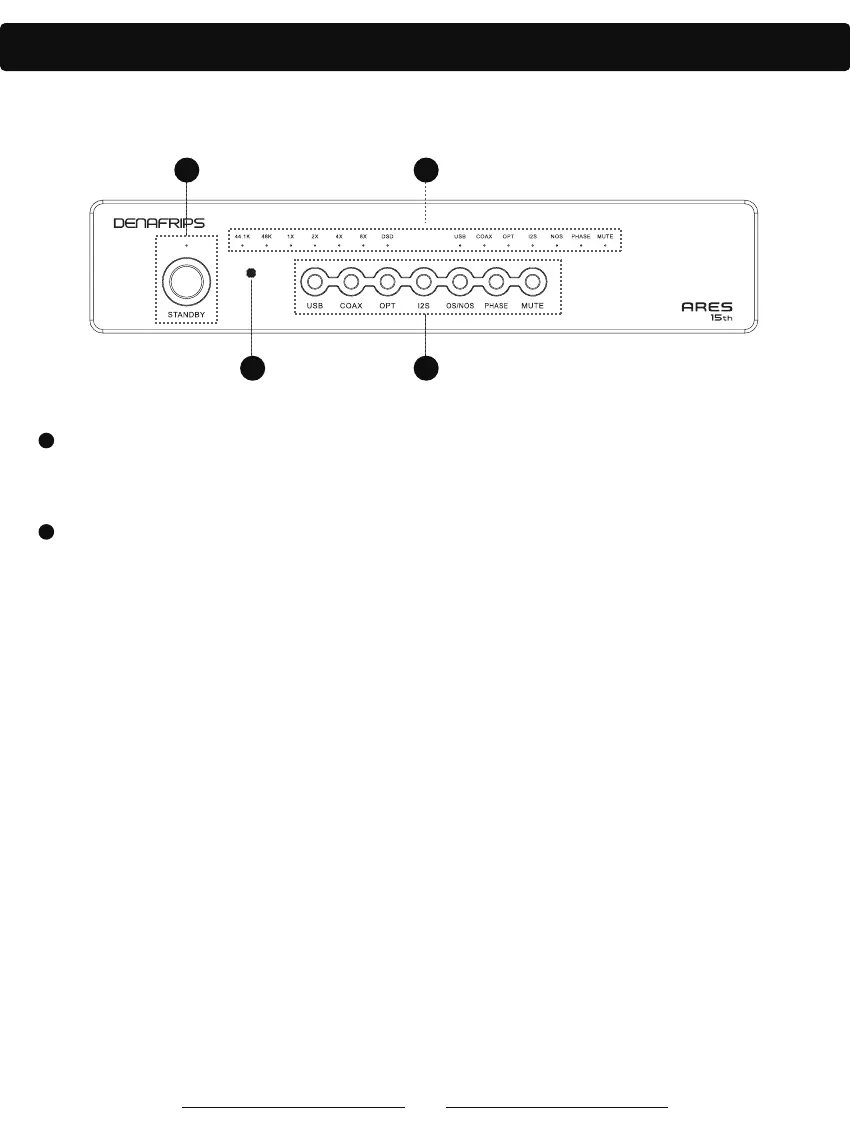
Function Panel Introduction
43
21
4
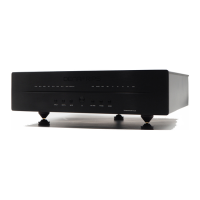
Figure 1
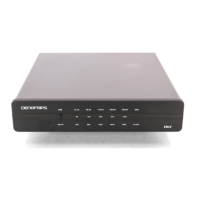
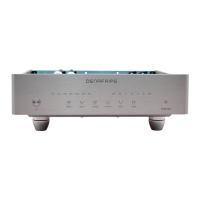
. Indicators on the DAC panel (showing input source, sample rate, audio format and mode).
a. Signal source indicators: USB, COAX, OPT, I2S. These indicators indicate different input ports. When
an input source is selected, the corresponding indicator lights up.
b. Sample rate indicators: 44.1K (44.1 KHz sample rate); 48K (48 KHz sample rate). These indicators
indicate the current sample rate of the input audio signal.
c. Multiplier indicators: 1X (original sample rate); 2X (2 times the sample rate); 4X (4 times the sample
rate); 8X (8 times the sample rate). These indicators show the multiplier frequency of the current input
audio signal (e.g. a multiple of the original sample rate, as explained in the following chart).
d. Audio format indicator: DSD when the light is on, PCM when the light is off.
e. PHASE indicator: In-phase when the light is on, inverted when the light is off.
f. NOS indicator: NOS when the light is on, OS when the light is off.
In OS mode, the DAC processes the incoming digital audio signal to increase the sampling rate.
Oversampling increases the audio quality by adding more data points through interpolation algorithms.
In NOS mode, the DAC processes the input digital audio signal directly without any sample rate
processing. This mode preserves the original characteristics of the audio signal.
g. MUTE indicator: mute when the light is on, normal audio output when the light is off.
1
2
. Standby button and indicator
When the power of the unit is turned on, the standby indicator light is on, indicating that it is in standby
mode. Press the standby button, the standby indicator goes out and the DAC starts to work.




 To Next Page