© DENAFRIPS CO. LTD. & VINSHINE AUDIO PTE. LTD. (SINGAPORE)
ALL RIGHTS RESERVED
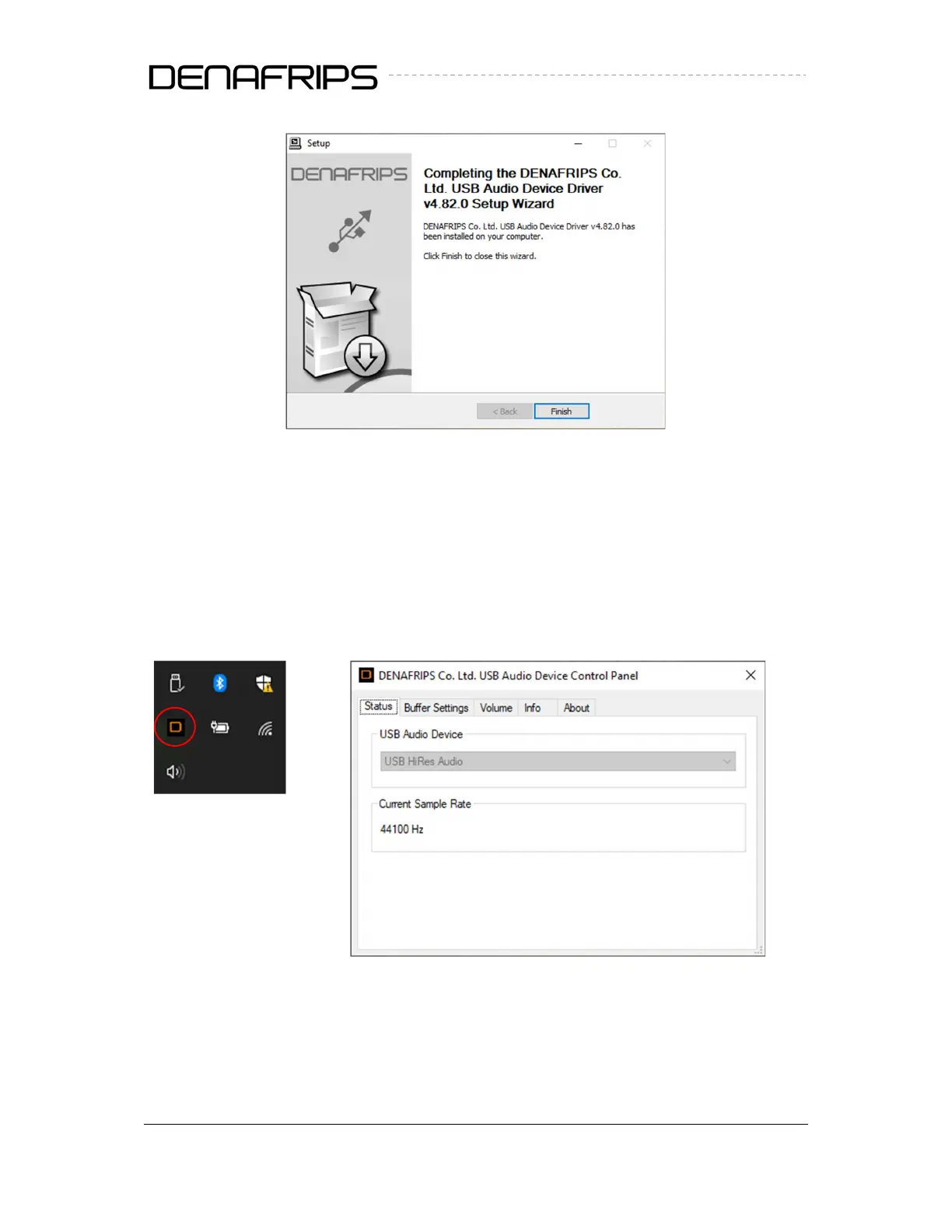
Figure 6. Completed
Restart the computer to complete the installation
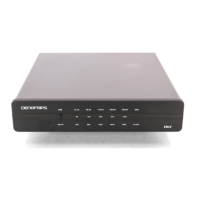
Connect the USB cable to the DDC
Power on the DDC. Select USB input
The USB DDC shall be detected. The driver status can be monitored as follows
Figure 7. Taskbar & Control Panel



 To Next Page