COMMUTE 2
HANDLEBAR2
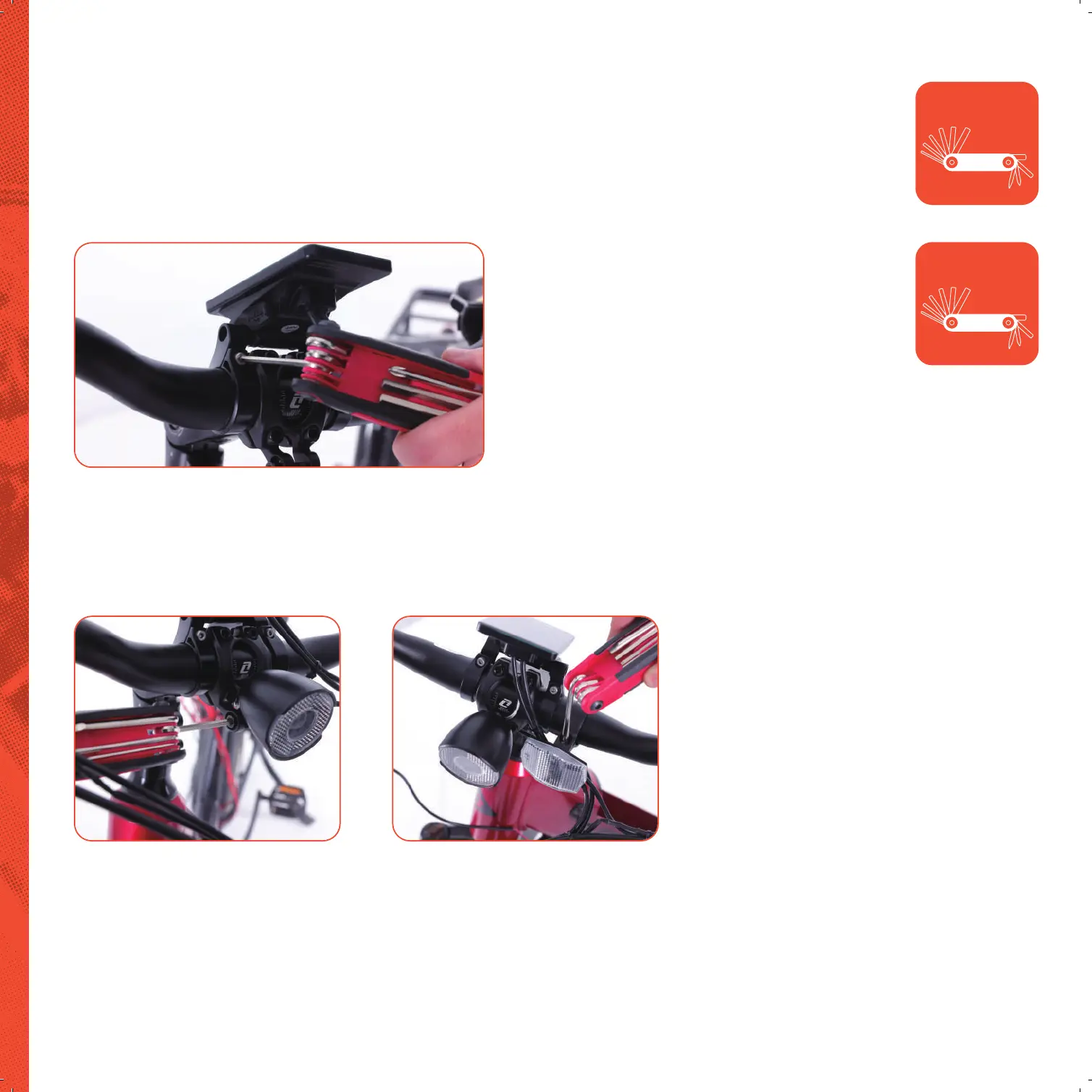
Monitor Installation
Remove bolts and place monitor on handlebar with a bracket on each
side of the stem. Make sure that you can clearly see the monitor while
sitting on the seat. Insert the bolts, tighten and secure.
Light Installation
Remove allen bolt and wrap bracket around
center of stem. Reapply bolt and using the
4mm allen key tighten and secure.
Adjust light angle for preference.
Front Refl ector Installation
Remove the screw and place bracket
over the handlebar on the left side
closest to the monitor, if you are sitting
on the seat. Tighten and secure the screw.
Multi Tool
3 & 4mm allen key
Multi Tool
+/phillips screw driver


 To Next Page