23
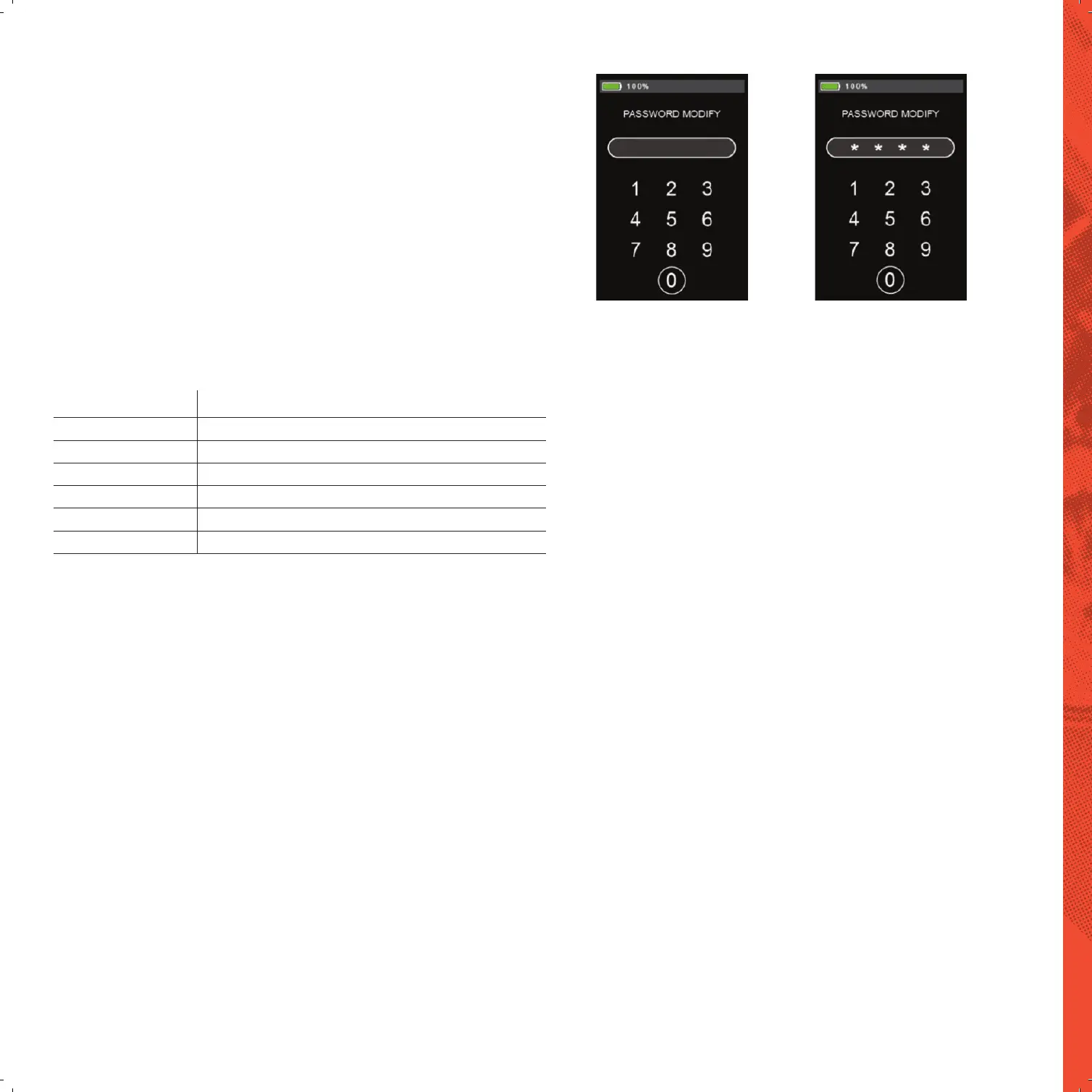
PASSWORD MODIFY SETTING
Short press “MODE” button to enter the setting option.
Press “UP” and “DOWN” button to select numbers, and press “MODE” button to
FRQȴUPWKHW\SLQJ7KHSDVVZRUGKDVDWRWDORIGLJLWV
<RXQHHGWRHQWHUWKHRULJLQDOSDVVZRUGȴUVWDQGWKHQFKDQJHLWWRDQHZSDVVZRUG
On this interface, press and hold the “UP”, “DOWN” and “MODE” button.
At the same time to restore the initial password (0000). After restoring the initial
password, it will automatically return to the main interface.
Modify Password Input Restore Default Password
APPENDIX 1 ERROR CODE DEFINITION
Error Code 'HQLWLRQ
21 Current abnormal
22 Throttle abnormal
23 Motor phase cable failure
24 Motor Hall abnormal
25 Brake failure
30 Communication failure


 To Next Page