COMMUTE 2
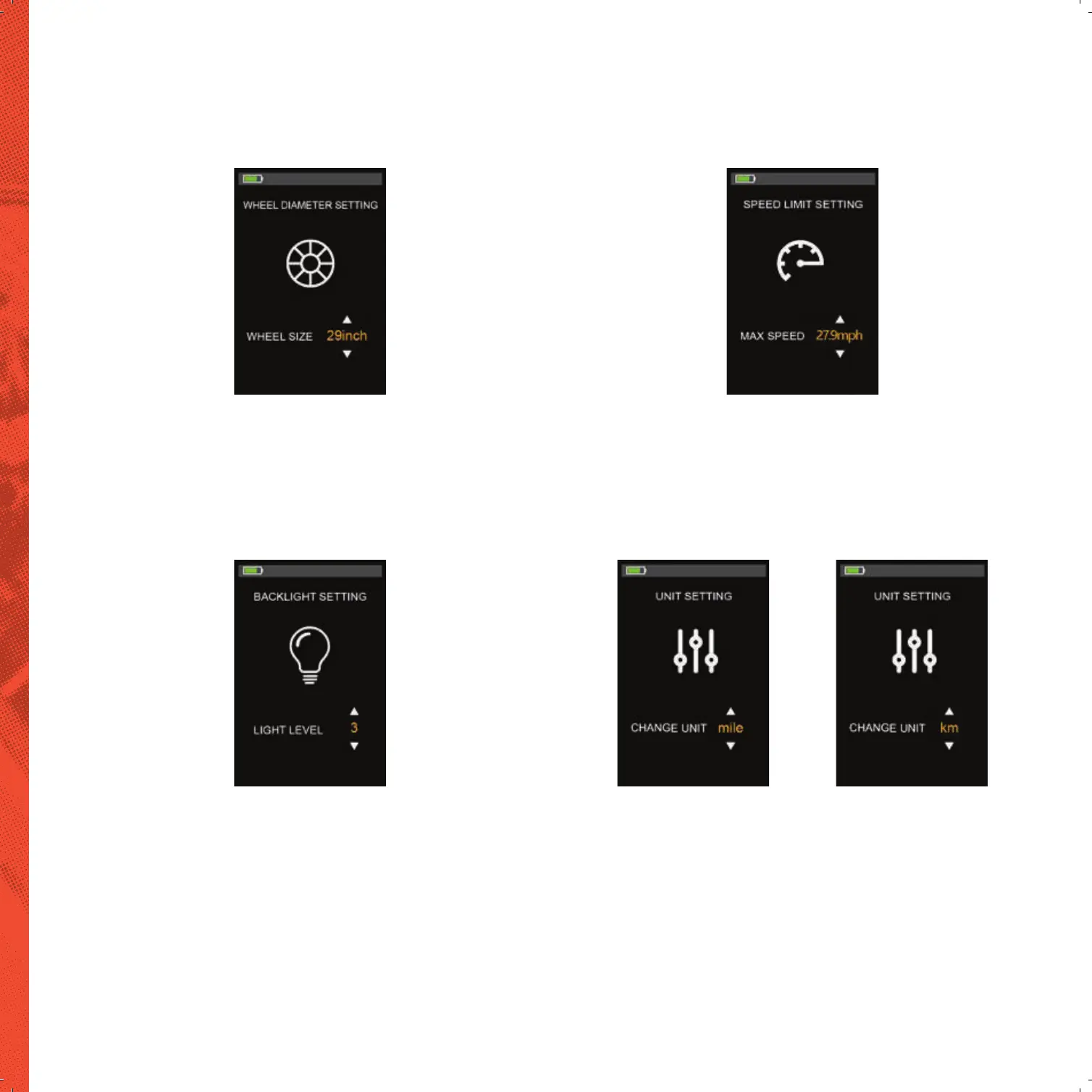
WHEEL SIZE SETTING
Short press “MODE” button to enter the setting option. The settable values are: 16,
18, 20, 22, 24, 26, 700C, 28 and 29 inch. Select the corresponding wheel diameter of
the E-bike through “UP” and “DOWN” button to ensure the accuracy of the speed
display and mileage display. Long press “MODE” button to return to the setting list
interface.
SPEED LIMIT SETTING
Short press “MODE” button to enter the setting option. The optional range of the
maximum speed setting is 10.5mph-27.9mph (17Km/h to45Km/h). It can be set by
“UP” and “DOWN” button. Long press “MODE” button to return to the setting list
interface.
Wheel Size setting Speed Limit setting
BACKLIGHT BRIGHTNESS SETTING
Short press “MODE” button to enter the setting option.
The setting options: 1, 2, 3 and auto indicates the backlight brightness, 1 is the dark-
est, 2 is standard brightness, 3 is the brightest, “auto” means the display will detect
the brightness automatically. The default value is 3. Long press “MODE” button to
return to the setting list interface.
DISPLAY UNIT SETTING
Short press “MODE” button to enter the setting option. The setting parameters
are Km/h and Mile/h. The default unit is imperial. Km/h or Mile/h can be selected
by pressing “UP” and “DOWN” button. Km/h means the unit is metric system, and
Mile/h means the unit is Imperial system. Long press “MODE” button to return to
the setting list interface.
Backlight Brightness setting Display Unit setting


 To Next Page