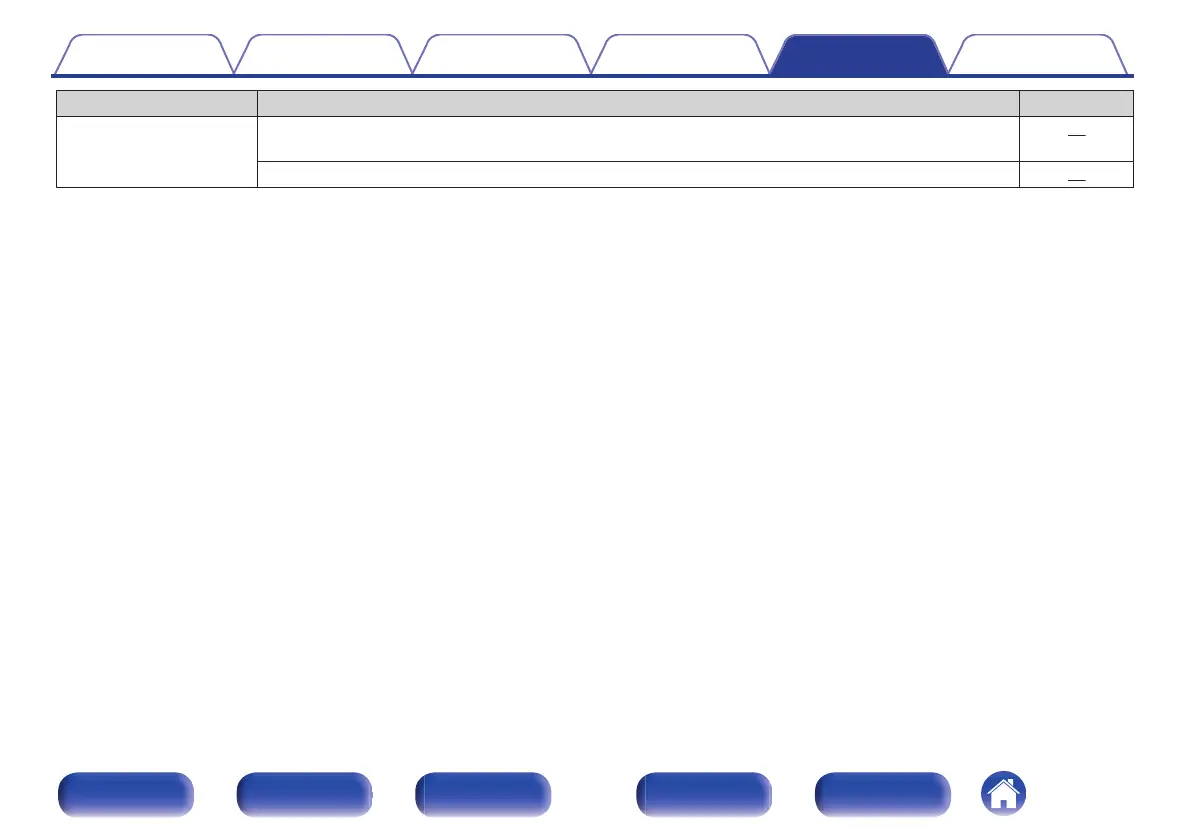
Symptom Cause / Solution Page
“Restorer” cannot be
selected.
0
Check that an analog signal or PCM signal (Sample Rate = 44.1/48 kHz) is input. For playback of
multichannel signals such as Dolby Digital or DTS surround, “Restorer” cannot be used.
74
0
Switch to a sound mode other than “Direct”. 57
Contents Connections Playback Settings Tips Appendix
100
Front panel Display Rear panel Remote Index


 To Next Page
 Loading...