4
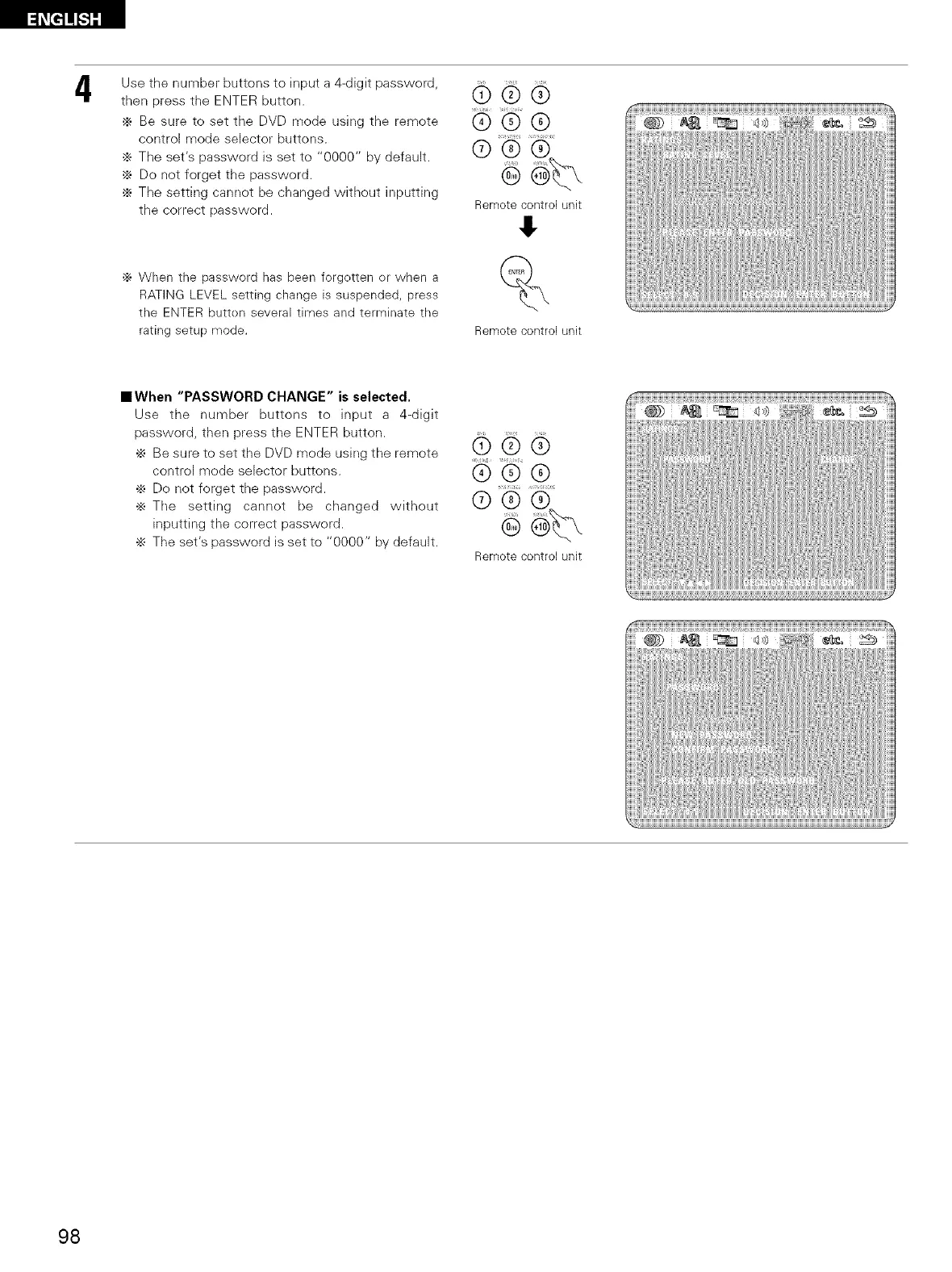
Use the number buttons to input a 4-digit password,
then press the ENTER button.
÷ Be sure to set the DVD mode using the remote
control mode selector buttons.
÷ Tile set's password is set to "0000" by default.
._ Do not forget the password.
._ Tile setting cannot be changed without inputting
the correct password.
._ When the password has been forgotten or when a
RATING LEVEL setting change is suspended, press
the ENTER button several times and terminate the
rating setup mode.
®®®
i s <
@
Remote control unit
&
%
Remote control unit
IlWhen "PASSWORD CHANGE" is selected,
Use tile number buttons to input a 4-digit
password, then press tile ENTER button.
•_ Be sure to set the DVD mode using tile remote
control mode selector buttons.
•_ Do not forget the password.
•_ The setting cannot be changed without
inputting the correct password.
÷ The set's password is set to "0000" by default.
®®®
@
Remote control unit
98



 To Next Page