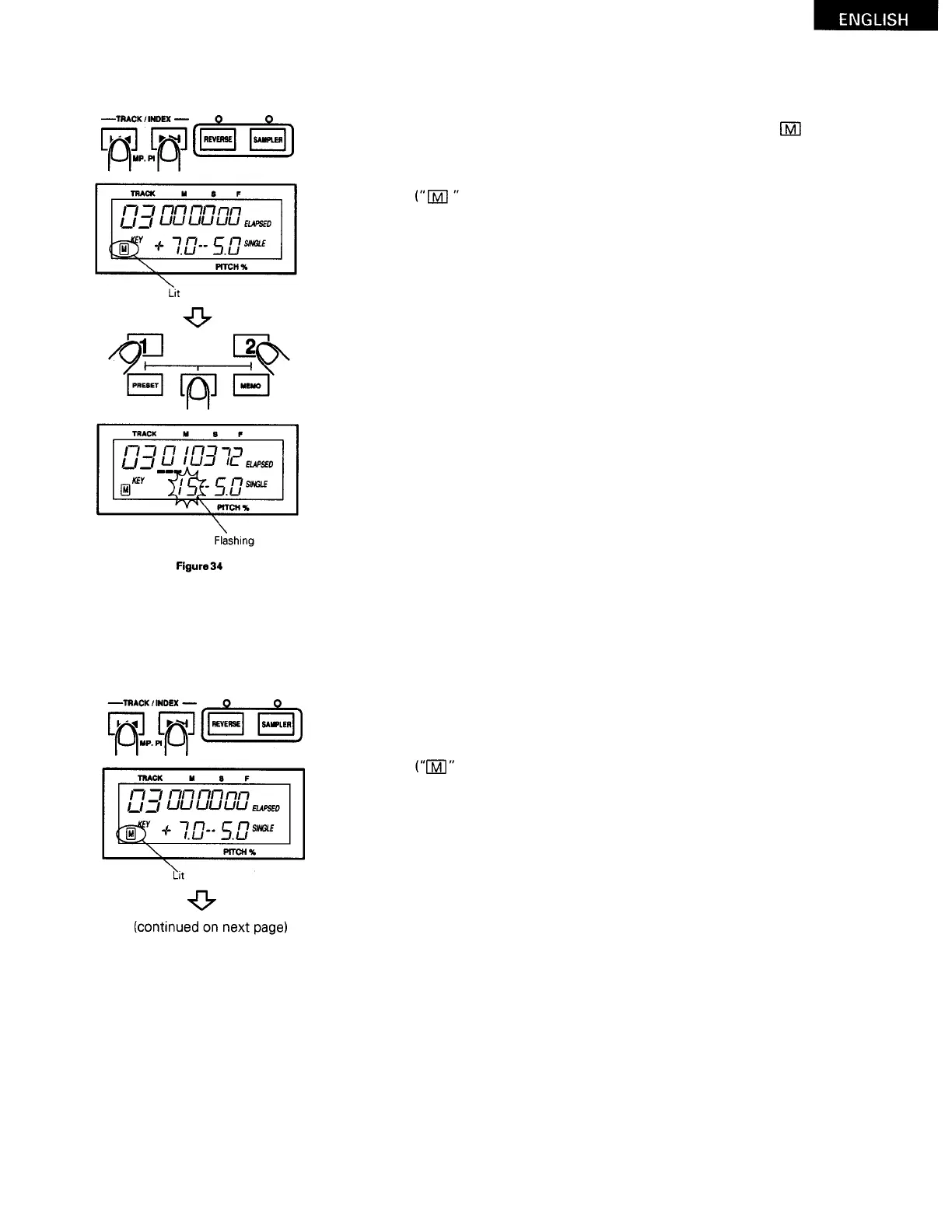
(
3) Recalling data
When a custom setting memory disc is set in the player, the
flashes, indicating that there is a memory.
Use the TRACK
>>l
and
l<<
buttons to select the track whose data
you want to recall.
appears in the memory section of the display after the track is se-
l
ected.)
Press the CD 1 (or CD 2) button while pressing the MEMO CALL button.
(
The memory number (0 to 199) of the recalled data flashes for approxi-
mately 3 seconds in the key section of the display.)
The data is recalled and the pickup moves to the cue point stored in the
memory.
(
The CUE button's LED lights. If seamless loop data is stored, the LOOP,
A and B button's LEDs also light.)
I
n addition, the playback pitch is fixed to the registered playback pitch.
(
The pitch LED flashes.)
NOTE:
The track starting position changes through audio detection,
so the time display of the called out cue point, A point and B
point may be different from when the points were stored in the
memory.
(
4)
Clearing data
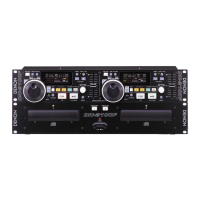
Use the TRACK
>>l
and
l<<
buttons to select the track whose
data you want to clear.
appears in the memory section of the display after the track is se-
l
ected.)
i
ndicator
2
5



 To Next Page